New to Rust? Grab our free Rust for Beginners eBook Get it free →
Understanding OAuth 2.0: Secure Your Applications with Google Authentication

Google OAuth 2.0 lets your application request a defined set of Google API permissions without collecting a Google password. The useful security boundary is narrow: your server starts an authorization-code request, checks the callback against its own session data, then exchanges the code over HTTPS.
OAuth 2.0 grants access. OpenID Connect identifies the user.
OAuth 2.0 is an authorization framework. It answers whether Google has granted your application a scope such as profile, email, or a Google API permission. Google documents the flow choices and the authorization endpoints in its OAuth 2.0 guide.
“Sign in with Google” needs identity information too. That layer is OpenID Connect, which adds an ID token to an OAuth authorization response.
Do not treat an access token as proof that a user may perform every action in your application. Your server still owns application roles and authorization decisions.
Use the authorization code flow for a Node.js server
For a server-rendered Node.js application, send the browser to Google’s authorization endpoint with response_type set to code. Google sends a short-lived code to the exact redirect URI you registered, and your server exchanges that code at the token endpoint.
The redirect must include state. Generate it with cryptographic randomness, keep it in the user’s encrypted server session, and reject a callback whose state differs. That check binds the callback to the browser session that began the request and reduces cross-site request forgery risk.
PKCE, short for Proof Key for Code Exchange, adds a second binding. The app creates a secret verifier, derives an S256 challenge, and sends only the challenge in the redirect. The token request later includes the verifier, following RFC 7636.
Run a minimal Google authorization redirect
Create a fresh Node.js project, then install Express. The server below uses Node’s built-in crypto module to generate state and a PKCE verifier, so the authorization URL contains no password and no client secret.
npm init -y
npm install express
import crypto from 'node:crypto';
import express from 'express';

const app = express();
const port = Number(process.env.PORT || 3000);
const clientId = process.env.GOOGLE_CLIENT_ID || 'YOUR_GOOGLE_CLIENT_ID';
const redirectUri = process.env.GOOGLE_REDIRECT_URI || 'http://localhost:3000/oauth2/callback';

function base64url(buffer) {
  return buffer.toString('base64url');
}

function createVerifier() {
  return base64url(crypto.randomBytes(32));
}

function challengeFor(verifier) {
  return base64url(crypto.createHash('sha256').update(verifier).digest());
}

app.get('/auth/google', (request, response) => {
  const state = base64url(crypto.randomBytes(24));
  const verifier = createVerifier();
  const authorizationUrl = new URL('https://accounts.google.com/o/oauth2/v2/auth');
  authorizationUrl.search = new URLSearchParams({
    client_id: clientId,
    redirect_uri: redirectUri,
    response_type: 'code',
    scope: 'openid email profile',
    state,
    code_challenge: challengeFor(verifier),
    code_challenge_method: 'S256',
    access_type: 'offline'
  }).toString();

  response.redirect(authorizationUrl.toString());
});

app.get('/oauth2/callback', (request, response) => {
  if (!request.query.code || !request.query.state) {
    return response.status(400).send('Google did not return both code and state.');
  }
  response.send('Callback received. Verify state before exchanging the code.');
});

app.listen(port, () => console.log(`Listening on http://localhost:${port}`));
Before redirecting, store both state and verifier in an encrypted, HttpOnly server-side session. A cookie containing the verifier or a global in-memory variable makes concurrent sign-in attempts unreliable and exposes data to the wrong boundary.
The local test for this refresh requested the start route and confirmed a 302 redirect to Google with response_type=code, a state value, and an S256 code challenge.
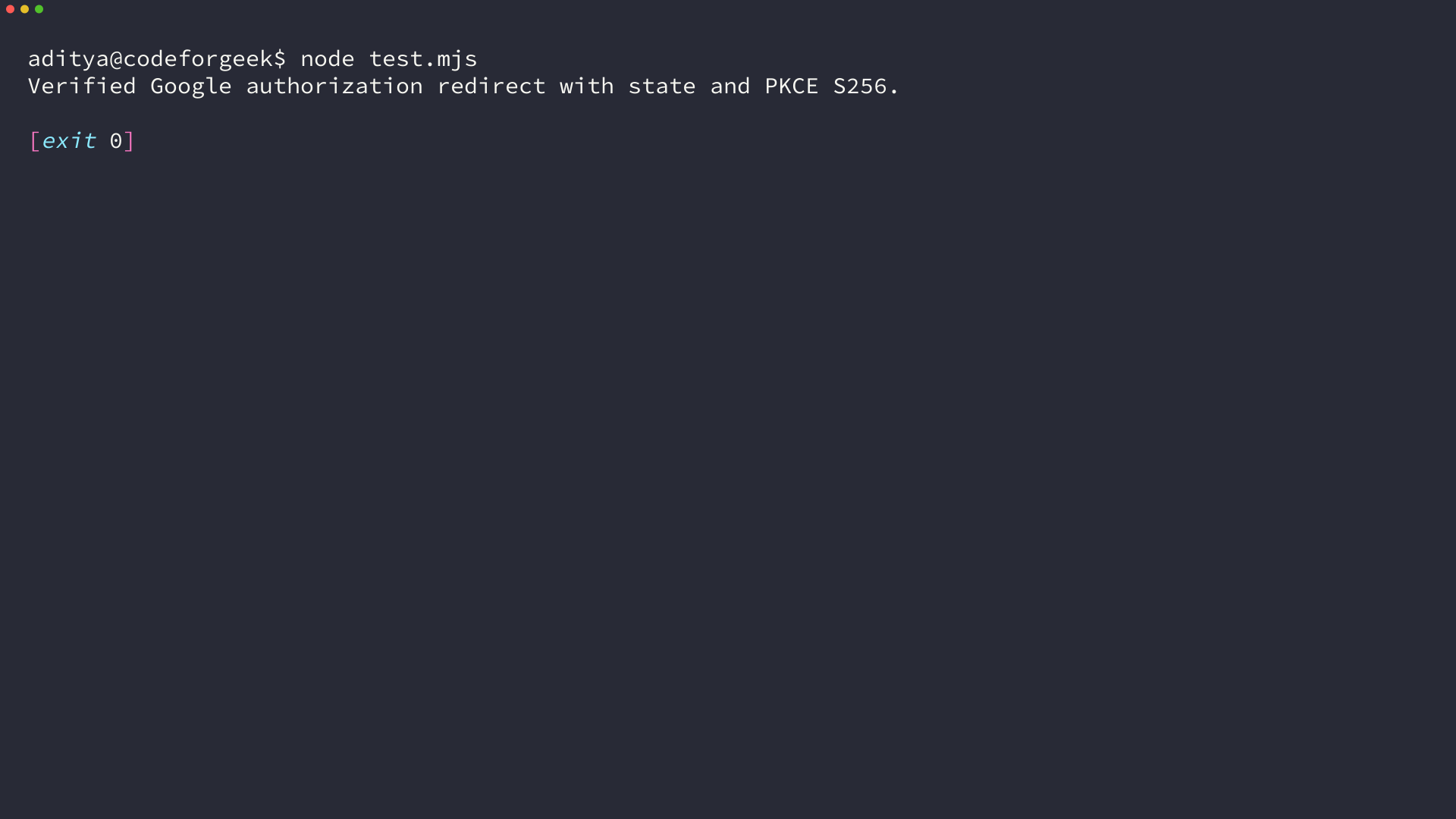
Exchange the callback code safely
Google sends code and state to your callback. Compare state before doing anything else. If it matches, send the code, redirect URI, client credentials where applicable, and the original PKCE verifier to Google’s token endpoint as described in Google’s web-server flow.
Store refresh tokens only when your application needs offline access, and protect them like account credentials. Request the smallest scopes that complete the feature. A calendar integration does not need Drive access, and an email-only profile does not need every Google API scope.
Keep tokens separate from your application authorization
An ID token can identify the Google account after you validate its issuer, audience, signature, and expiry. An access token authorizes a request to a resource server. Neither replaces your own database checks for a paid account, an administrator role, or a project membership.
If your API issues JSON Web Tokens after a Google sign-in, apply the same distinction there. The JWT authentication API tutorial covers the API side, while an online JWT decoder can only inspect a token’s encoded claims. Decoding alone does not validate a signature.
OAuth is not a complete security model
OAuth removes the need to handle a Google password, but it does not secure every route in your application. You still need HTTPS, exact redirect URI registration, session protection, token storage controls, logout behavior, rate limits, and authorization checks for each sensitive action.
Register your local redirect URI in Google Cloud, set GOOGLE_CLIENT_ID and GOOGLE_REDIRECT_URI, then inspect the redirect URL before implementing the token exchange. That small check catches a missing state value, a redirect mismatch, or an overly broad scope before a browser reaches the callback.