New to Rust? Grab our free Rust for Beginners eBook Get it free →
Online CSV to TSV Converter

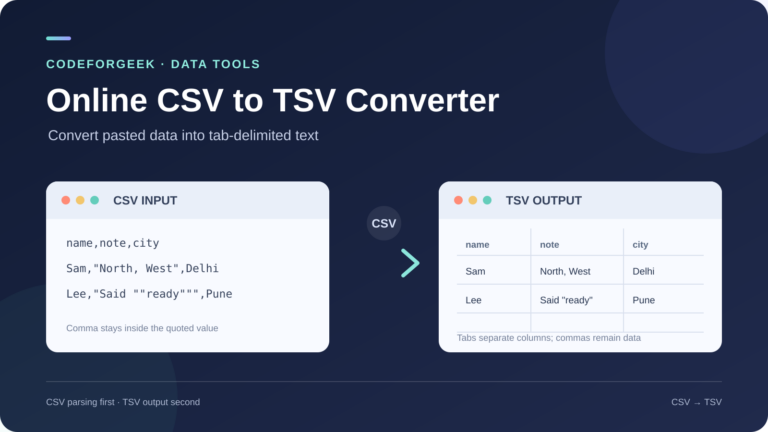
You have CSV text and want the values in each row separated by tabs instead of commas. CSV-to-TSV conversion changes the commas between values in each row to tabs.
I’ll show you how to paste CSV text into the page and check the TSV output in its destination.
TL;DR: Convert CSV to TSV
CSV-to-TSV conversion changes separators, not data meaning. CodeForGeek’s page is paste-and-copy. Check quoted values and test the output in its destination.
- Use a parser so a comma inside quotes stays in its field.
- The page skips blank lines. A line break inside a value can split output rows.
- Use a local parser for large or sensitive files, or when tabs and line breaks need a policy.
What Is CSV to TSV Conversion?
CSV stores rows with comma-separated fields. Under common rules described in RFC 4180, a quoted field can contain a comma, line break or escaped double quote, so splitting on every comma can create extra columns.
TSV separates fields with horizontal tabs. Tabs or newlines inside a value require care because destinations differ in quoting support.
How to Convert CSV to TSV Step by Step
The steps follow the page’s CSV Input and TSV Output controls because each text area has a separate role.
1. Paste the CSV text
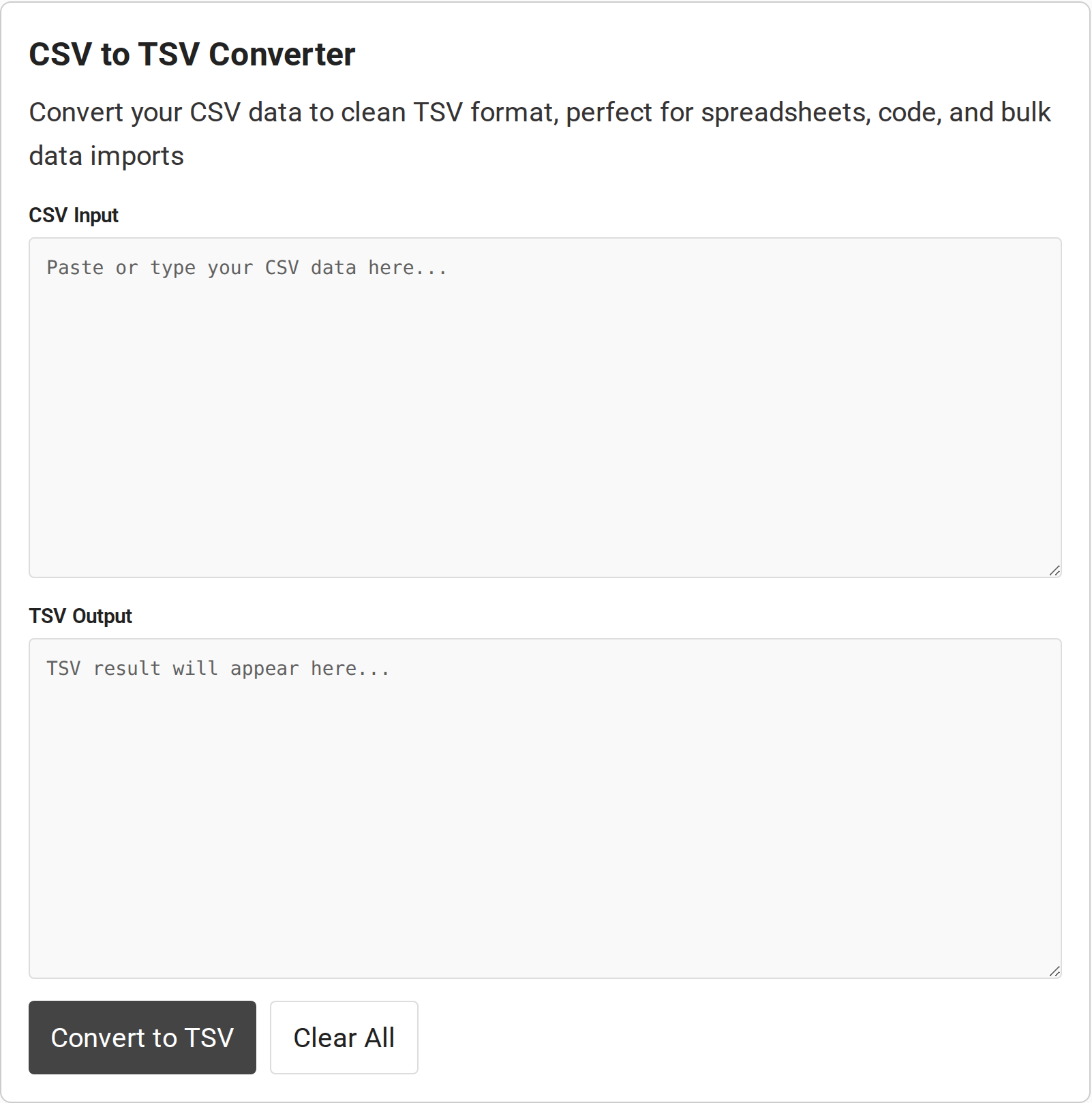
Paste comma-delimited text, including its header, into CSV Input. The inspected page shows text areas, not a file picker. Avoid passwords and sensitive records.
2. Convert and check the columns
Choose Convert to TSV, then compare the header and a few rows. A quoted CSV value containing “North, West” should stay in one cell. The page uses Papa Parse with a comma delimiter and skips blank lines.
3. Copy the result and test the destination
Select and copy TSV Output, then set the destination’s field delimiter to tab. Verify a small sample before using the full file.
Common CSV-to-TSV Errors and Edge Cases
I inspected the live code as well as the controls. These cases show where blank-line handling or output formatting can change the data layout:
| Input case | What to check |
|---|---|
| Quoted comma | A parser keeps it in one field. |
| Blank line | The tool skips it. Consecutive commas mark an empty field. |
| Tab in a value | The tool adds quotes. Confirm the destination recognizes them. |
| Newline in a value | The serializer does not quote it, so it can look like a new row. |
| Other delimiter | The tool sets comma. Semicolon CSV needs another setting. |
The page trims pasted text before parsing, which can remove whitespace at the outer edges. Its code also loads Papa Parse from jsDelivr. Neither observation establishes whether other page requests transmit data.
Avoid confidential text. No verified size limit or download control appears in the page materials I inspected.
Use Python when you need an explicit file policy
I built the example with Python’s csv module. Its UTF-8-SIG input setting consumes a byte-order mark if present.
This script replaces embedded tabs and line breaks with spaces. That loses them. Change the policy if those characters carry meaning.
python3 csv_to_tsv.py contacts.csv contacts.tsv#!/usr/bin/env python3
"""Convert CSV to simple TSV, replacing field tabs and line breaks with spaces."""
import csv
import sys
def tsv_safe(value):
return value.replace("\t", " ").replace("\r\n", " ").replace("\r", " ").replace("\n", " ")
def main():
if len(sys.argv) != 3:
raise SystemExit("Usage: python3 csv_to_tsv.py input.csv output.tsv")
input_path, output_path = sys.argv[1:]
with open(input_path, encoding="utf-8-sig", newline="") as source:
reader = csv.reader(source)
with open(output_path, "w", encoding="utf-8", newline="") as destination:
writer = csv.writer(
destination,
delimiter="\t",
lineterminator="\n",
quoting=csv.QUOTE_NONE,
quotechar=None,
)
for row in reader:
writer.writerow([tsv_safe(value) for value in row])
with open(output_path, encoding="utf-8", newline="") as result:
sys.stdout.write(result.read())
if __name__ == "__main__":
main()I ran that command on a sample with a quoted comma, an escaped quote and a line break inside a value. It returned three fields for each of three records. The exact output is:
name	note	city
Mira	Smith, Ops	Mumbai
Nin	Said "ready" and sent line two	Pune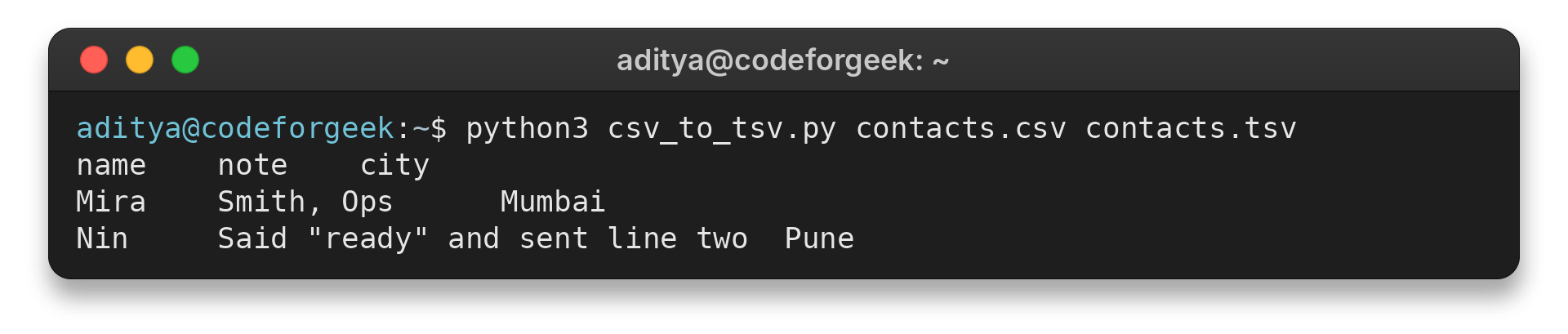
The script writes unquoted fields and uses a newline as its record separator. eBay’s CSV and TSV comparison documents another output approach.
Conclusion
Use the online converter for a quick paste-and-copy job. For repeatable or sensitive work, run the local Python command. To continue, use CodeForGeek’s CSV-to-Excel converter or its guide to importing data into MongoDB.
Frequently Asked Questions
These answers reflect the controls and code I inspected.
Which delimiter does the online converter use?
It reads comma-delimited input and writes tab-delimited output. No custom delimiter control is shown.
Will a quoted comma stay in one field?
Papa Parse keeps a quoted comma inside its CSV field. Check the result in the destination, which may use different TSV quoting rules.
Does it preserve newlines inside quoted fields?
The output code joins rows with newlines but does not quote fields that contain a newline. Use a local policy if the value must remain on one record.