New to Rust? Grab our free Rust for Beginners eBook Get it free →
Terraform security: state, secrets, access, and review

Terraform security starts with the files and identities that can change infrastructure, because a configuration can look harmless in Git while its state, plan output, provider credentials, or broad deployment role exposes more than the team intended.
Protect state before treating it as an implementation detail
Terraform state records the objects Terraform manages and can retain values supplied to providers. HashiCorp documents that secrets placed directly in configuration can end up in state and plan files, even when the console hides them as sensitive.
Keep state in a remote backend with encryption, transport protection, access logs, narrowly scoped permissions, and the same access review you would apply to a database containing infrastructure details.
Sensitive output is not secret storage
The sensitive argument prevents Terraform from printing a value in routine CLI output. It does not remove that value from state or plan files, so protect every place that can store or download those files.
Fetch credentials from a secret manager or a protected CI variable instead of writing them into a tfvars file committed to source control. AWS also warns that state files are usually plain text and may hold both sensitive and non-sensitive deployment data.
Use ephemeral values where the resource supports them
Terraform supports ephemeral variables for values that should not persist in state or plan files, but the value can only flow into contexts that accept ephemeral data.
variable "database_password" {
  type      = string
  sensitive = true
  ephemeral = true
}
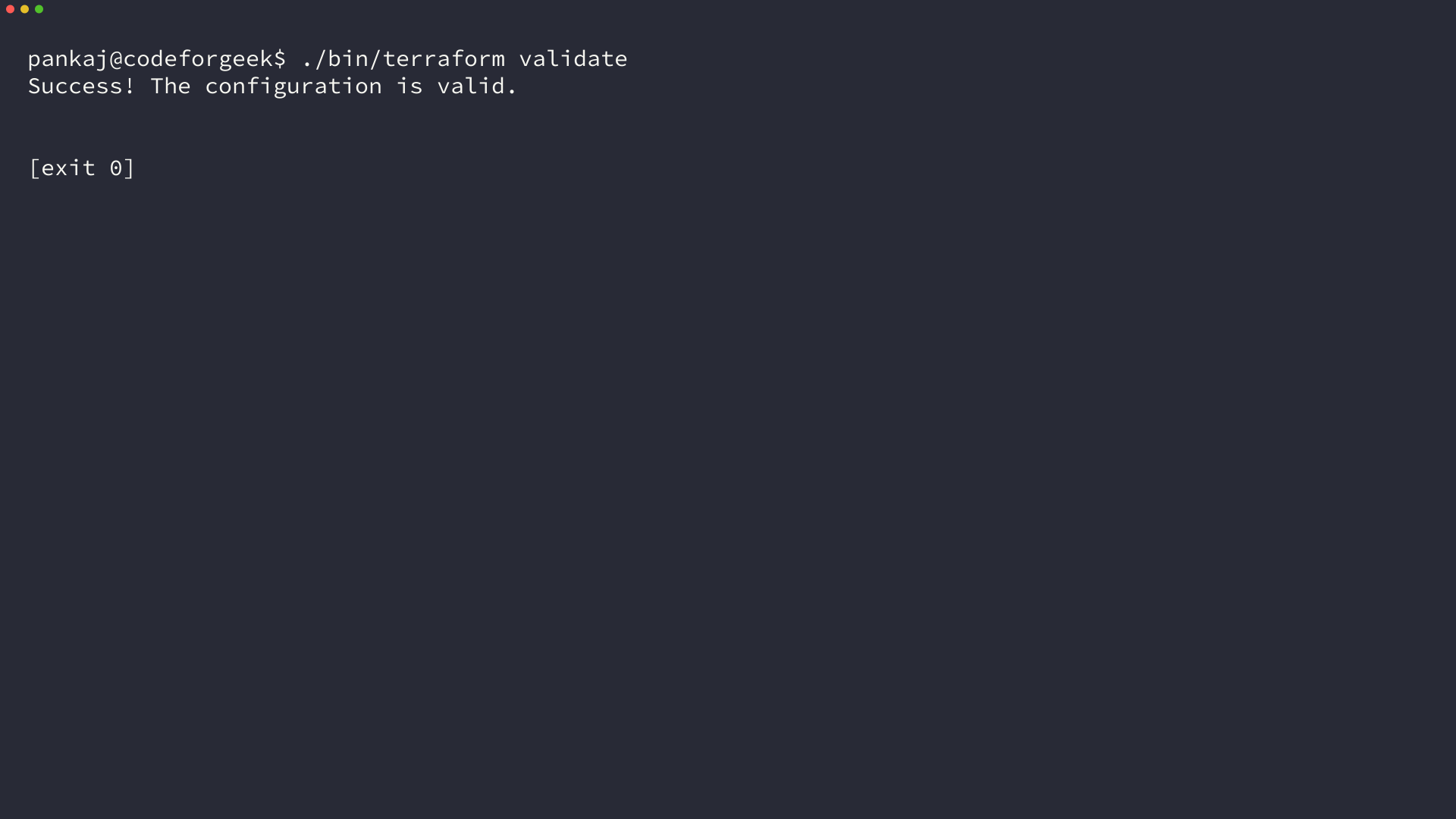
I ran Terraform v1.15.8 against this configuration, and Terraform validate returned a successful result. Keep the boundary in mind: an ephemeral value cannot be returned from an ordinary root output, which prevents an accidental path back into persistent output.
Give Terraform only the permissions a run needs
A Terraform run uses the cloud identity behind its provider configuration. A standing administrator role turns every plan and apply into a broad access path, including modules and data sources you did not expect to use.
Use a dedicated workload identity for each environment, scope it to the required actions and resources, and require stronger review for roles that can change network, identity, or key-management settings. State readers should not automatically gain permission to apply infrastructure changes.
Make the plan a review artifact
Run formatting and validation before every review, then inspect the plan for destructive changes, public exposure, and unexpected replacements. HashiCorp distinguishes configuration validation from provider and infrastructure checks, so a passing validate command cannot prove that a deployment is safe.
Put the plan behind pull-request review and make the apply job consume that reviewed artifact rather than a plan produced from a different branch, identity, or variable set.
Use policy checks for rules reviewers should not have to remember
Automated checks can reject public storage, open security groups, unencrypted databases, or tags required by your organization. Keep these rules close to the pull request so a rejected change explains the policy before it reaches an apply job.
Secure modules, providers, and the delivery path
Review module inputs and defaults before reuse, especially settings that govern public access, encryption, logging, and identity. A module is code that can create a wide set of resources, so source control, review, and a clear owner matter as much as its documentation.
Run Terraform from a controlled CI environment, keep credentials out of job logs, and record who approved and applied each change. HashiCorp’s recommended practices place version control and protection against manual changes beneath a collaborative infrastructure workflow.
A Terraform security checklist
- Store state remotely, encrypt it, and review who can read or change it.
- Keep secrets out of configuration and source control, then use sensitive or ephemeral handling for the Terraform context that supports it.
- Use per-environment identities with narrowly scoped cloud permissions.
- Review saved plan artifacts before apply and scan configuration for policy violations.
- Review module defaults and keep an audit trail for applies.
Start with state storage and deployment identities. Those controls decide who can see sensitive infrastructure data and who can turn a configuration change into a cloud change.