New to Rust? Grab our free Rust for Beginners eBook Get it free →
WordPress Email Marketing Tools: 5 Picks

Publishing updates on WordPress often means giving readers a way to subscribe to a newsletter. A WordPress email marketing tool connects those signups to a service that sends campaigns or manages newsletters and contacts on the site.
I’ll compare five WordPress options, then show how to choose a sending model that fits your site.
TL;DR: Which WordPress email marketing tool fits?
Choose the email service first, then its WordPress connector. MailPoet keeps newsletters close to WordPress, MC4WP connects Mailchimp forms to a Mailchimp audience, HubSpot adds a CRM-centered suite, Brevo combines email with other channels, and FluentCRM stores campaigns and contacts in your WordPress site. Each serves a different role in the email stack.
| Your situation | Start here | Check before committing |
|---|---|---|
| You want to write newsletters inside WordPress | MailPoet | Subscriber and send caps, plus who delivers email on your plan |
| You already use Mailchimp | MC4WP | Plugin license and Mailchimp subscription are separate costs |
| You want forms and email beside a sales CRM | HubSpot | Seats, marketing contacts and which features are included in your tier |
| You need email plus SMS or other channels | Brevo | Daily or monthly send limits, automation and current plan price |
| You want marketing contacts inside WordPress | FluentCRM | Hosting, backups, SMTP configuration and delivery fees |
- Compare the system that owns subscribers as well as the plugin name.
- Add the connector fee, service subscription and delivery cost before comparing total price.
- Test consent and unsubscribe behavior before sending to the full list.
For a new, modest newsletter, compare MailPoet and Brevo’s free sending allowances against your expected list size. If you already have an email provider, connect WordPress to that account before planning a migration. Teams that need customer records alongside sales activity can compare HubSpot, while site owners who prefer WordPress-side records can evaluate FluentCRM.
What is an email marketing tool for WordPress?
An email marketing tool helps you collect permission-based subscribers, organize contacts, create campaigns, send them and manage opt-outs. In WordPress, it may be an on-site campaign editor, a form connector to an external service, or a CRM that stores contacts locally and hands delivery to another service.
| Part | What it does | Question to ask |
|---|---|---|
| WordPress form or plugin | Collects a signup or passes an order, page view or other event | Does it capture consent and send the fields I need? |
| Contact store or CRM | Keeps email addresses, preferences, tags and suppression status | Is the canonical record on my site or at the provider? |
| Campaign platform | Builds newsletters, segments contacts and runs automations | Does my plan include the workflow I want? |
| Sending service | Moves the message to recipient mail systems and reports delivery events | Who handles authentication, bounce processing and reputation? |
A newsletter is a campaign for subscribers, while a receipt or password reset follows an account action. Some providers sell both services, but their consent rules, delivery priorities and billing can differ.
CodeForGeek’s Email Queue Design and Node.js and Mandrill sending tutorial cover application-email infrastructure for developers rather than newsletter tooling.
WordPress email marketing tools: five picks
The five options serve different workloads, from a blog newsletter to CRM- or store-triggered campaigns.
| Tool | WordPress role | Cost basis to compare | Best fit |
|---|---|---|---|
| MailPoet | WordPress newsletter plugin with its own sending option | Free Starter to 500 subscribers and 5,000 emails/month. Paid tiers depend on plan and subscriber count. | WordPress-first newsletters and WooCommerce flows |
| MC4WP + Mailchimp | Connector that adds Mailchimp signup forms to WordPress | MC4WP Premium $59/year for one site, $99 for up to five or $249 for up to 25. Mailchimp plan is separate. | Existing Mailchimp audiences and forms |
| HubSpot | WordPress integration for CRM, forms, chat and marketing tools | Tiered by seats and marketing contacts. Check the current calculator. | Teams that want contact records beside sales activity |
| Brevo | WordPress connector to a hosted email and multi-channel service | Free plan is limited to 300 emails/day. Paid tiers begin with a monthly send allowance, and exact price varies. | Small send volume or email plus other channels |
| FluentCRM | CRM and automation plugin that stores records in WordPress | Annual site license: $129 for one site, $249 for five or $499 for 50. Sending provider costs extra. | Operators who want WordPress-side contact storage and can manage email delivery |
1. MailPoet: newsletters close to the WordPress editor
MailPoet combines newsletter authoring with WordPress signup forms. Its plugin listing also covers WooCommerce messaging, while eligible plans provide a hosted sending route.
The official Starter allowance is up to 500 subscribers and 5,000 emails per month. Paid pricing follows list size, so compare your subscriber count with the sending allowance in the MailPoet plan estimator.
For a site that already has an ESP, compare the work of moving forms with the value of managing newsletters in WordPress. Check delivery and analytics by tier because MailPoet says the Creator plan excludes its Sending Service.
2. MC4WP: keep Mailchimp and connect WordPress forms
Mailchimp for WordPress (MC4WP) connects WordPress signup forms to the Mailchimp audience that runs campaigns. Choose it when Mailchimp already holds your contacts or when you have decided to use its hosted tools. The free plugin handles the basic connection, while Premium adds the form, integration and reporting features on the vendor’s plan page.
MC4WP Premium lists $59 per year for one site, $99 for up to five sites and $249 for up to 25, in US dollars before applicable tax. Mailchimp’s Free plan lists up to 250 contacts, 500 monthly sends and 250 daily sends. Include the connector license and Mailchimp subscription in the same annual estimate because paid rates depend on audience size and features.
Use the connector preview to confirm the list, tags and fields a form will update. A site already using Mailchimp templates may keep that account and test a new WordPress form, while a new site should compare whether switching providers would add anything beyond the connection.
3. HubSpot: connect forms and email to a CRM
HubSpot fits teams that use CRM records alongside marketing email. Its WordPress plugin connects forms, chat and site tracking with a HubSpot account. For a weekly blog newsletter, that CRM layer may add more setup than the publishing team needs.
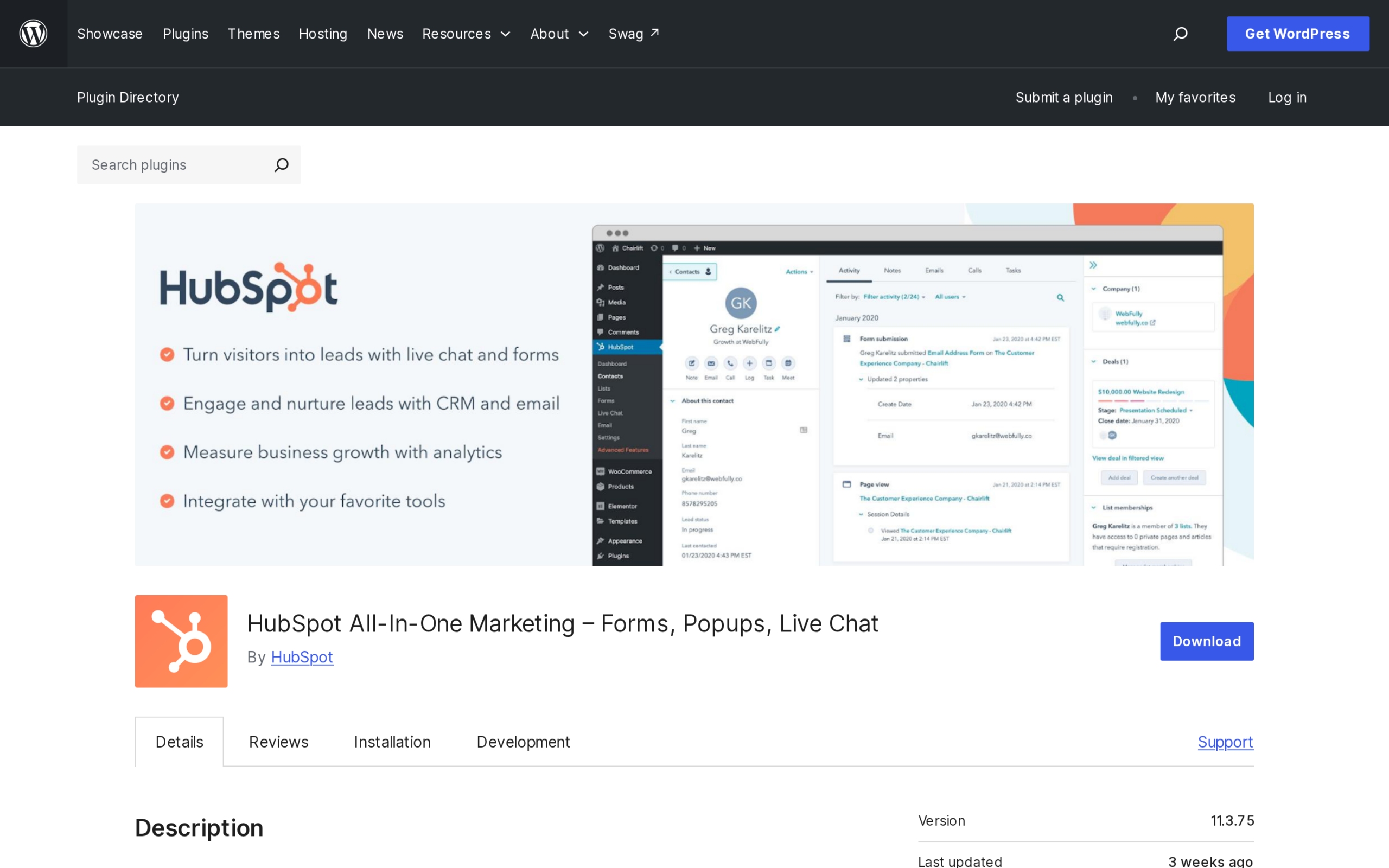
HubSpot offers a free CRM and tools, while marketing features depend on the selected tier. Starter uses a per-seat rate, and marketing contacts form another billing dimension. Compare the planned seat count and contact tier in the Marketing Hub pricing calculator before mapping your CRM workflow.
Before committing, check how marketing contacts are counted and what happens when the account exceeds its tier. Build a small rollout around the features the team will use, then compare the renewal with the work required to maintain separate forms and campaigns.
The plugin connects forms, CRM records and site tracking. Start with a form-to-contact workflow, then add tracking only when an automation or report uses the resulting event data.
4. Brevo: a hosted service for email and other channels
Brevo suits organizations that want email alongside SMS, web push or chat from one hosted account. It lists a WordPress plugin and a separate WooCommerce integration, though feature access depends on the account tier. Compare those channels with the campaigns and store events the site actually plans to run.
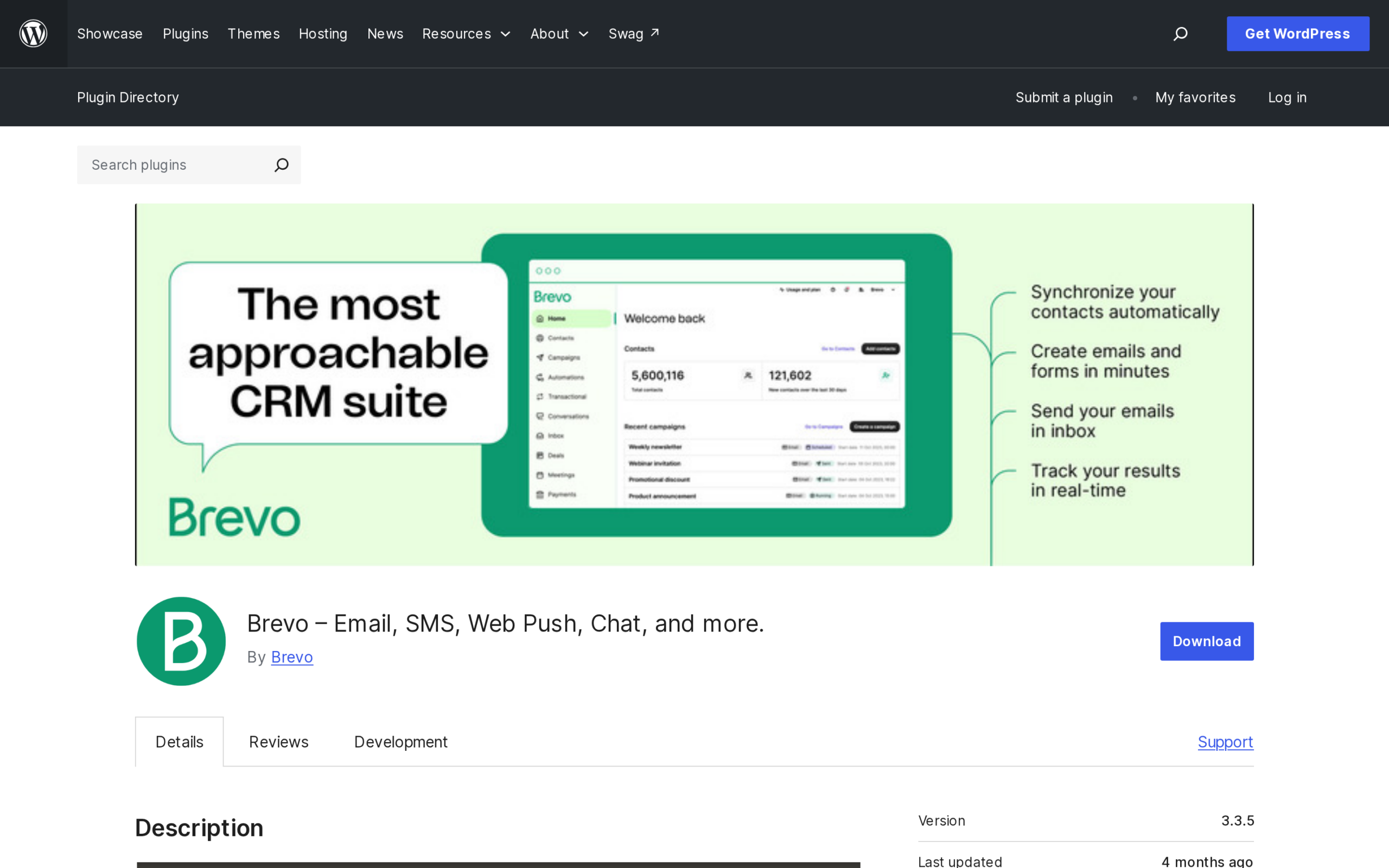
The official listing caps the Free plan at 300 emails per day. Starter begins with 5,000 monthly emails, and higher tiers add reporting, automation or team access. Model a normal month and a launch-day peak against those separate limits before picking a channel bundle.
Estimate peak days as well as total sends, and check whether automation, team seats and SMS require a paid tier. If the site only sends a weekly article digest, compare the extra channel setup with a newsletter-focused service.
On the first connection, send a test to an address you control and confirm that the expected audience, sender name and reply-to address appear. Review the provider’s sender-domain verification steps. Check domain authentication and the received message in provider diagnostics after plugin activation.
5. FluentCRM: WordPress-side contacts with separate delivery
FluentCRM is a WordPress CRM and automation plugin for a site owner who wants contact records, tags, campaigns and workflows managed on the WordPress installation. The vendor’s pricing is based on the number of sites rather than a contact-count tier. Factor the delivery provider’s pricing, sending limits and maintenance overhead into the comparison.
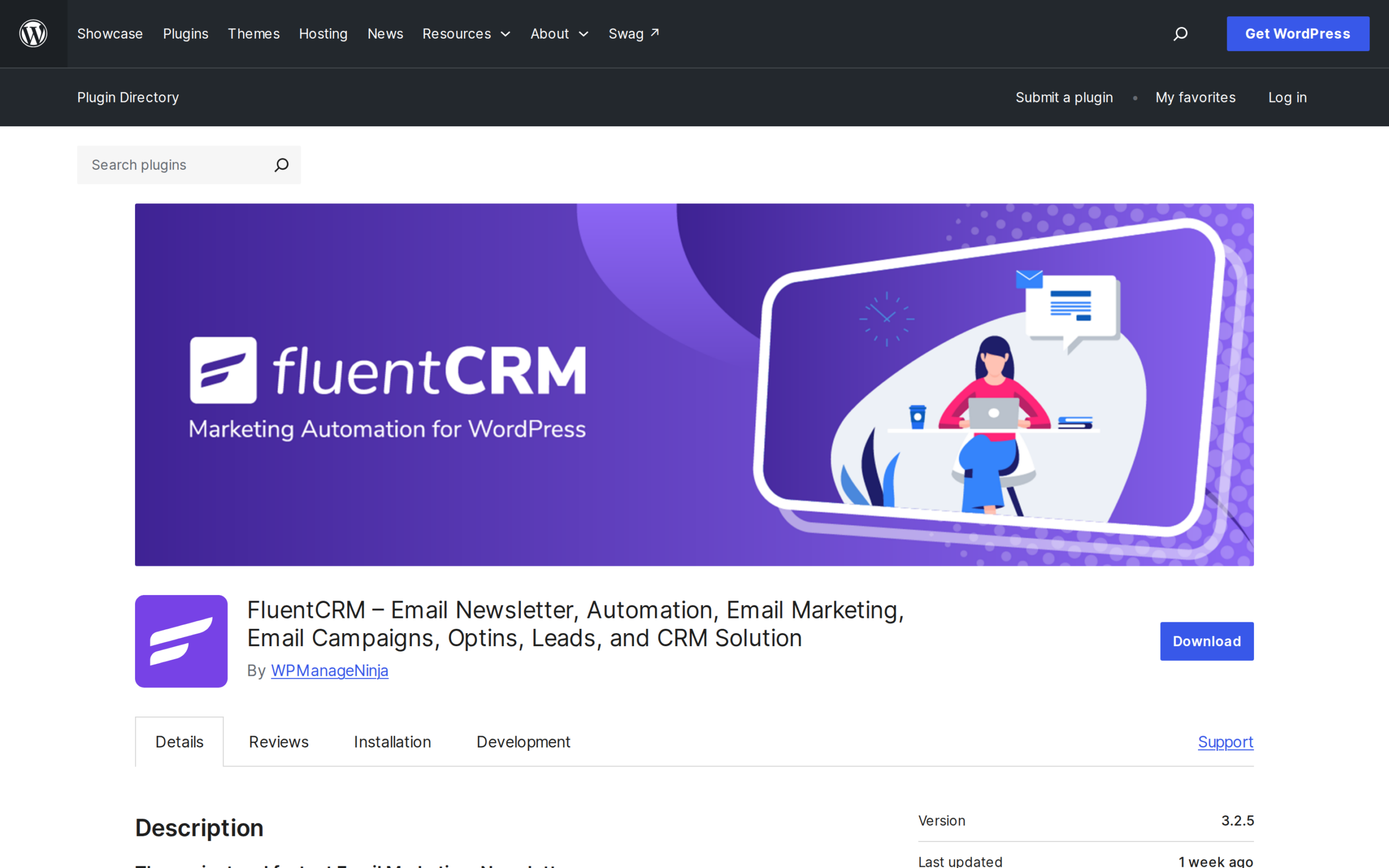
The official annual license page lists $129 for one site, $249 for five and $499 for 50, with displayed first-year offers of $103, $199 and $399. Compare the renewal figures rather than treating the discount as the recurring rate. I found that the license covers the plugin, not delivery, and FluentCRM’s sending and deliverability guide describes the separate setup, service charges and usage limits.
Try FluentCRM with a test list before importing active contacts. Verify tags, automation triggers and unsubscribe behavior in the plugin interface.
Other email platforms to compare with this shortlist
Broader email-software roundups include services that may suit a WordPress site even when its signup and content remain in WordPress. I compared their public pricing and WordPress documentation with the five picks above to distinguish plugin support from service-level plans. Billing units differ, so use this table as a use-case map rather than a cheapest-first ranking.
Compare like with like: use the same audience size, monthly sends, administrator seats and channels. Calculate each monthly total from the base plan, contact tier, send overage, connector license and separate delivery or channel fees instead of treating a free connector as a free sender. Keep first-year discounts separate from renewal and note the billing interval, currency and any quoted service charges.
| Service | Current page detail | Check for a WordPress site |
|---|---|---|
| MailerLite | Free: up to 250 subscribers, 2,500 monthly emails and two seats | Its official integration page describes signup forms and popups. Confirm that the form style and fields suit your theme. |
| Moosend | 30-day trial followed by Pro, Moosend+ or Enterprise plans. The page text has no stable contact-specific amount. | Check the current official WordPress integration route and trial-end billing before connecting a live list. |
| GetResponse | Starter displays $19 monthly or $15.58 per month billed annually, with unlimited monthly sends and one custom automation workflow | Check whether its current WordPress connector supports your form and event requirements on Starter. |
| AWeber | Lite displays $12.49 per month billed annually, with one list, three automations and monthly sends capped at ten times subscriber volume | Check list, feed-to-email and integration requirements against the current plan and WordPress setup. |
| ActiveCampaign | Plans scale by email contacts. The live pricing page displays automation and CRM features by tier. | The official WordPress page documents embedded forms and site tracking. Confirm the automation limit on your contact tier. |
| Omnisend | Contact-based pricing. The page says automated messages can count subscribers and non-subscribers who receive them. | The WordPress.org plugin offers forms, newsletters and audience tools. WooCommerce uses a separate plugin. |
| Kit | Free plan lists up to 10,000 subscribers. Paid Creator and Pro plans add capabilities. | The WordPress.org plugin embeds forms and landing pages. Compare its creator-focused model with your publishing workflow. |
Moosend’s pricing page advertises a 30-day trial and compares Pro, Moosend+ and Enterprise. Its feature table includes campaign sends, automation workflows, subscription forms, landing pages and an SMTP option. Treat the trial as a temporary evaluation window, and confirm the post-trial charge and contact bracket before importing an audience.
- MailerLite: The WordPress integration is worth checking when the site needs hosted campaigns with simple signup forms or popups. Its Free plan’s 250-subscriber and 2,500-email caps apply to separate dimensions, so estimate both against the list and schedule. Before importing contacts, test how the plugin labels consent, handles confirmation and maps custom fields. A small publication can keep editing posts in WordPress while the provider handles campaign templates and sends.
- Moosend: The vendor documents a WordPress plugin. Use a non-production list to test signup, field mapping and an audience update, then confirm the plugin presents the right forms in the site editor. Keep the first live import separate until contact fields and suppression state match the intended segment.
- GetResponse: Starter lists unlimited monthly sends and one custom automation workflow. That can suit a simple welcome sequence or a basic signup follow-up, while a store that needs separate post-purchase and abandoned-cart paths should compare automation requirements before selecting a tier. The pricing page displayed $19 monthly or $15.58 per month on annual billing when checked. Verify the current contact bracket, annual commitment and WordPress connector eligibility together, since a send allowance alone does not determine the full account cost.
- AWeber: Lite offers RSS-to-email, which may suit a publisher who wants each new post sent to subscribers on a feed-based schedule. The plan lists one email list and three automations, with monthly sends capped at ten times subscriber volume. Compare the feed’s publication schedule with the audience’s expected frequency, and preview an actual post so images, excerpts and links appear as intended. A WordPress signup route can differ from an automatic feed digest, so test each one separately before retiring an existing form. If only selected posts deserve a campaign, keep those manual announcements separate from the feed. Preview the published-post template and interval so the digest matches the schedule subscribers expect.
- ActiveCampaign: Its WordPress integration documents embedded subscription forms and visitor tracking, while the service centers on contact-based CRM and automation tiers. It can suit a team that uses contact activity to trigger follow-up across sales and marketing. Map the specific events and form fields required, then verify which plan includes the needed automation actions and seats. For a site that only distributes a weekly post roundup, the contact-management layer may add cost and governance work without helping the campaign itself. Pilot one form, one contact stage and one exit condition before enabling broader tracking. Map each selected tracking event to a CRM stage or automation, and set an exit condition for the follow-up it starts.
- Omnisend: This is an ecommerce-oriented alternative when a store needs campaign email alongside SMS or automation. The WordPress.org plugin covers newsletter and audience features, while WooCommerce has a separate plugin with store-specific events. Its pricing page says automated messages can count subscribers and non-subscribers who receive them, so model workflow recipients as well as the main marketing list. Test purchase and cart events with controlled orders, and confirm that the selected plan exposes each required event before promising a flow. Check whether a guest checkout and a subscribed customer enter different paths. Verify the order state that triggers the message and what happens after a cancellation or refund, so testing does not create an unintended customer follow-up.
- Kit: Formerly ConvertKit, it is aimed at creators and publishers using signup forms, landing pages and newsletters. The pricing page lists a Free plan for up to 10,000 subscribers, and its WordPress plugin embeds forms and landing pages. That cap is only one part of the decision: confirm the paid-tier features, automation needs and subscriber definition before a large import. Test how a reader joins through the WordPress form and reaches the creator’s intended sequence before moving a live audience. Creators with separate downloads, courses and newsletters can map each entry point to the right tags, so the promised content matches the form that brought a person in. Confirm that a stop or unsubscribe remains respected by each sequence.
To confirm which plugin, form embed or event connector fits a site, check current WordPress documentation, permission sync, plan eligibility and behavior when a subscriber opts out.
How to choose and set up a WordPress email marketing tool
Write down the first campaign the site needs because that gives you a repeatable test of form capture, delivery and opt-out behavior.
Step 1: estimate contacts and sends separately
Estimate campaign volume by multiplying active, opted-in contacts by the newsletters each receives: 400 people receiving four newsletters use 1,600 campaign sends before automations or retries.
Simulate the next month’s calendar before choosing a tier, since a weekly digest may reach the full list while welcome and follow-up flows reach only the people who enter them. Model a launch-day spike against the provider’s daily ceiling instead of relying on the monthly average.
Check whether the provider bills archived, inactive or bounced addresses before estimating a contact tier.
Step 2: choose where the authoritative contact record lives
Decide which system owns each email address, preference and opt-out, and document the source of truth and sync direction before enabling forms or automation. If WordPress, an ESP and a CRM can all edit those fields, an unsubscribe might not reach every list.
Sync only fields used by the campaign, such as email, first name, consent source or a relevant preference. Review the privacy notice and data-processing terms before sending order or behavioral data to a provider.
Limit administrator roles, protect backups and set a retention period for inactive contacts. Name an account owner for a hosted provider and test its export path before changing plans.
Step 3: connect one form and verify the opt-in path
Install the chosen plugin from WordPress.org or the vendor’s own guide, connect the correct account and start with one signup form. Read the checkbox label as a visitor would: it should name the emails the person is signing up for instead of folding marketing consent into general terms.
Submit a test using an address you control. Confirm the success message, audience, field values and confirmation email. If safe, test with a second address to see whether an existing contact is updated or duplicated.
Double opt-in adds a confirmation click before activation. It can help verify mailbox ownership but adds friction. If enabled, test the confirmation message, link, page and resulting audience state.
Step 4: authenticate the sender domain
Use a sending address on a domain the organization controls, and follow the provider’s verification steps for SPF and DKIM, with DMARC aligned to your domain and sending service. SPF identifies authorized senders, DKIM signs messages against the domain, and DMARC sets how receiving systems handle authentication failures and alignment. Copy the provider’s exact records, preserve existing SPF senders, and ask the domain administrator to add them.
After DNS changes, use provider diagnostics to verify authentication. A passed check does not guarantee inbox placement, which also depends on list quality, content, reputation and filtering. Use a consistent sender and reply-to address, and record DNS changes for later troubleshooting.
Step 5: preview, test links and send to a small controlled group
Preview on a phone and desktop, verify the plain-text version, open every link and confirm the unsubscribe link works. Send a test to internal addresses first. Inspect the sender, subject, rendering and destination links in the received message, then review delivery and bounce reports.
If you changed providers, start with a small segment of people whose permission and recent engagement are clear. A provider’s accepted or delivered status does not confirm that every message appeared in an inbox, so monitor results before scheduling the rest. If bounces or complaints rise, pause and investigate list source, authentication and message content before trying again.
For a WordPress blog digest, confirm the correct post feed, image handling and timing before enabling automatic sends. Review the source and schedule so a new-post campaign does not include a draft, an old post or an excerpt with broken formatting. For a store, test the event with a non-production or clearly controlled order before turning on purchase follow-ups.
Edge cases to check before the first campaign
The integration can look healthy while a sync or delivery step fails. Trace one controlled signup or store event through the contact record and provider delivery report because a “connected” status only confirms one part of the path.
| Symptom | Likely layer | Safe check |
|---|---|---|
| The signup form says success, but no subscriber appears | API connection, audience mapping or required field | Check the plugin log and provider audience, then submit one controlled test with a new address you own |
| Campaign is accepted but not in the inbox | Sender authentication, provider status, bounce or spam filtering | Review SPF/DKIM diagnostics and the provider’s delivery events before resending |
| Posts arrive without images or with odd excerpts | Feed settings, template or WordPress image URLs | Preview a published recent post on mobile and open its images and links |
| Unsubscribed contacts return after an import | CSV import or cross-platform suppression mapping | Stop the import, compare suppression lists and retain the prior opt-out state |
| The plugin works but the renewal is higher than expected | Wrong billing unit or separate license and ESP costs | Count seats, contacts, sites, sends, taxes and provider usage separately |
When moving providers, preserve the consent source and date where available and keep active, unconfirmed, unsubscribed and bounced contacts distinct. Filter the export, compare totals and test forms, automations and preference links on the new account while retaining access to the old one for rollback.
The European Data Protection Board’s consent guidance explains consent requirements, but it cannot determine what applies to a particular site. Ask a qualified professional to assess the lawful basis and review the notice and opt-out flow for the site’s jurisdiction.
For a WooCommerce store, verify the exact order events and plan requirements before promising an abandoned-cart or post-purchase flow. Use a controlled order to check customer, product and discount data, then confirm whether the automation uses the plan’s marketing or transactional allowance.
Conclusion: choose the sending model before the plugin
Choose by starting point: MailPoet for a WordPress-first publication, MC4WP if a Mailchimp audience already exists, HubSpot for CRM-led work, Brevo for multiple channels, or FluentCRM for WordPress-stored contacts when separate delivery is manageable. Confirm consent, sender authentication and opt-outs before the first campaign.
Use these official references to confirm terms before purchase:
- MailPoet plans for subscriber and sending allowances.
- Mailchimp plan comparison for its audience and send limits.
- Brevo pricing for current volume tiers.
- HubSpot Marketing Hub pricing for seats and marketing contacts.
- FluentCRM licenses for site-count and renewal terms.
Frequently asked questions
These answers focus on the decision points that commonly sit behind a search for WordPress email marketing tools.
What is the best email marketing tool for WordPress?
The best fit depends on where you want contacts and campaigns to live. MailPoet is WordPress-centered, MC4WP connects forms to an existing Mailchimp account, HubSpot links email to a CRM, Brevo connects WordPress to a hosted multi-channel service, and FluentCRM keeps its contact workflow on your site while requiring separate email delivery. Test one signup through the form, campaign and unsubscribe path before selecting. This exposes field or suppression mismatches between the plugin and sender.
Can I use Mailchimp with WordPress?
Yes. The MC4WP plugin can connect WordPress signup forms with a Mailchimp audience. You need a Mailchimp account, and its plan charges are separate from any paid MC4WP plugin license. Verify that forms, fields, consent and unsubscribe updates map to the right audience.
Does Google have an email marketing tool?
Google Workspace offers Gmail features such as mail merge, but Gmail is not the same as an email marketing platform with WordPress forms, subscriber preferences, campaign automation and suppression management. Check the current account limits and terms for your intended use.
Which email marketing tool is easiest to migrate to?
There is no universally easiest destination. Choose a provider that can import the fields you need, export them later and preserve unsubscribe status. Before switching, reconcile active, unconfirmed, bounced and opted-out contacts, test forms and authentication, then move a small controlled segment first. Update each embedded signup form separately, since an old endpoint may still add contacts to the previous list. Keep an export and rollback route until a test send and suppression check pass.
Are email marketing tools GDPR compliant?
A tool may provide privacy, consent or unsubscribe features, but using it does not by itself make a business or mailing list GDPR-compliant. The operator must assess the applicable rules, document consent or another lawful basis where required, provide notice and honor rights. Get advice for your own situation.
Is a WordPress email plugin enough to send newsletters?
Not always. Some plugins include or connect to a sending service, while others manage forms or campaigns but require a separate provider. Check contact storage, email quotas, sender authentication, bounce handling and unsubscribe synchronization before sending to a live audience.