New to Rust? Grab our free Rust for Beginners eBook Get it free →
Online Compare JSON Free: Find Data Changes

Comparing two versions of a JSON file by eye can make it hard to find changed values. An online JSON comparator parses both documents and reports differences by path.
In this article, I’ll show you how to compare two JSON documents online and read the paths in the results.
TL;DR: Compare JSON by structure
To compare JSON online, paste both documents and select Compare JSON. The page reports changes by path, so inspect each value before deciding what to change.
- Use matching, valid JSON in both inputs.
- Read the path and category before changing data.
- Do not treat an online tool as a place for credentials or private records.
What does comparing JSON online mean?
A text diff highlights changed characters. This comparator parses both inputs before comparing their JSON values.
RFC 8259 defines objects as unordered collections and arrays as ordered sequences.
| Example change | How to read it |
|---|---|
| profile.name: “Ari” → “Ari Lee” | Same string type, different value. |
| Example: profile.age changes from 28 to “28” | Number and string are different types. |
| active: true → false | Boolean value changed. |
| team exists in only one input | A key is missing from the other document. |
Results use dotted paths for nested keys and brackets for array positions. For example, orders[1].status points to one field inside the second array item.
How to compare two JSON files online
I’ll walk through each step, from opening the form to reading the result.
1. Paste the first JSON document
Paste the full first document into JSON Input 1, including its braces or brackets. For an API response, use the same object or array level from each version.
2. Paste the second document
Paste the matching version into JSON Input 2. Keep both inputs at the same level. For example, compare two complete responses or two nested objects.
3. Compare and inspect the paths
Select Compare JSON. Review each reported path against the response shape your application expects. “No differences found” means there were no reported changes.
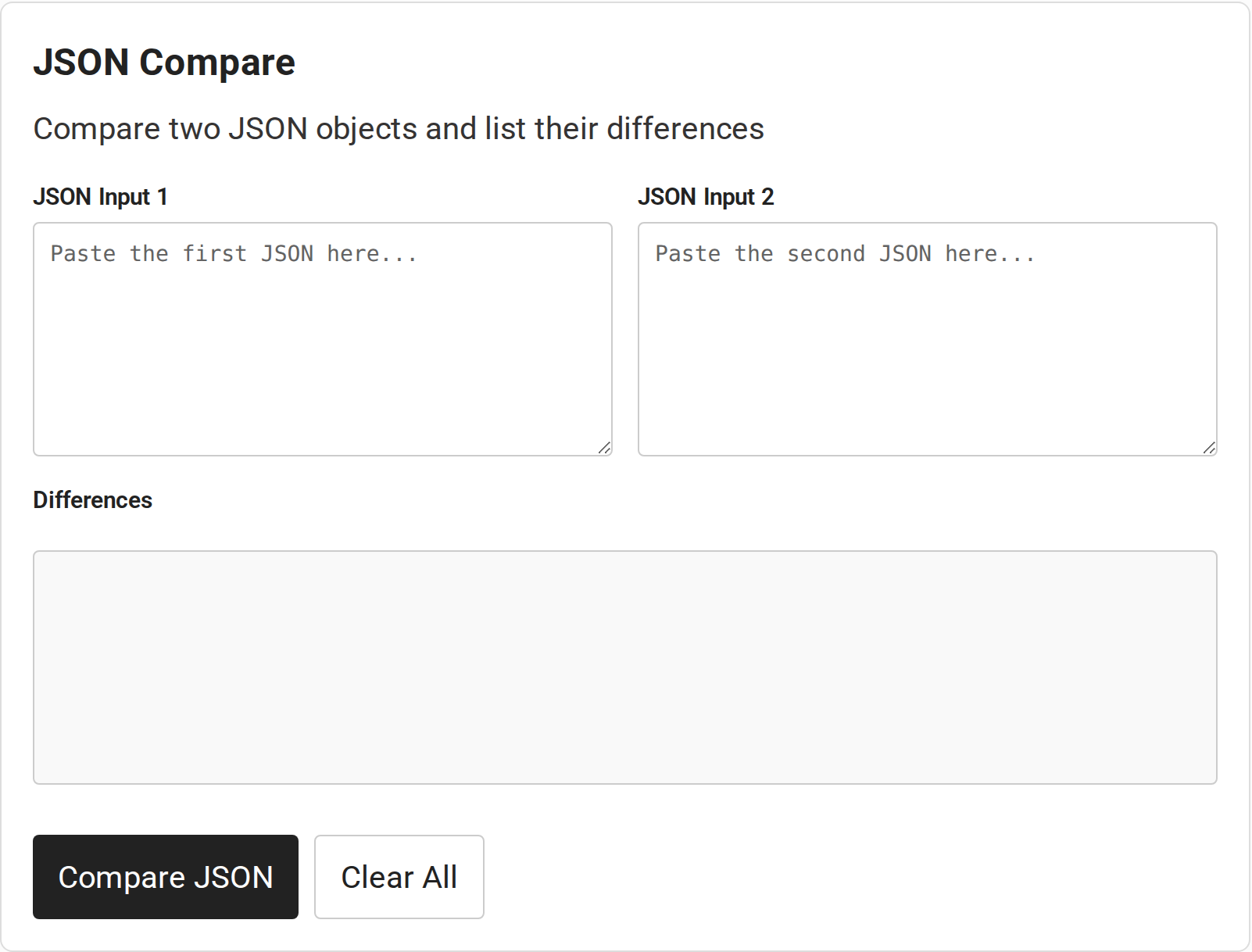
4. Clear the form before another pair
Select Clear All before pasting another pair. The form stacks its panels on narrow screens, though a larger display suits long documents.
JSON Comparison Edge Cases
These cases explain how to read a result and when to fix an input before comparing.
| Case | Symptom | What to do |
|---|---|---|
| Whitespace | Indentation or line breaks differ, but parsed values match. | Ignore formatting-only changes. |
| Object key order | Properties appear in a different order. | Check values by key. RFC 8259 defines objects as unordered. |
| Array order | Several positions show changes after items move. | Compare each index. This page has no ignore-order option. |
| Type or missing key | For example, number 7 differs from string “7”, or a key exists on one side only. | Check the value type and whether the property is absent or null. |
| Invalid JSON | The page alerts that an input could not be parsed. | Fix its syntax, then compare again. |
| Duplicate object names | Different parsers may interpret repeated names differently. | Use unique names as RFC 8259 recommends. |
The page’s comparison code runs in browser-side JavaScript. That does not establish the site’s full data-retention practices or what your network records. Do not paste passwords, tokens, personal records or production secrets into an online tool.
Conclusion
Compare valid inputs and inspect each path in context. Choose a tool that matches your data policy.
For formatting, use CodeForGeek’s JSON minifier or browse its developer tools directory.
FAQ
These answers cover common questions about comparing JSON files and interpreting a diff.
Does whitespace affect a JSON comparison?
No. This comparator parses valid JSON before comparing values, so indentation and line breaks alone do not count as differences.
How do I compare two JSON files online?
Copy the contents of each file into JSON Input 1 and JSON Input 2, select Compare JSON, then review the reported paths and difference types. Use Clear All before another pair.
Does array order matter when comparing JSON?
Yes. This tool compares array items at the same index, consistent with JSON arrays being ordered sequences. Reordering items can produce differences.
Is it safe to paste sensitive JSON into an online comparator?
Do not paste credentials, tokens, personal records or production secrets into an online tool. The comparator runs its comparison code in the browser, but that alone is not a complete privacy or data-retention guarantee for a website or network.