New to Rust? Grab our free Rust for Beginners eBook Get it free →
Online JSON to XML Converter

You have data in JSON and need to send it to a system that accepts XML. A JSON-to-XML converter changes the data into XML, which wraps information in named tags.
I’ll show you how to convert valid JSON online and compare the tags with the receiving system’s example or its rules for XML structure.
TL;DR
Paste valid JSON into the converter, choose Convert JSON to XML, then check the result against the XML format expected by its destination.
- Objects become nested XML elements, while arrays need a repeated-element naming convention.
- Valid JSON does not guarantee XML that matches a receiver’s schema.
- Check the root element, element names and special characters before sending the output.
What does JSON to XML conversion change?
XML uses named elements to enclose data, and object properties can map to those element names. A nested object can become a child element.
When a receiving system requests XML, convert the JSON value and compare the generated elements with that system’s sample or schema. The destination determines the required root and structure.
This converter uses a fixed root element and turns object properties into child elements beneath it. This mapping is specific to the page’s tool. A nested object creates another level, so the XML tree can preserve the parent and child relationship in the input.
Array values repeat the element name used for that property. A top-level array uses item elements instead.
A null property becomes an empty element, while an empty array has no child elements to serialize. The output can show the source structure without carrying every JSON distinction into XML.
A number or boolean becomes text inside an element. The serializer uses the same text-node route for a string. XML carries no separate JSON type marker, so check how the receiving application interprets a value such as true.
The converter does not infer a receiver’s schema from the JSON. A destination may use a different root element or namespaced elements, while this tool creates child elements from object properties. Check the destination’s sample or schema before copying output into an integration.
If the JSON input is hard to read, use CodeForGeek’s JSON prettifier to format valid JSON before conversion. Formatting can help reveal mistakes, but it does not validate XML output.
How to convert JSON to XML online
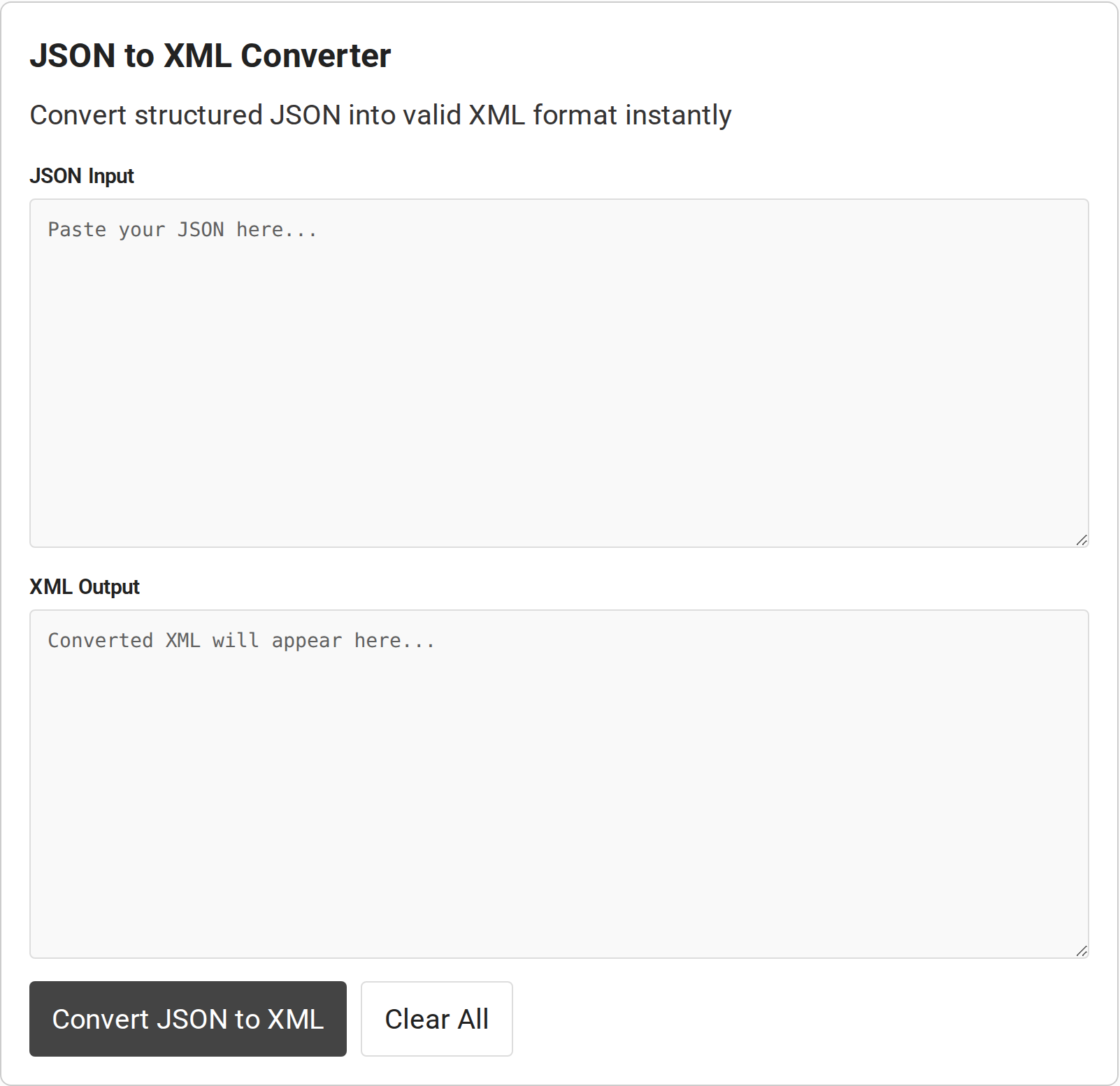
Use the converter embedded above to transform a small sample first. I checked the live page and confirmed it presents JSON Input and XML Output fields. Its controls are Convert JSON to XML and Clear All.
The screenshot shows the empty tool interface.
Step 1: Prepare valid JSON
Start with the exact data you intend to convert. JSON requires quoted property names and string values, matching braces and brackets, and commas between entries.
It does not allow comments or trailing commas. If you are unsure, validate the input before converting it.
Step 2: Paste and convert
Paste the JSON text into JSON Input and select Convert JSON to XML. The page’s script parses the input as JSON before asking its conversion library to produce XML. Invalid JSON prevents that parse step, so correct the syntax rather than trying to repair the resulting XML.
Step 3: Copy and check the result
Copy the output after checking that nested properties appear at the right depth and repeated array entries use the expected element name.
For example, the tested sample’s record has an id and two tags. The same object contains a null field and text with an ampersand. The converter nests the id under record, writes tags twice, and emits an empty element for the null property.
This example follows the tool’s mapping. Another API may call the repeated element item or require values as attributes. Match the names and structure to the receiving contract before sending the result.
For a test integration, run the copied output through the destination’s XML parser or validator.
If you need to verify the source data before conversion, compare two JSON payloads and resolve differences first.
What should you check in the XML output?
Use this checklist to inspect the details that converters can represent in different ways.
| Input or condition | What to inspect | Next check |
|---|---|---|
| Nested object | Child elements remain under the correct parent | Compare the hierarchy with the target schema |
| Array | Repeated values use the receiver’s item element | Check expected item names and ordering |
| Null or empty value | Whether it is omitted, empty or represented as text | Confirm the receiver’s null convention |
| Special characters | Text containing ampersands or angle brackets | Parse the XML and confirm characters are escaped |
| Property name | Name is legal in XML and matches the contract | Check the XML name rules and schema |
XML parsers treat markup characters as syntax, so text values containing them must be escaped by the serializer. Do not replace characters manually without parsing the final document.
The converter creates text nodes and lets the browser serialize the XML tree. In the checked sample, the input text “A & B” remains those characters when parsed, while the serialized markup escapes the ampersand. This avoids treating part of a value as a tag or entity.
JSON property names also do not automatically become valid or suitable XML names. Change the mapping or transform the data when a key conflicts with the receiving contract.
XML element names have syntax rules that JSON property names do not follow. A key containing a space cannot be used as an element name here, and the converter reports that problem rather than presenting a partial result as complete. A name can also be valid XML but still be wrong for the receiver.
Object properties become elements, not attributes. If a receiver expects an identifier on the root element as an attribute, this converter does not create that attribute for you. It also uses one fixed root, so a document that requires another root name needs a separate mapping step.
The converter copies each property’s spelling into its element name. XML readers treat case as significant, so userId and UserId are different names. Use the exact spelling the receiving schema expects because capitalization changes the element name, not the text inside it.
Do not assume the receiver ignores element order. A schema can require children in a particular sequence, so compare the generated order with its specification before sending the document.
Generated elements give you a starting point for mapping. Test the result with the parser and schema version used by the receiving application.
Namespaces need separate attention. A colon in a property name does not by itself declare a namespace, and the converter has no control for adding namespace declarations. When the destination requires namespaced elements, use a namespace-aware mapping rather than assuming the generated tag name is sufficient.
An empty XML element can represent an empty value, but it does not always mean the same thing as a missing element or an explicit nil value. Check how the receiving schema treats each case. If the distinction matters, adjust the mapping instead of relying on the visual appearance of the XML.
After checking names and values, parse the result with the destination’s XML parser. A well-formed document can still fail validation because a required element is absent, a value has the wrong type, or the element order differs from the schema. A successful conversion confirms neither schema validity nor API acceptance.
Do not change escaped characters by hand to make the output look simpler. Edit the JSON value or apply a tested mapping, convert again, then compare the parsed XML text with the original input value.
The tool’s Clear All control resets both fields if you want to test a second input. Do not paste credentials, private records or production secrets into a web tool unless its data handling has been verified and approved for that information.
Conclusion
For browser-side XML parsing and serialization concepts, see MDN’s guide to parsing and serializing XML.
FAQ
These answers cover mapping questions that affect whether the converted document works with its destination.
Can I convert nested JSON objects?
Yes. Nested objects can be represented by nested XML elements. Check that their names and hierarchy match the receiving format.
How are JSON arrays represented in XML?
A converter may emit repeated elements or another structure. Verify the item element names and ordering expected by the destination.
Why does valid JSON produce XML my API rejects?
JSON syntax validity only confirms the input can be parsed. The output can still have the wrong root, element names, value representation or schema for the API.
What happens to null values?
The mapping may omit a null, emit an empty element or encode it in another way. Check the converter output and the receiver’s null convention.