New to Rust? Grab our free Rust for Beginners eBook Get it free →
Online Case Converter: Free Text Changer


Text with the wrong capitalization can be a nuisance to fix by hand. An online case converter changes capitalization in text you paste and gives you different versions to choose from.
I’ll show you how to use the converter and check its output before copying it.
TL;DR
Paste your text into the converter, click Convert, then choose the output that fits its destination.
- Use lowercase or UPPERCASE to change letter case without changing spaces.
- Use sentence or title case for prose, then review names and abbreviations.
- Use snake_case, kebab-case, camelCase, PascalCase, or CONSTANT_CASE for labels and identifiers.
What Is an Online Case Converter?
An online case converter changes capitalization or separators in text. This page provides a browser-based input and a set of named outputs for that task.
Case changes letters without changing word order. Identifier formats may join words or replace spaces with separators. For prose, choose a case style because joined words read as a name.
| Output | What changes | Use it for |
|---|---|---|
| lowercase | Letters become lowercase | Consistent text or matching a lowercase field |
| UPPERCASE | Letters become uppercase | Labels or a field that expects capitals |
| Sentence case | First character is uppercase. Remaining text is lowercase | A quick single-sentence cleanup, with manual review |
| Title Case | Words are capitalized. Selected small words stay lowercase | A draft heading, after checking your style guide |
| snake_case / CONSTANT_CASE | Words use underscores. Constant form is uppercase | Code-style names |
| kebab-case | Words use hyphens | Hyphen-separated labels or slugs |
| camelCase / PascalCase | Words are joined. Later words start with capitals | Identifiers, with a lowercase or uppercase first letter |
This converter capitalizes the first word in Title Case and keeps a fixed set of short words lowercase elsewhere. Apply an editor’s style guide after converting a heading.
Some converter sites also list reverse text or decorative Unicode. Those change character order or appearance rather than capitalization.
How to Use the Online Case Converter
The converter shows all nine outputs after one conversion. Keep the original text available until you have checked the version you plan to use.
Step 1: Paste the text you want to change
Copy the text from your document and paste it into the Input box. You can use a phrase, a paragraph, or a list of words. If you are converting several separate labels, keep one label per line so you can compare the corresponding lines afterward.
Step 2: Click Convert to fill the outputs
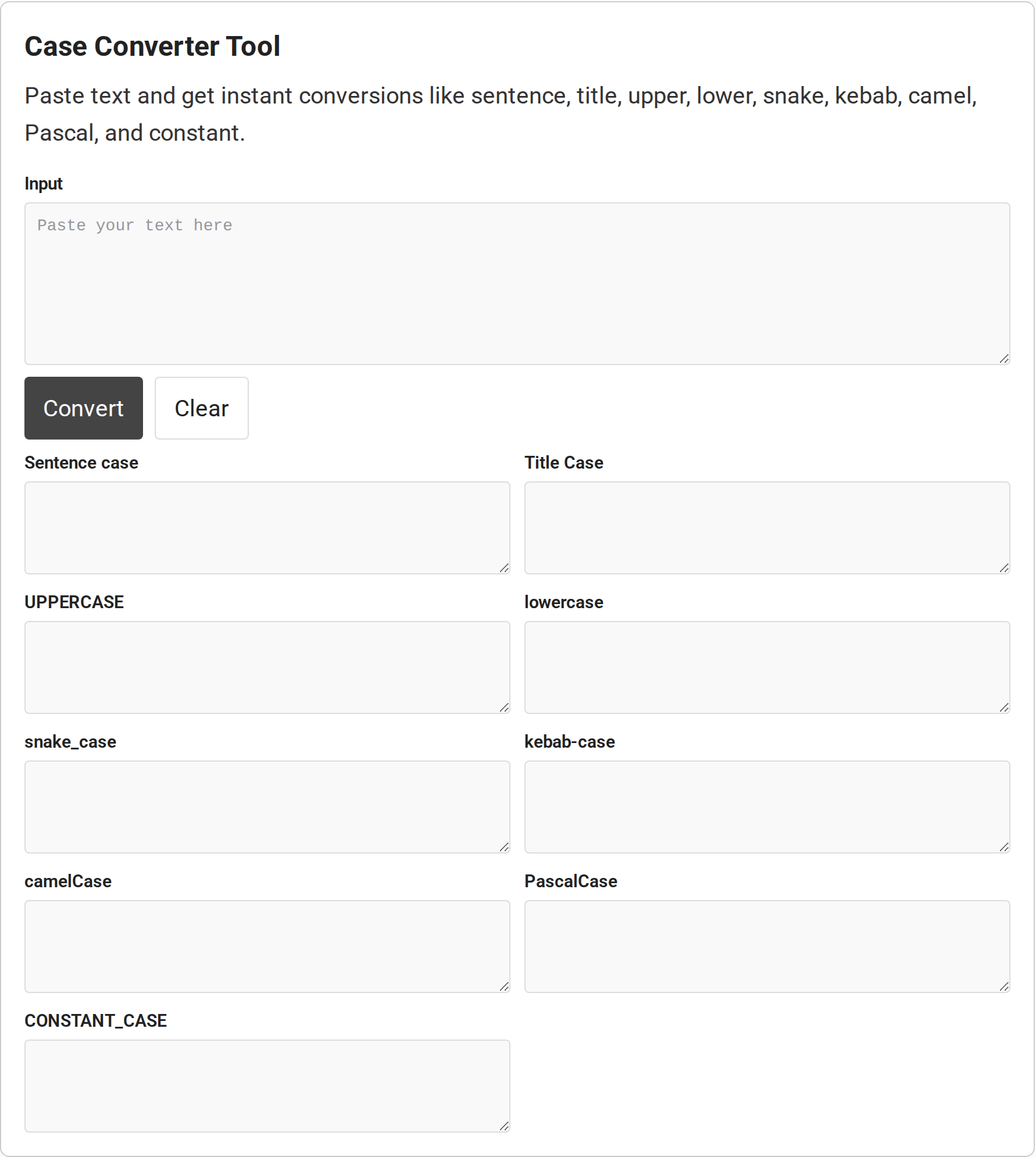
The page fills all nine result fields from the same input. I captured the current converter panel before entering text, so the screenshot shows the empty starting state rather than a conversion result.
Step 3: Review and copy one result
Select and copy the field you plan to use. Preserve the original text separately if you may need to undo the change.
Use Clear when you want to remove the input and generated values before starting another conversion. Keep a separate copy of source text if you may need to restore its original capitalization.
For restricted text, follow your organization’s policy because a browser-based label alone does not verify every part of a site’s data handling.
Case Conversion Limits to Check
This page’s Sentence case output uppercases the first character and lowercases the rest of the input.
Symbol handling depends on the output family: uppercase and lowercase preserve punctuation and spacing, while identifier formats replace hyphens and underscores, split lowercase-to-uppercase boundaries, trim the ends, and join words. This parser cannot infer every boundary inside an abbreviation, and punctuation can remain attached.
An abbreviation such as API has no visible lowercase-to-uppercase boundary, so the converter cannot know whether it is one word or several. Add spaces between words when that decision matters, then inspect punctuation in the result.
| Case | What can go wrong | What to check |
|---|---|---|
| Sentence case | This tool uppercases the first character and lowercases the rest of the input. It does not capitalize after each sentence mark | Check every sentence start, name, acronym, and word such as “iPhone” |
| Title Case | The tool keeps a fixed set of small words lowercase except at the beginning. Style guides differ | Check the required guide, especially after a colon and in short headings |
| camelCase or PascalCase | Word boundaries are inferred from spaces, hyphens, underscores, and lowercase-to-uppercase changes | Review abbreviations, punctuation, and already-joined names before using an identifier |
| Non-English text | Case mappings can depend on language, and a character can map to more than one character | Use the intended locale’s rules and check the output’s spelling and length |
| Selected text in Word | A web converter adds a copy-and-paste step | Desktop Word has Home > Change Case and Shift+F3. Word for the web differs |
Unicode’s locale-specific rules can change how letters such as Turkish dotted and dotless I map, and uppercase conversion may expand strings or leave uncased scripts unchanged, so check multilingual spelling and output length.
Conclusion: Review the Converted Text
The converter handles case or identifier formatting. The destination application still controls how that text is presented.
If the next task is formatting plain text for a document, use CodeForGeek’s online text-to-PDF converter. For Markdown destined for a page or editor, the Markdown to HTML converter handles the format change after you finish editing.
FAQ
These answers cover quick alternatives and free access.
Is there a case converter in Microsoft Word?
Yes. In desktop Word, select the text and use Home > Change Case, or press Shift+F3 to cycle supported formats. Microsoft says Word for the web does not support the Change Case feature.
How do I convert all text to sentence case?
Paste it into the converter, click Convert, and review the Sentence case output. This page’s tool capitalizes the first character and lowercases the rest, so check later sentence starts, names, and acronyms yourself.
Is there a free way to change text case online?
This CodeForGeek page provides a free online case converter. Paste the text, click Convert, then copy the output style you need.