New to Rust? Grab our free Rust for Beginners eBook Get it free →
NodeJS MySQL Select Unique


I ran SELECT UNIQUE age FROM users on a table with a duplicated age. It returned 22, 17 and 15, the same rows SELECT DISTINCT returns.
On MySQL 8 that statement stops before the table is read, because UNIQUE never entered the server’s select grammar, and DISTINCT is the modifier both servers accept.
Which unique are you asking for
MySQL uses the name unique for two different things, and choosing the wrong one changes the statement you write. The first collapses repeated values in a result set, and the second is a rule on a column that refuses a duplicate write.
The collapse belongs to DISTINCT, the word that sits directly after SELECT. MySQL 8 documents that position as ALL, DISTINCT or DISTINCTROW, and its grammar accepts no other modifier there.
MariaDB parses SELECT UNIQUE as a synonym for DISTINCT, which is why the same line can run on one machine and stop with an error on another.
| What you want | Where it belongs | Statement |
|---|---|---|
| One row per repeated value | the query | SELECT DISTINCT age FROM users |
| One row per combination of values | the query | SELECT DISTINCT name, age FROM users |
| A repeated write refused | the table definition | email VARCHAR(255) UNIQUE |
A UNIQUE column never changes what a SELECT returns, and DISTINCT never stops a duplicate insert, so neither one substitutes for the other.
What the queries need before they run
Every sample here reads the same four-row table, so the difference between the outputs comes from the query rather than from the data. You need a Node.js release with npm, the mysql2 driver, and a MySQL-protocol server where you can create a table.
Install mysql2 rather than the older mysql package, whose last release went out in May 2024 while mysql2 shipped again this month.
| What you need | How to check it | What the samples reported |
|---|---|---|
| Node.js with npm | node –version | v26.7.0 |
| mysql2 inside the project | npm ls mysql2 | 3.24.4 |
| A server where you can create a table | the CREATE TABLE in the next step | table created, four rows inserted |
mkdir select-unique-demo
cd select-unique-demo
npm init -y
npm install mysql2
The connection fields are the same in every file. The connection walkthrough fills them in one at a time if your server is not on localhost.
Create a table that holds a duplicate on purpose
The table holds four rows with a repeated age, so the collapse has something to remove and a query that prints three values has done its job.
DROP TABLE IF EXISTS users;

CREATE TABLE users (
  id INT PRIMARY KEY,
  name VARCHAR(255),
  email VARCHAR(255) UNIQUE,
  age INT
);

INSERT INTO users VALUES (1, 'Aditya', '[email protected]', 22);
INSERT INTO users VALUES (2, 'Example', '[email protected]', 22);
INSERT INTO users VALUES (3, 'Rack', '[email protected]', 17);
INSERT INTO users VALUES (4, 'Jack', '[email protected]', 15);
The email column carries a UNIQUE constraint and the age column is free to repeat, so this table holds both meanings of unique at once. The create table tutorial covers column types and the primary key if you want the whole statement explained.
How to select unique rows in Node.js
Each sample opens its own pool, runs one statement, and prints the rows the callback receives, so the lines in the screenshots are the returned data and nothing else. All four read the same four rows, which keeps their outputs comparable.
Return one row per value from a single column
DISTINCT collapses the column down to the values the table actually holds, which is why the callback receives three row objects where the table has four.
const mysql = require('mysql2');

const pool = mysql.createPool({
  host: 'localhost',
  user: 'your-username',
  password: 'your-password',
  database: 'your-database'
});

pool.query('SELECT DISTINCT age FROM users', (err, rows) => {
  if (err) throw err;
  rows.forEach((row) => console.log(row.age));
  pool.end();
});
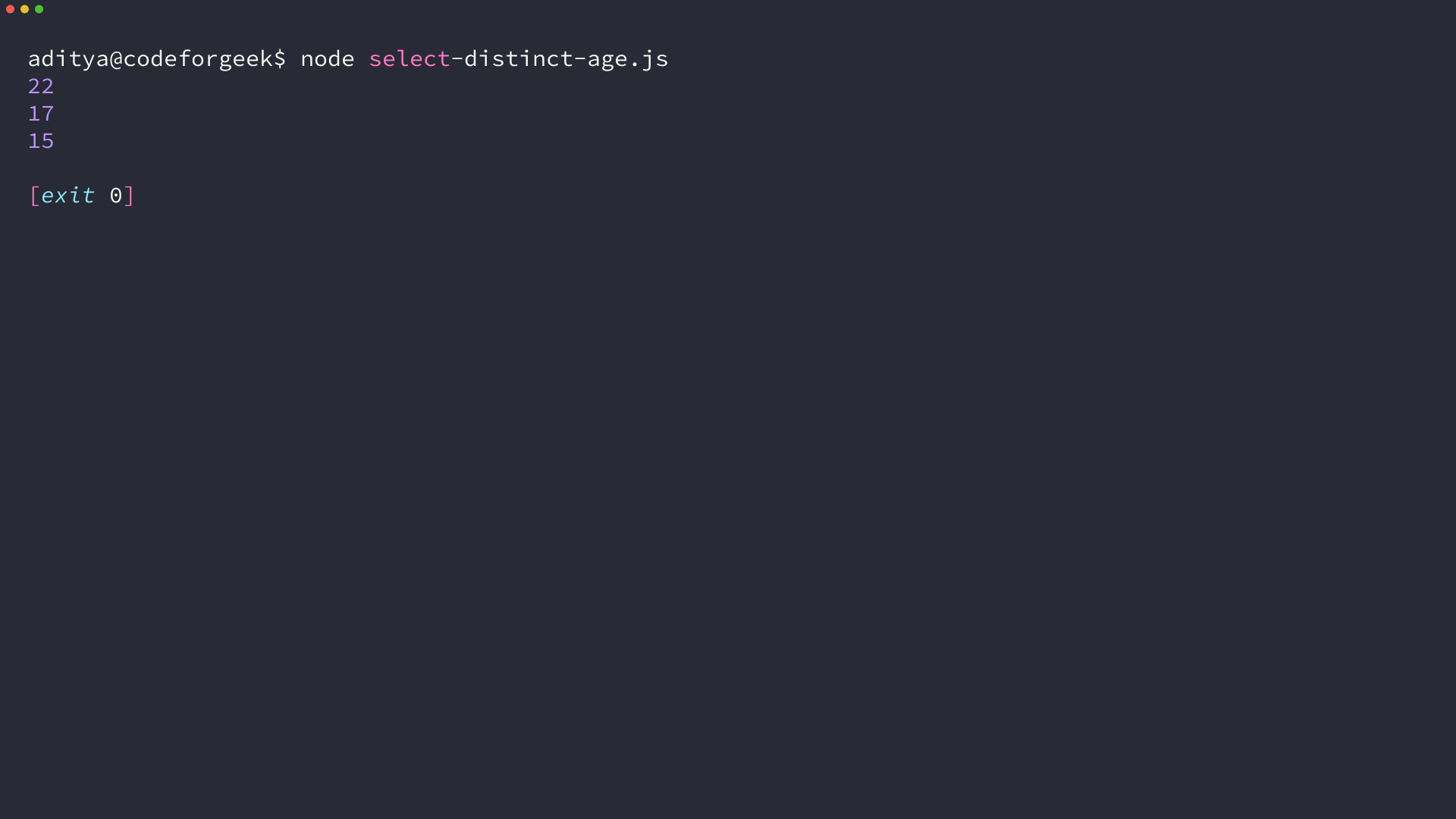
Each entry in rows is a plain object with one property per selected column, so row.age is the number and there is no cursor to advance. I built the table with a repeated age so the collapse has something to remove, and the three printed lines are the values it kept.
Several columns stay unique per combination
Add a second column and the collapse happens on the pair rather than on either column alone. No two rows share both a name and an age, so all four come back.
const mysql = require('mysql2');

const pool = mysql.createPool({
  host: 'localhost',
  user: 'your-username',
  password: 'your-password',
  database: 'your-database'
});

pool.query('SELECT DISTINCT age, name FROM users', (err, rows) => {
  if (err) throw err;
  rows.forEach((row) => console.log(`${row.name}|${row.age}`));
  pool.end();
});
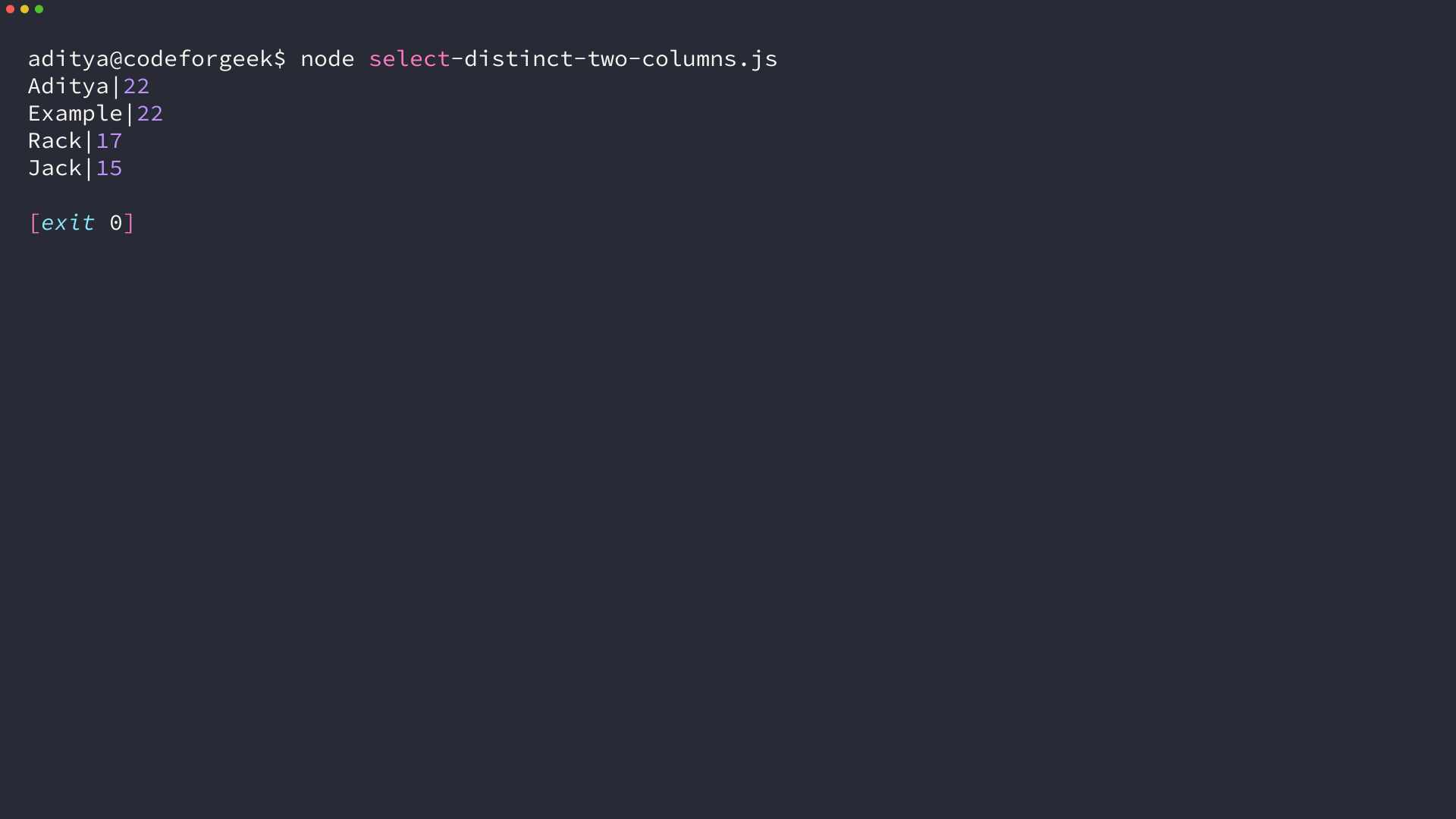
DISTINCT also treats NULL as a single value, so a column with several empty entries collapses them into one row rather than one row for each empty entry.
Filter first, then collapse
WHERE removes rows before DISTINCT runs, and keeping the two steps apart is what makes the result readable. A filter that matches two rows hands both to the collapse, because WHERE never compares one row against another.
const mysql = require('mysql2');

const pool = mysql.createPool({
  host: 'localhost',
  user: 'your-username',
  password: 'your-password',
  database: 'your-database'
});

pool.query('SELECT * FROM users WHERE age = ?', [22], (err, rows) => {
  if (err) throw err;
  rows.forEach((row) => console.log(`${row.id}|${row.name}|${row.age}`));
  pool.end();
});
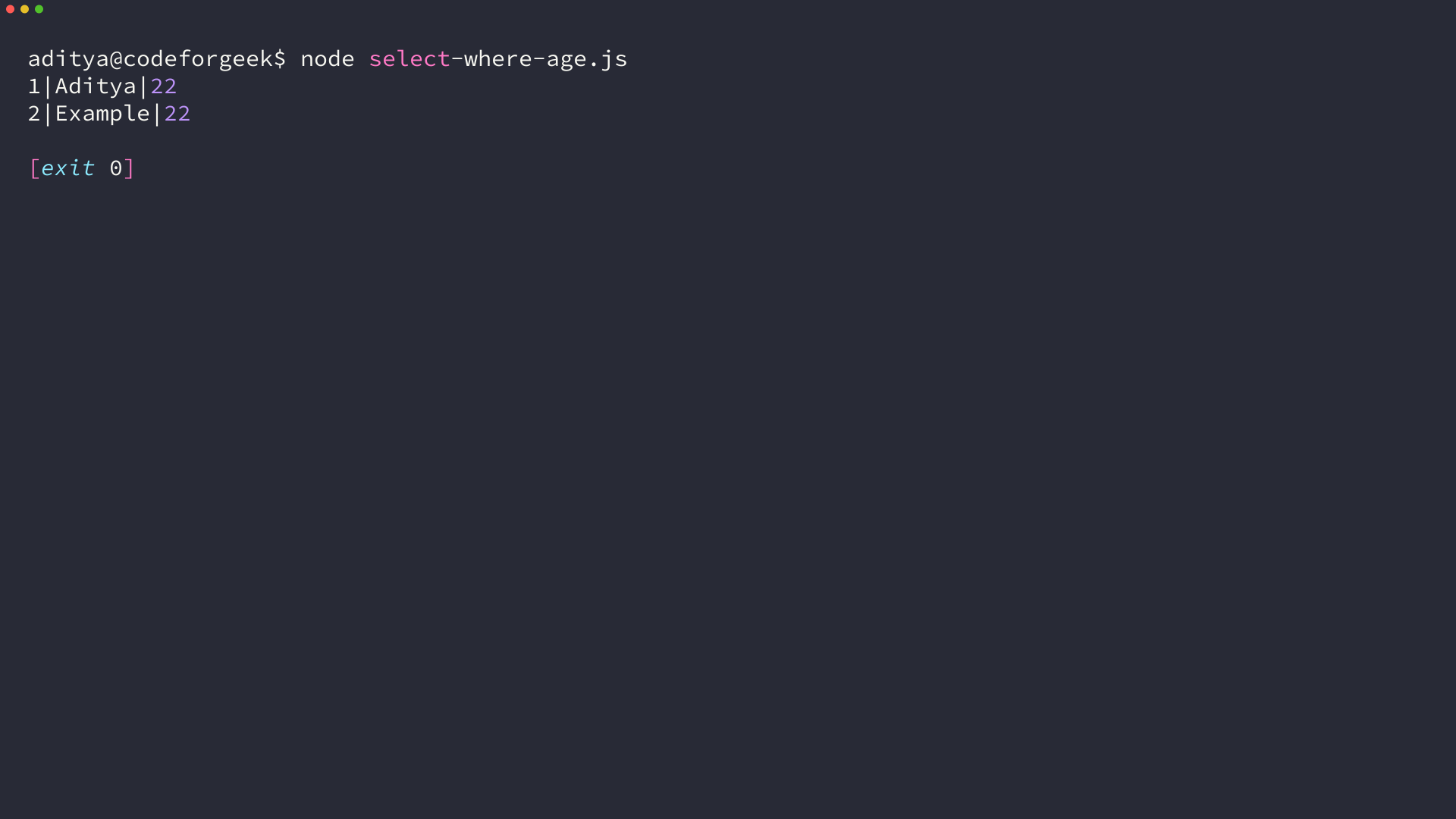
Both rows came back. Filtering on a column is not the same as returning one row per value, and this query is where those two ideas part company.
Count the distinct values
When the number of distinct values is the answer and the values themselves are not, COUNT(DISTINCT column) does the collapse inside the aggregate.
const mysql = require('mysql2');

const pool = mysql.createPool({
  host: 'localhost',
  user: 'your-username',
  password: 'your-password',
  database: 'your-database'
});

pool.query('SELECT COUNT(DISTINCT age) AS distinctAges FROM users', (err, rows) => {
  if (err) throw err;
  rows.forEach((row) => console.log(row.distinctAges));
  pool.end();
});
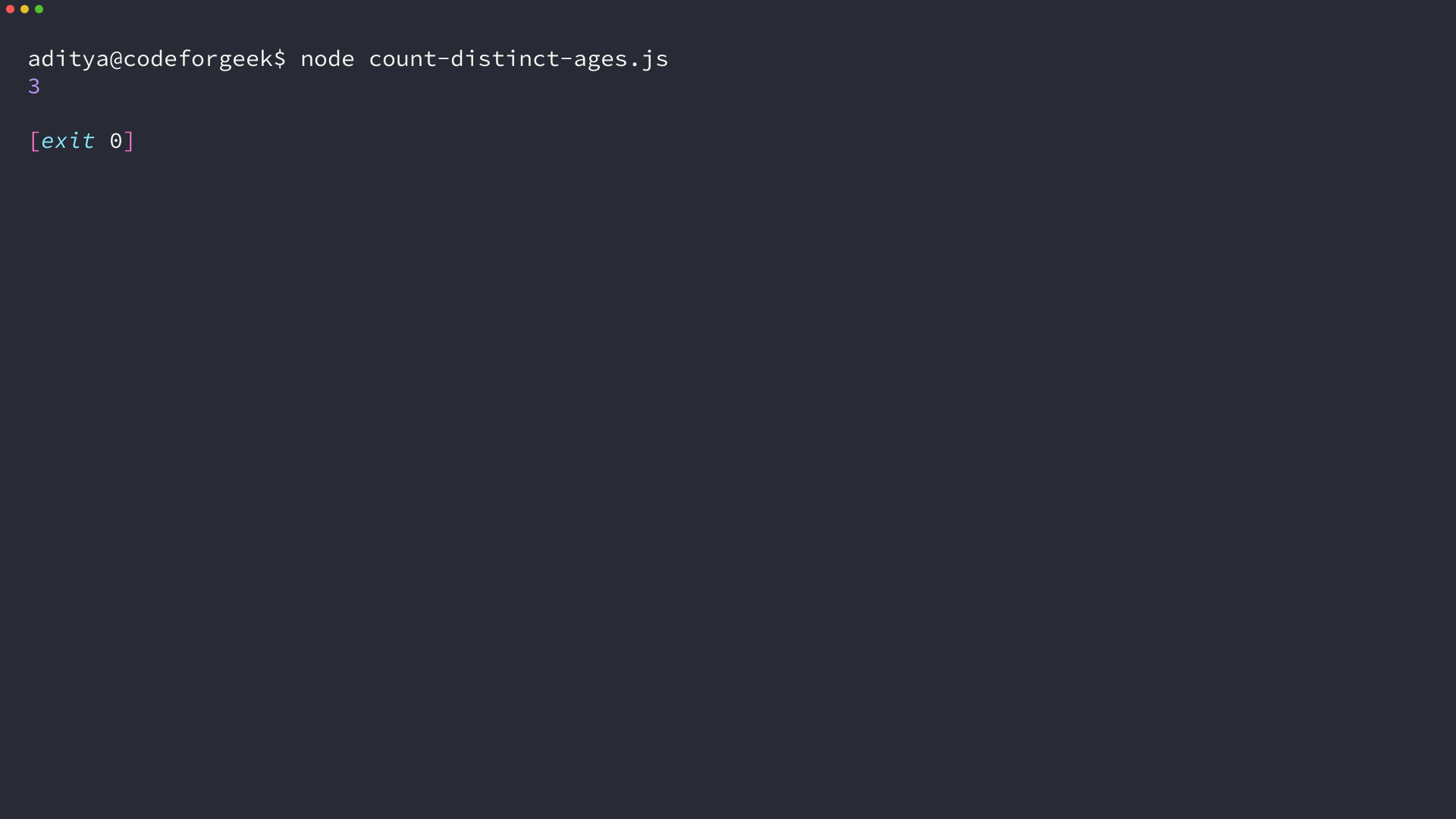
I ran the count against the same four rows and got 3 back, which is the collapse written as a number instead of a list.
SELECT UNIQUE runs on MariaDB and fails on MySQL 8
SELECT UNIQUE age FROM users returned 22, 17 and 15 on my test server, so it parsed and behaved exactly like DISTINCT. That server is MariaDB 10.11, where the parser maps the UNIQUE keyword onto the same option DISTINCT sets.
const mysql = require('mysql2');

const pool = mysql.createPool({
  host: 'localhost',
  user: 'your-username',
  password: 'your-password',
  database: 'your-database'
});

pool.query('SELECT UNIQUE age FROM users', (err, rows) => {
  if (err) throw err;
  rows.forEach((row) => console.log(row.age));
  pool.end();
});
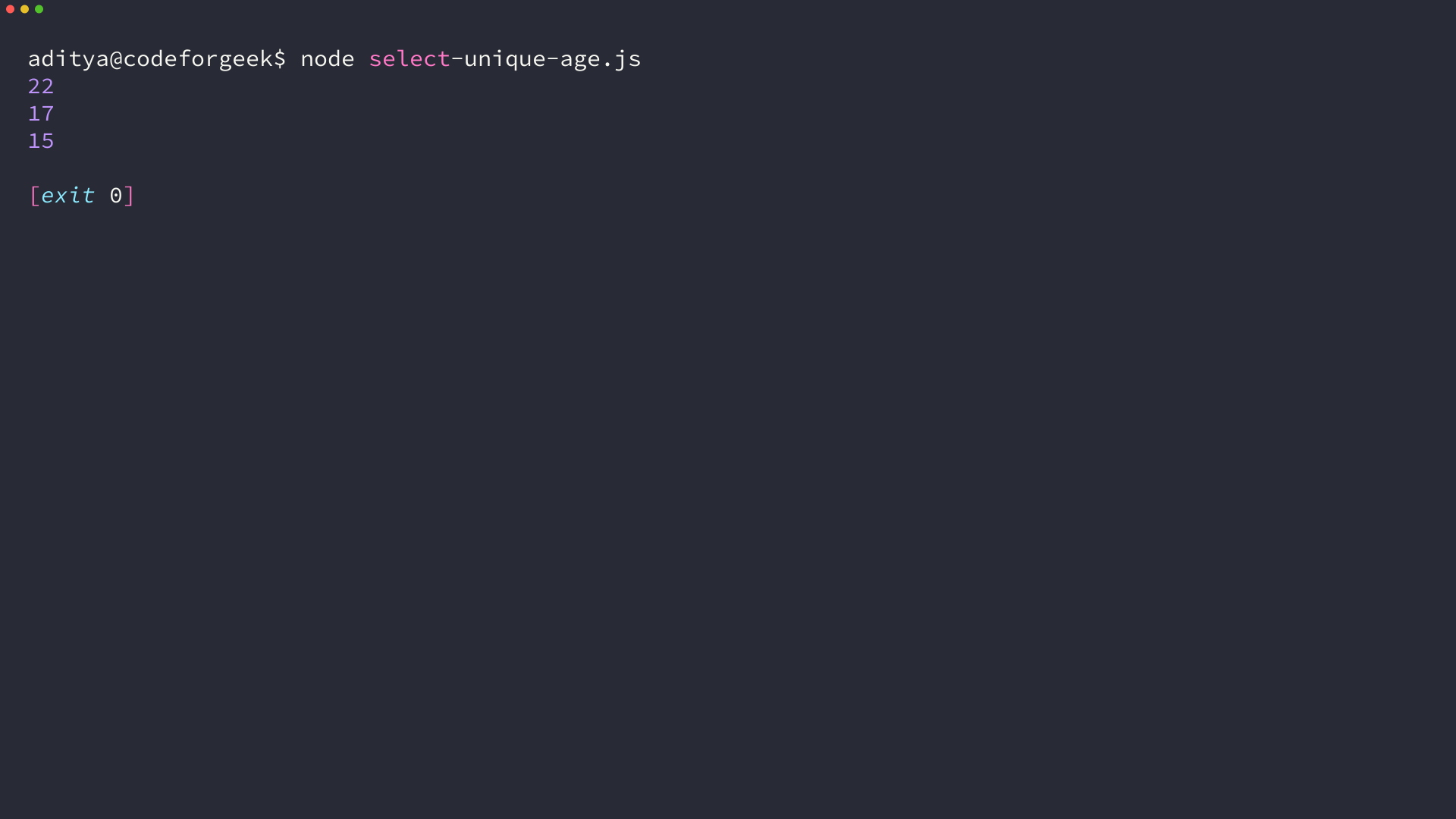
The server decides, not the driver. The Node.js release makes no difference to the outcome either, which is why the same file behaves differently after a bundle upgrade.
| Server | SELECT UNIQUE | SELECT DISTINCT |
|---|---|---|
| MariaDB 10.11, the database XAMPP bundles | the same three rows | the same three rows |
| MySQL 8 | parse error, code 1064 | the same three rows |
I checked the MySQL 8 SELECT reference and the server grammar, and neither one lists UNIQUE in that position, so the same line ends in a 1064 parse error before the table is touched.
DISTINCT parses on both, which makes it the form to keep in a file you expect to run somewhere else later.
Put unique in the schema when the write should fail
The other meaning of unique belongs to the column, where it refuses the duplicate instead of hiding it. The second insert never completes, so no query has to filter the row back out.
const mysql = require('mysql2');

const pool = mysql.createPool({
  host: 'localhost',
  user: 'your-username',
  password: 'your-password',
  database: 'your-database'
});

pool.query("INSERT INTO users VALUES (5, 'Fake', '[email protected]', 30)", (err) => {
  if (err) {
    console.error('Error Code', err.code);
    console.error('Message:', err.message);
  } else {
    console.log('unexpected success');
  }
  pool.end();
});
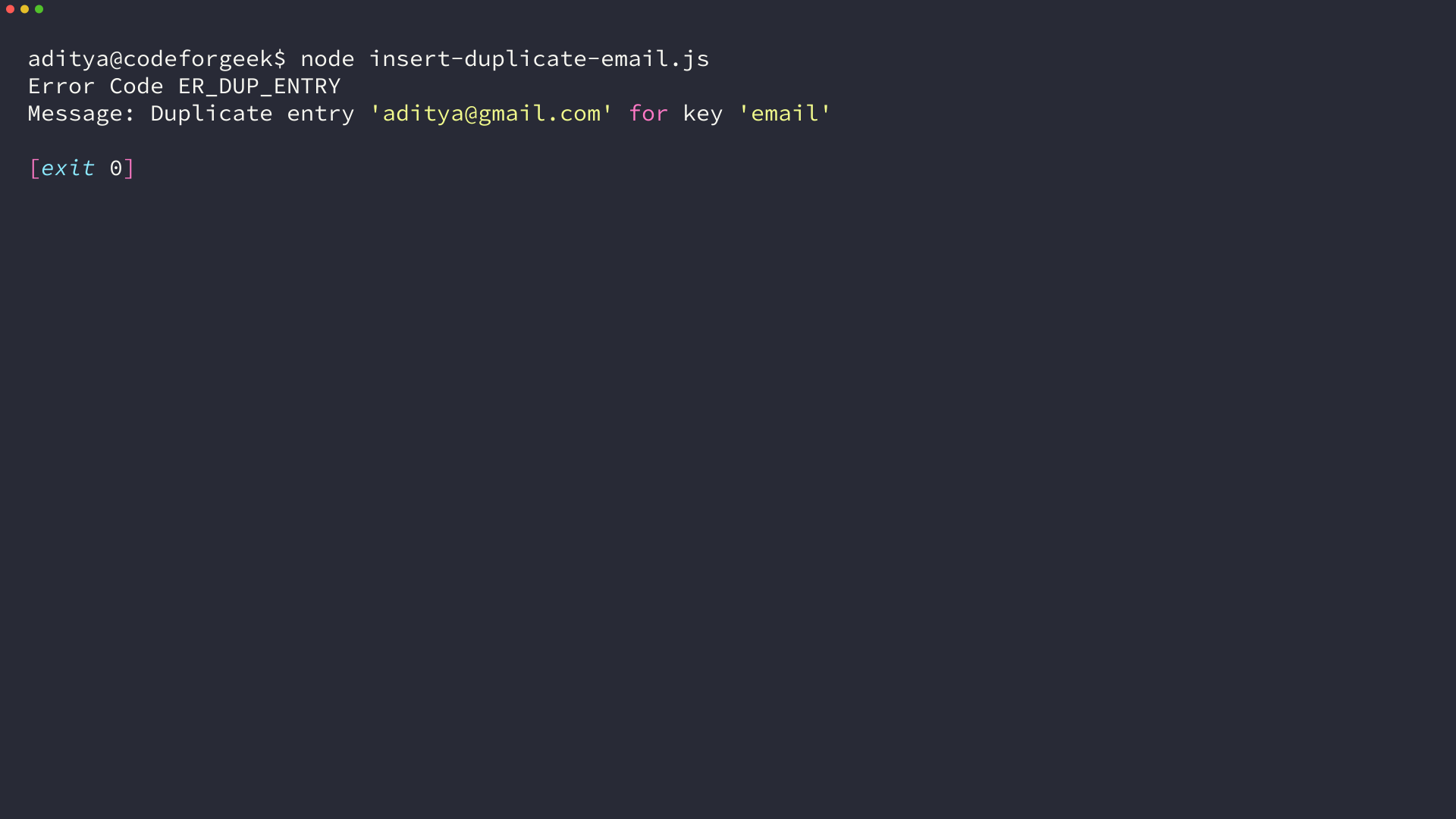
I tested that insert against the same table, and mysql2 returned the refusal as ER_DUP_ENTRY with the message Duplicate entry ‘[email protected]’ for key ’email’. That is MySQL error 1062 arriving in the callback instead of an exception.
A UNIQUE column still accepts two rows holding NULL, because two NULLs never compare as equal, so the rule blocks repeated values instead of repeated blanks.
What to run next
The keyword question is settled by which server parses the line, and DISTINCT is the one both accept. Keeping the de-duplication in the query rather than in the dialect means the same file moves between a MySQL 8 host and a MariaDB host without edits.
Point the connection fields at your own database and run the first sample against your own table, then take the single-row query that my tutorial on selecting a record builds out from here.
node select-distinct-age.js
FAQ
The questions this task raises get short answers here, each one a compressed version of a section above.
Does MySQL support SELECT UNIQUE?
MySQL 8 does not, because the word after SELECT has to be ALL, DISTINCT or DISTINCTROW. MariaDB, the database inside the XAMPP bundle, parses UNIQUE as a synonym for DISTINCT, so the same statement runs on one server and ends in a parse error on the other.
What is the difference between DISTINCT and UNIQUE in MySQL?
DISTINCT changes what a query returns by collapsing duplicate rows in the result set. UNIQUE is a rule on a column that refuses a duplicate write, so it changes what the table stores rather than what a SELECT reads.
Why does SELECT DISTINCT return fewer rows than the table holds?
It collapses rows that match on every selected column, so selecting one column returns one value per row group. Selecting several columns keeps one row per combination, and NULL counts as a single value rather than one row per empty entry.
Why does my insert fail with ER_DUP_ENTRY?
The column carries a UNIQUE constraint and the value you inserted is already stored there. MySQL answers with error 1062 and the message Duplicate entry naming the key that rejected the write, and the row is not inserted.