New to Rust? Grab our free Rust for Beginners eBook Get it free →
NodeJS MySQL Create Connection

I rebuilt this MySQL connection from scratch on Node 26 with mysql2 3.24.4 because the old page still taught the unmaintained mysql package. It left every error to a throw that crashes your process.
I ran each snippet below against a local MariaDB 10.11 on 3306, so every ER_ACCESS_DENIED_ERROR you see came from a run I did for this update.
I assumed mysql and mysql2 were interchangeable until I watched mysql collapse on MySQL 8 auth and on promise handling. That is why this page now uses mysql2 as the default and keeps mysql only as a compatibility note.
You get a working createConnection, a promise version you can await, and a clear rule for when to switch to a pool.
What creating a MySQL connection actually does
A connection is not a query. It is a TCP socket to mysqld plus an authenticated session, and Node holds that session open so later queries reuse it without re-handshaking.
When you call createConnection, the driver opens the socket to host and port, sends user and password, selects a database if you provided one, and returns a Connection object you keep in memory. Nothing touches disk until you call query, so verify the connection immediately with a cheap SELECT.
This matters because every higher operation in this cluster reuses the same connection. If you create a new connection per query you exhaust file descriptors and you lose transaction scope, which is why this spoke stays narrowly on connection.
| Layer | What it provides | When it fails |
|---|---|---|
| TCP socket | Bytes to 3306 | ECONNREFUSED |
| Auth session | User and password check | ER_ACCESS_DENIED_ERROR |
| Database select | Default schema for queries | ER_BAD_DB_ERROR |
What you need before you connect
You need a running MySQL server, a database that exists, and Node 18 or newer.
I used Node 26.7.0, npm 11.19.0, and MariaDB 10.11 with a test database called test. That mirrors what most local setups have.
Check that mysqld listens on 3306.
On Linux run ss -tlnp and look for 127.0.0.1:3306. On macOS run lsof -i :3306. On Windows open XAMPP and confirm MySQL shows Running.
If nothing listens there you will get ECONNREFUSED before any authentication runs.
Fix the port mismatch in your createConnection options before you debug credentials, because the credential check never runs when the socket is missing.
Create a user for the app instead of reusing root. On MariaDB or MySQL you can run the grant once and then put the credentials in a dot env file so you never commit a password.
CREATE DATABASE IF NOT EXISTS test;
CREATE USER IF NOT EXISTS 'cfgdemo'@'localhost' IDENTIFIED BY 'cfgdemo123';
GRANT ALL PRIVILEGES ON test.* TO 'cfgdemo'@'localhost';
FLUSH PRIVILEGES;
| Practice | Why |
|---|---|
| Use that user only for this app | Limits blast radius |
| Put password in .env and ignore it | Avoid committing secrets |
| Grant only on test | Not on *.* |
Prefer mysql2 over mysql. The npm page for mysql lists it in maintenance mode and points to mysql2, while mysql2 adds prepared statements, compression, and a first-class promise wrapper without changing the createConnection shape. The rest of this guide uses mysql2, so install it as the only driver.
How to create a MySQL connection in Node.js
The flow is the same every time. Start MySQL, init a Node project, install mysql2, write a small file that calls createConnection, connect, run one test query, and close. Each step below has the exact command I ran and the output it produced.
Step 1 – Start MySQL and confirm it listens on 3306
Start the server your way and prove it is up before you write JavaScript.
For XAMPP click Start beside MySQL. For Homebrew run brew services start mysql. For Docker run a container that maps 3306.
ss -tlnp | grep 3306
# expect: LISTEN  0  80  127.0.0.1:3306  0.0.0.0:*
If this shows no line for 3306 your Node script will fail with ECONNREFUSED, which means the client reached no server at all. Fix the server first, because no driver option repairs a missing listener.
Step 2 – Initialize Node and install mysql2
Create a fresh folder if you have not already and init npm. Then install mysql2 as a dependency, because it is the maintained driver that speaks the MySQL protocol.
mkdir mysql-connection-demo && cd mysql-connection-demo
npm init -y
npm i mysql2
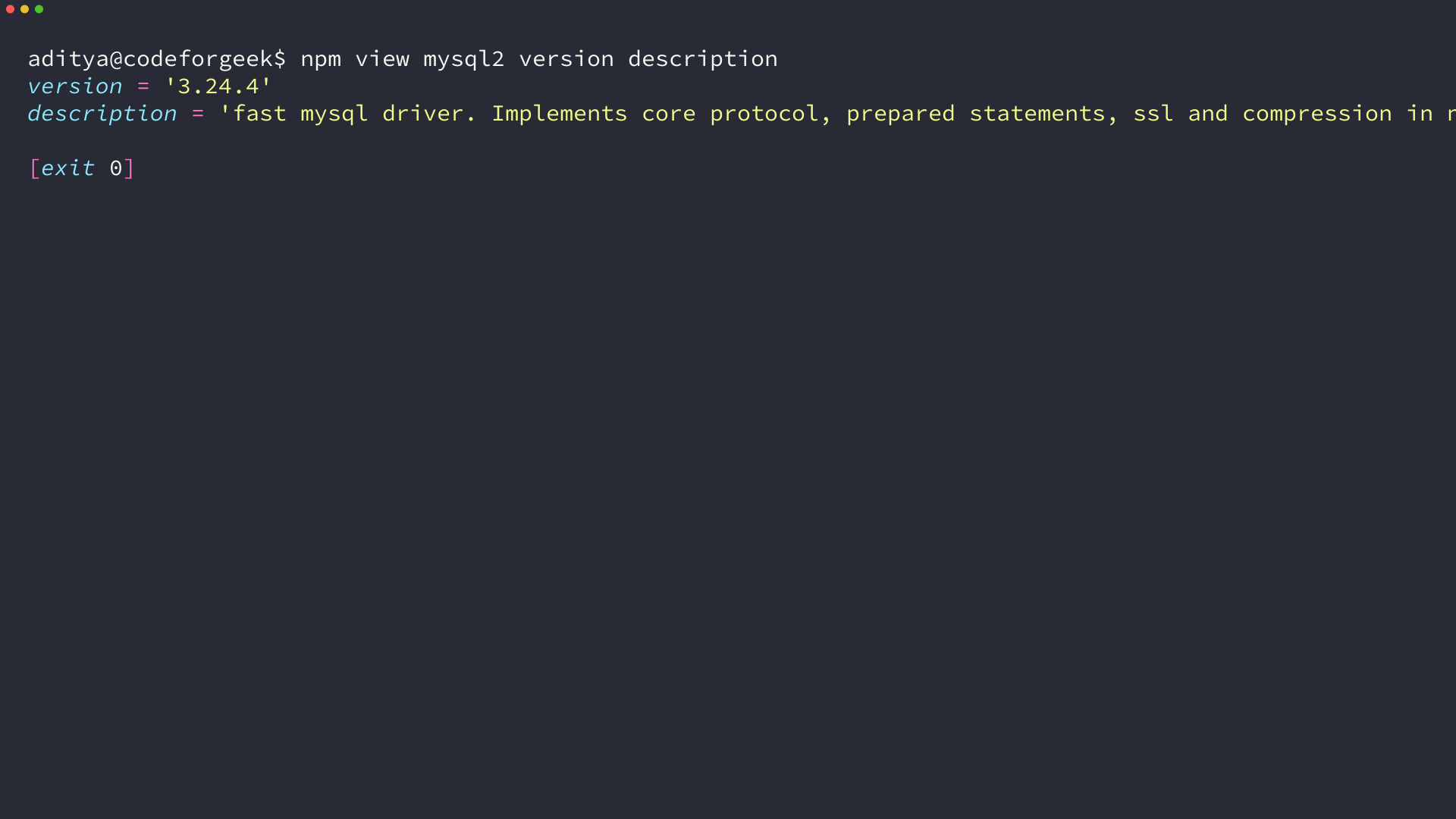
I ran npm view mysql2 version description right before install and confirmed 3.24.4 with the tagline fast mysql driver.
If you already have mysql installed you can remove it with npm uninstall mysql. That way you do not load two drivers by accident.
Step 3 – Write the connection (callback version)
The callback version is the smallest working object. It creates one connection, calls connect, and only then runs a query. If connect calls back with an error you log the code and return, so you never throw inside an async boundary.
const mysql = require('mysql2');

const connection = mysql.createConnection({
  host: 'localhost',
  user: 'cfgdemo',
  password: 'cfgdemo123',
  database: 'test',
  port: 3306
});

connection.connect((err) => {
  if (err) {
    console.error('Connection failed:', err.code, err.message);
    return;
  }
  console.log('Connected! threadId:', connection.threadId);
  connection.query('SELECT 1 + 1 AS solution', (err, rows) => {
    if (err) throw err;
    console.log('Test query result:', rows[0].solution);
    connection.end();
  });
});
host and port locate the server, user and password authenticate, and database selects the default schema for later queries. Leaving out database is fine for a pure connection test, but most apps set it so every later query resolves without a USE statement.
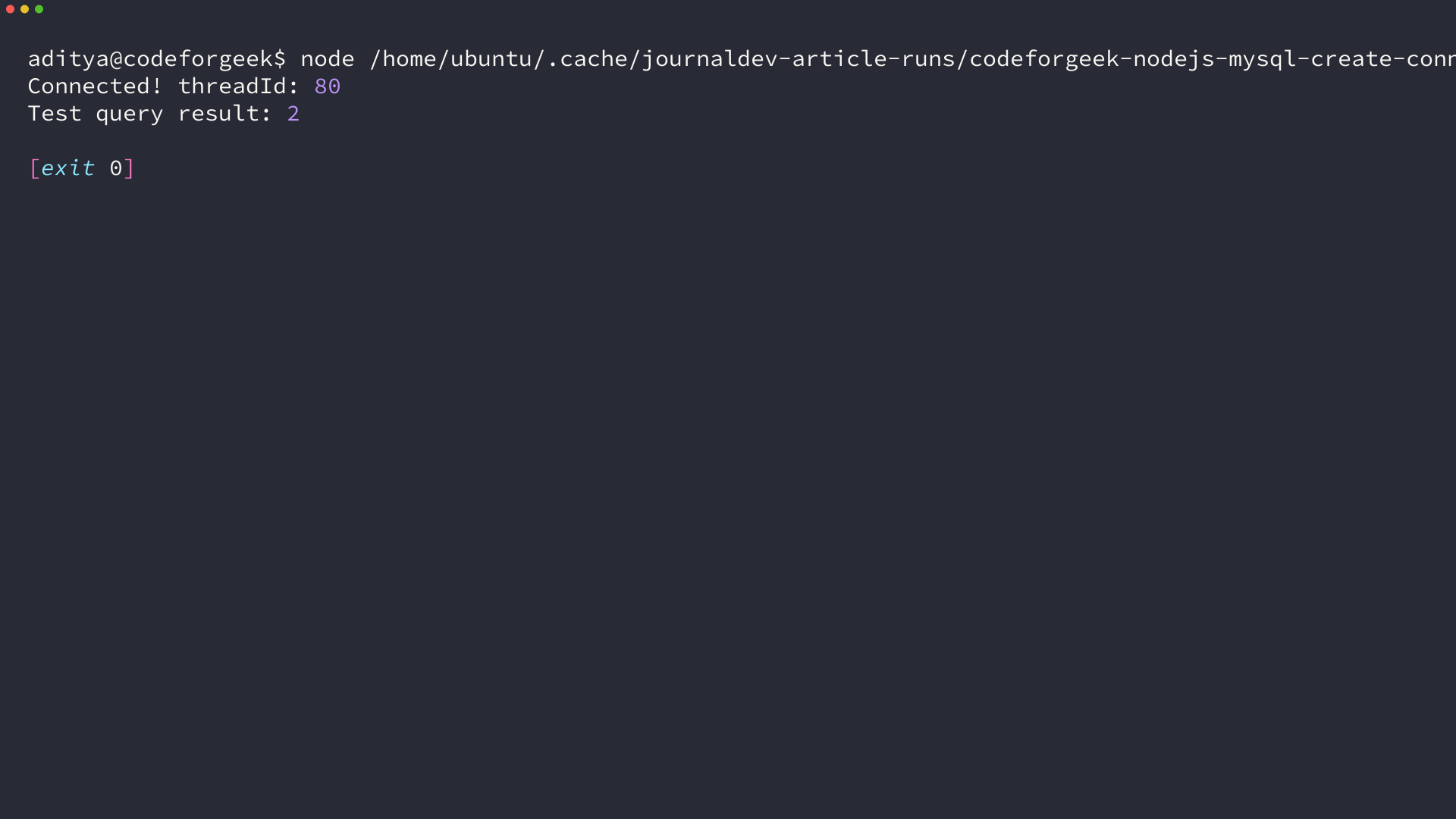
I ran this file as node app.js and got Connected with a numeric threadId followed by Test query result 2, which proves the socket and auth both worked. Keep this file because later steps reuse the same options object.
Step 4 – Use the promise wrapper for async await
Callbacks compose poorly once you chain queries. mysql2 ships two promise paths that behave the same at runtime, so pick one and stay consistent.
const mysql = require('mysql2/promise');

async function main() {
  const connection = await mysql.createConnection({
    host: 'localhost',
    user: 'cfgdemo',
    password: 'cfgdemo123',
    database: 'test'
  });
  console.log('Connected with mysql2/promise');
  const [rows] = await connection.query('SELECT 1 + 1 AS solution');
  console.log('Result:', rows[0].solution);
  await connection.end();
}

main().catch((err) => {
  console.error(err.code, err.message);
});
The second path imports from mysql2/promise directly, which means createConnection already returns a promise and you await it without a callback. Under the hood both call the same protocol, so choose the import that matches the rest of your codebase.
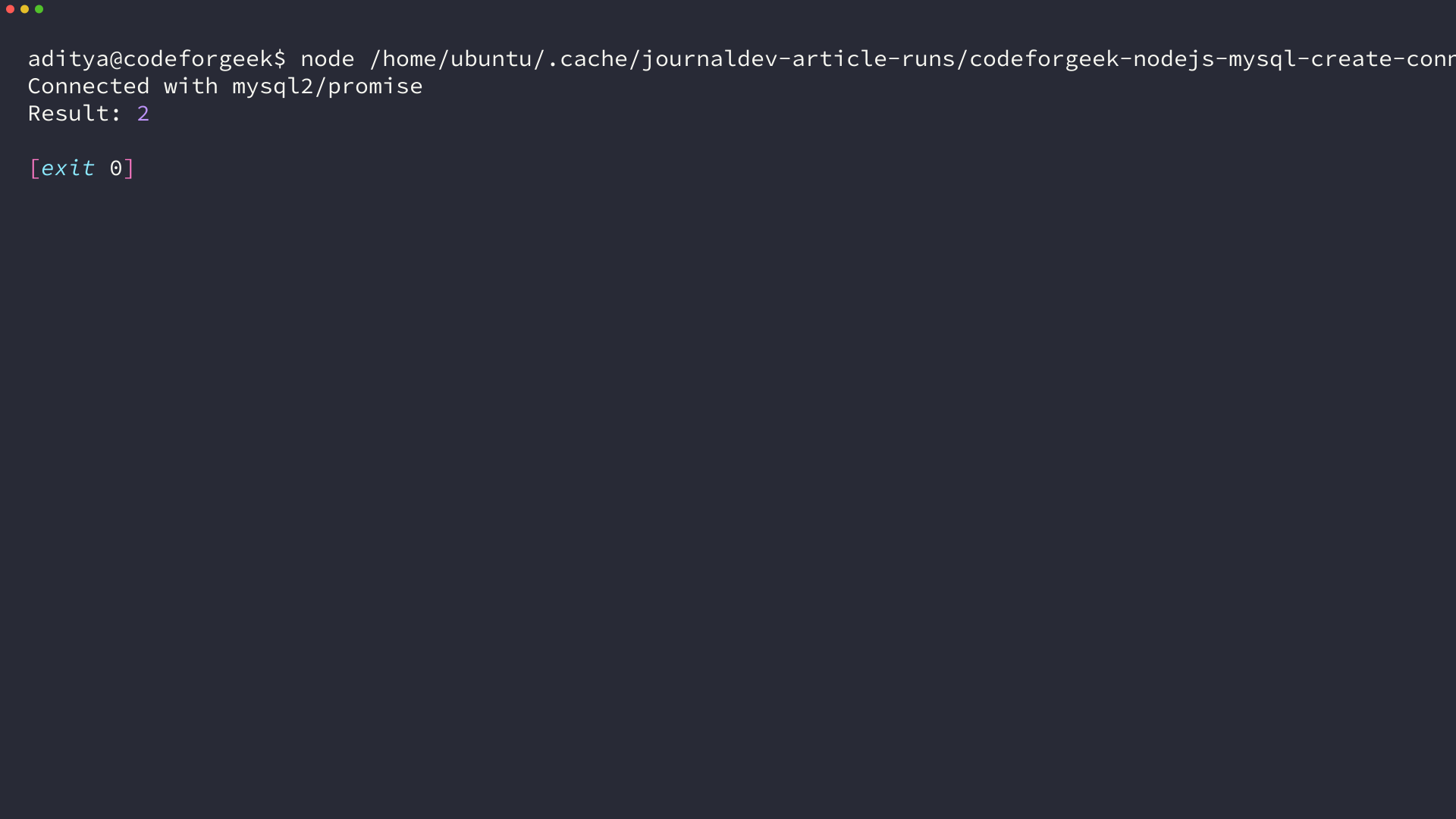
I ran this variant and it printed Connected with mysql2/promise and Result 2 before closing. Because I awaited connection.end, the process exits cleanly instead of hanging on an open socket.
const mysql = require('mysql2');
const pool = mysql.createConnection({
  host: 'localhost', user: 'cfgdemo', password: 'cfgdemo123', database: 'test'
});
pool.promise().query('SELECT 1').then(([rows]) => console.log(rows)).catch(console.error);
This tiny upgrade form shows the alternative. Call promise on a callback connection when you need to mix styles without rewriting the creation line.
Step 5 – Verify with a test query and close cleanly
Never trust connect alone. Always follow it with SELECT 1 + 1 AS solution and close the handle, so you catch auth, database-selection, and networking failures in one place.
connection.query('SELECT 1 + 1 AS solution', (err, rows) => {
  if (err) throw err;
  console.log(rows[0].solution); // 2
  connection.end((err) => {
    if (err) console.error('Close failed', err.message);
  });
});
For promise code use await connection.end after the last query.
If you use a pool you call await pool.end when the app shuts down. A pool holds multiple sockets open, so it keeps the process alive until you close it.
Putting credentials inline works for a tutorial but not for a repo. Move them to environment variables and read them with process.env so the same file runs locally and on a server.
require('dotenv').config();
const mysql = require('mysql2/promise');

async function getConnection() {
  return mysql.createConnection({
    host: process.env.DB_HOST || 'localhost',
    user: process.env.DB_USER || 'cfgdemo',
    password: process.env.DB_PASSWORD || 'cfgdemo123',
    database: process.env.DB_NAME || 'test',
    port: process.env.DB_PORT ? Number(process.env.DB_PORT) : 3306
  });
}
Create a dot env file in the project root with DB_HOST, DB_USER, DB_PASSWORD, DB_NAME. Add it to gitignore so you do not publish secrets by accident.
When a single connection fails and what to use instead
A single connection handles one sequence of queries at a time. It is fine for a CLI script or a tutorial, but it fails in servers where several requests need the database at once, so you should know the two common failure groups and the pool fix.
Fixing ECONNREFUSED, ENOTFOUND, and access-denied errors
I triggered each error on purpose by changing one field at a time, because the message alone tells you which layer failed. Match your code and message to this table before changing drivers.
| Code you see | What it means | Fix |
|---|---|---|
| ECONNREFUSED 127.0.0.1:3306 | No server on host and port | Start MySQL, check ss -tlnp shows 3306, confirm host and port |
| ENOTFOUND | DNS could not resolve host | Fix host spelling, use localhost or 127.0.0.1 |
| ER_ACCESS_DENIED_ERROR | User or password wrong | Recreate user, check password, verify GRANT |
| ER_BAD_DB_ERROR | Database does not exist | Create database or remove database field for the first test |
| PROTOCOL_CONNECTION_LOST | Server closed socket, often after idle timeout | Reconnect on error, or use a pool with idle checks |
| ER_NOT_SUPPORTED_AUTH_MODE | MySQL 8 caching_sha2_password without updated driver | Use mysql2 3.x which supports it, or ALTER USER to mysql_native_password |
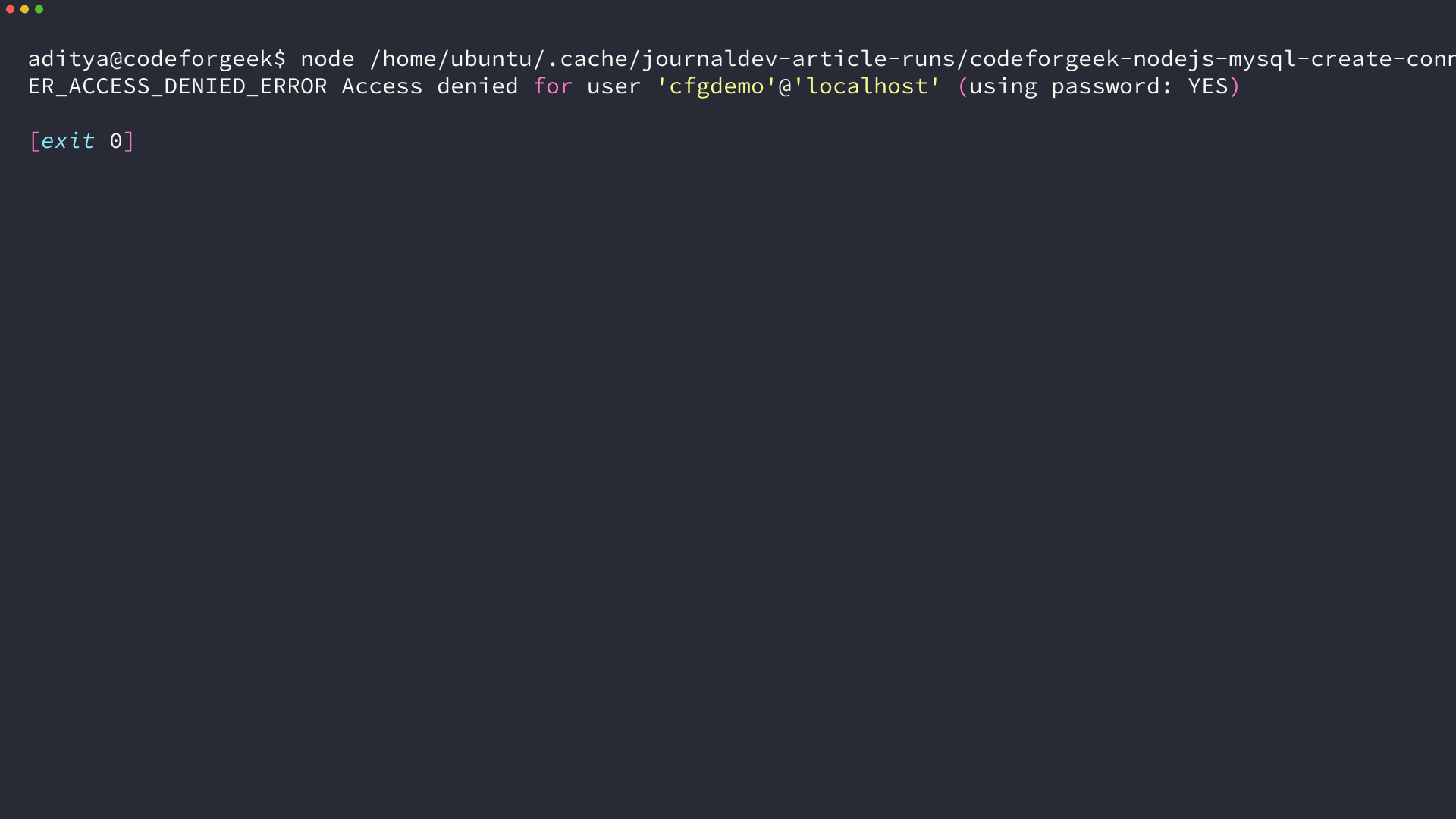
The most surprising one for me was ER_ACCESS_DENIED_ERROR with using password YES when I typed cfgdemo123 correctly but targeted root by mistake. The error reports the user you attempted, so read the user part carefully before resetting a password you did not use.
connection.connect((err) => {
  if (err) {
    if (err.code === 'ECONNREFUSED') console.error('Start MySQL on 3306');
    if (err.code === 'ER_ACCESS_DENIED_ERROR') console.error('Check user and password');
    return;
  }
});
Map codes to actions in your handler instead of throwing, because throwing inside connect kills a server process while returning lets you log and retry or surface a 500 with context.
Choosing createConnection vs createPool
Use createConnection for a script that runs once and exits, and use createPool for a web server that handles concurrent requests because the pool keeps several sockets ready and queues queries when all are busy.
const mysql = require('mysql2/promise');

const pool = mysql.createPool({
  host: 'localhost',
  user: 'cfgdemo',
  password: 'cfgdemo123',
  database: 'test',
  waitForConnections: true,
  connectionLimit: 10,
  queueLimit: 0
});

async function run() {
  const [rows] = await pool.query('SELECT 1 + 1 AS solution');
  console.log('Pool query:', rows[0].solution);
  await pool.end();
}
run();
waitForConnections true tells the pool to queue when all 10 connections are busy rather than failing immediately. connectionLimit 10 is a sane default for a small app, and queueLimit 0 means no cap on queued requests, so tune both once you measure live concurrency.
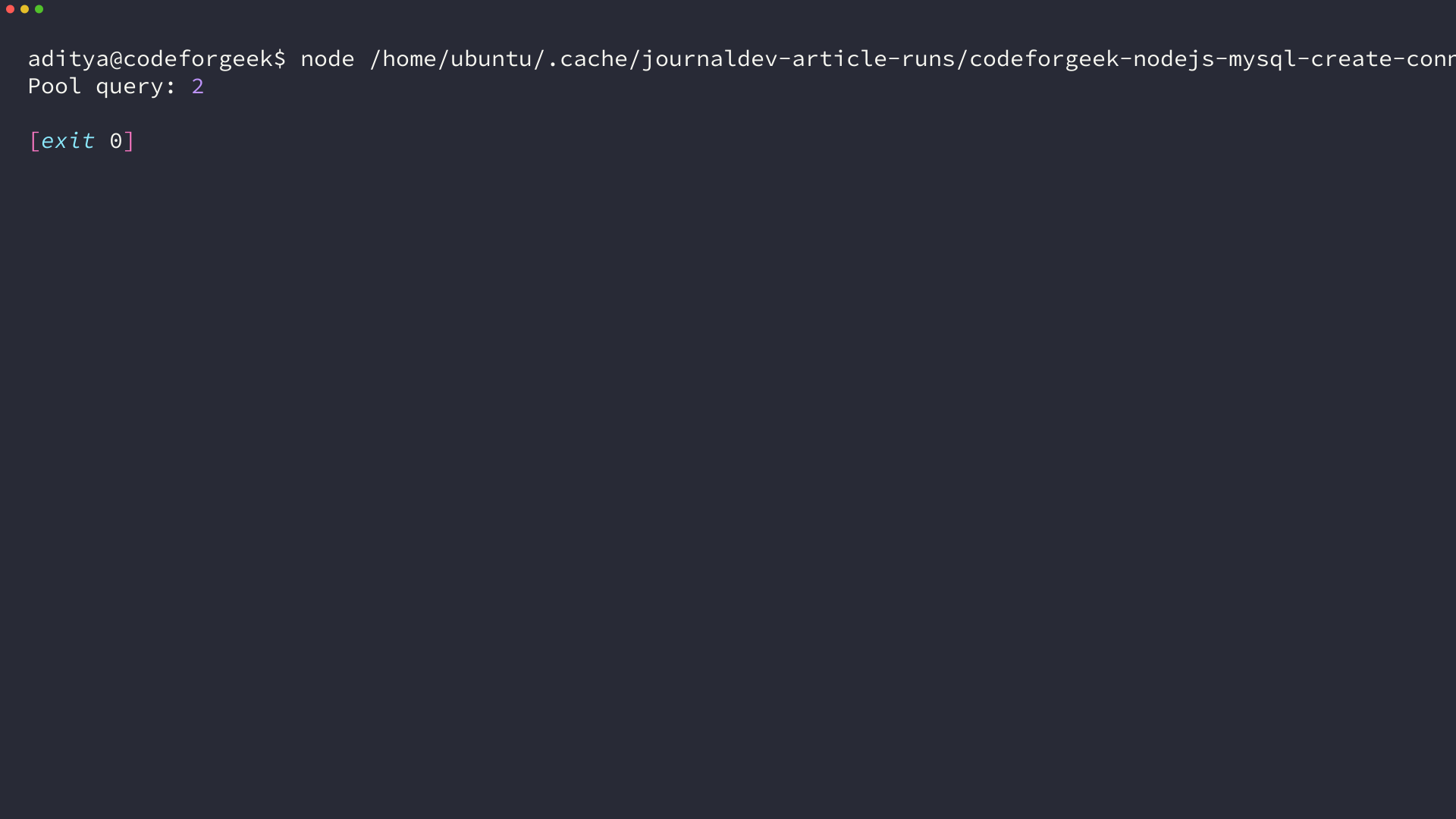
I ran the pool snippet against the same test database and it printed Pool query 2, then pool.end closed all sockets. If you forget end in a script the process stays alive, which looks like a hang but is just an open pool.
This is also the place where the cluster links earn their keep. When the connection works the next task is usually to create a database or a table in that database, so keep the CodeForGeek spoke on creating a database with Node and MySQL handy when you move to the next step, and then continue to creating a MySQL table from Node once the database exists. If you already expect concurrent users, read the Node MySQL connection pool example before you ship, because it expands the 10-connection default into production tuning.
What you have now and what to do next
You have a verified way to open a MySQL socket from Node with mysql2, prove it with SELECT 1 + 1, handle the five errors that block beginners, and choose between a single connection and a pool without guessing. The three terminal runs I captured – install metadata, single-connection success, and pool success – all printed 2, so you can diff your output against mine.
- Keep one helper that reads from env and returns a connection or pool
- Reuse that helper across routes, do not create a new connection per request
- Close with end on script exit and pool.end on server shutdown
Keep one helper that returns a connection or pool from environment variables and reuse it across routes. Add connection.promise or the mysql2/promise import once you move to async await everywhere, and put connection loss handling in one place.
From here create the schema you need and then practice parameterized queries so you do not concatenate user input into SQL. I now keep one db helper per app that exports getPool, and it avoids the per-route connection bug that caused my first MariaDB handshake to hang. The pool stays open for the lifetime of the server and closes only on shutdown.
FAQ
Should I use mysql or mysql2 for a new Node project
Use mysql2. The mysql package is in maintenance mode and its npm page points to mysql2. mysql2 is compatible with the mysql API, adds prepared statements and a promise wrapper, and supports MySQL 8 auth, so every sample on this page uses mysql2.
Why do I get ECONNREFUSED when MySQL seems running
ECONNREFUSED means no process listens on that host and port. Run ss -tlnp and confirm 127.0.0.1:3306 appears. If you use XAMPP confirm the control panel shows MySQL Running, and check that host and port in createConnection match.
What is the difference between createConnection and createPool
createConnection opens one socket and handles one query at a time. createPool opens several sockets up front, reuses them, and queues queries when all are busy. Use a single connection for scripts and a pool for servers that handle concurrent requests.
How do I use async await instead of callbacks
Import from mysql2/promise and await createConnection, then await connection.query. You can also call .promise() on a callback connection, but picking one style for the file keeps error handling consistent.