New to Rust? Grab our free Rust for Beginners eBook Get it free →
How to Use DeepSeek AI for Free: Web and App Guide (2026)

DeepSeek offers free AI chat through its official website and mobile app, while developer access through the application programming interface (API) uses token billing. I checked DeepSeek’s official homepage and API documentation on July 17, 2026, so you can choose the free route without confusing chat access with API credits.
Is DeepSeek AI free?
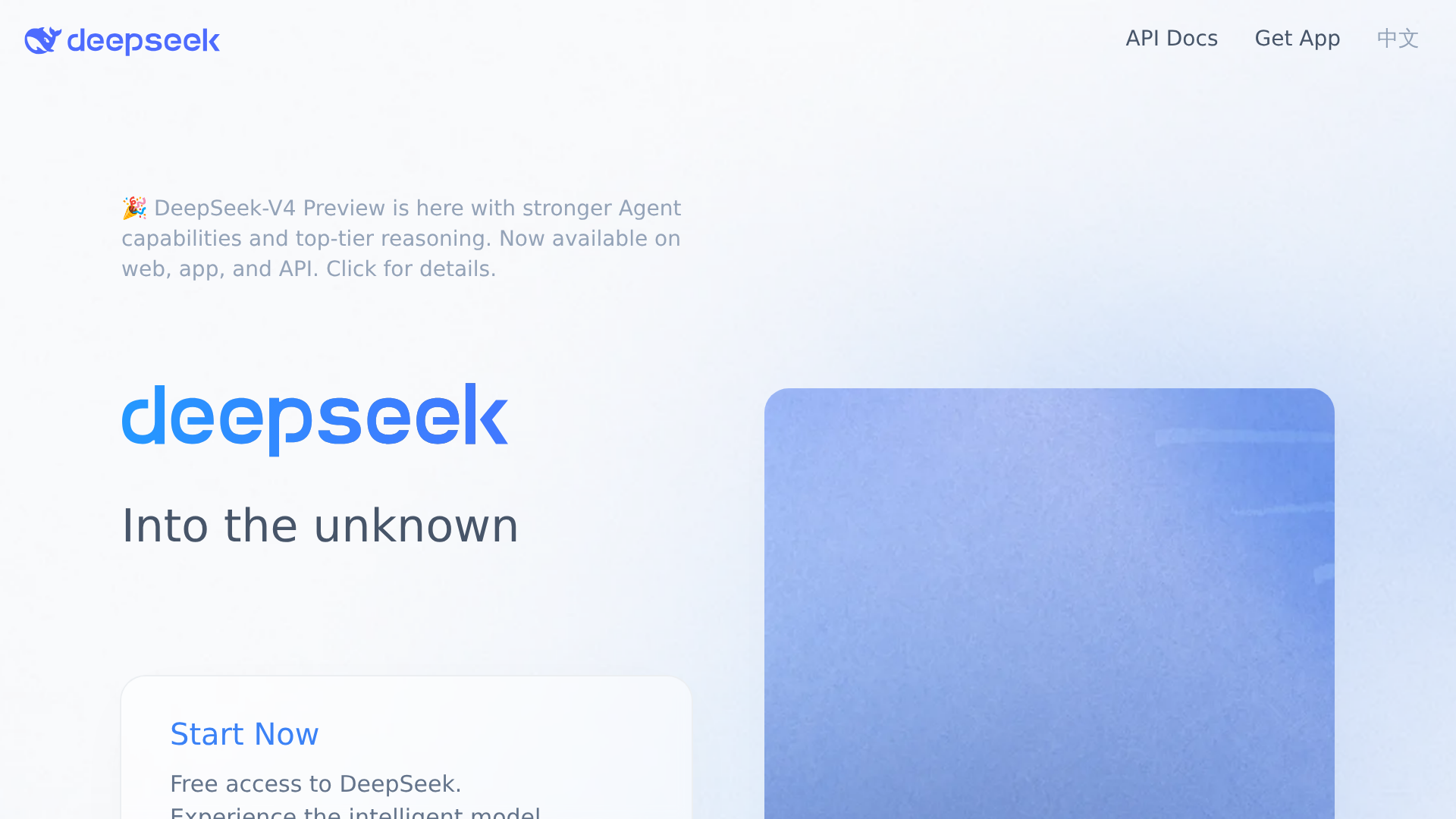
Yes. DeepSeek’s official homepage links to free chat access and says its V4 Preview is available on the web, app, and API.
Free chat and API access follow different billing models.
DeepSeek does not publish a fixed message allowance for the free chat, while API calls deduct charges from a topped-up or granted balance.
| Access route | Price structure | Best use |
|---|---|---|
| Official web chat | Free access | Questions, writing, research, and occasional file work |
| Official mobile app | Free access | Chat from a phone or tablet |
| DeepSeek API | Usage-based token billing | Apps, automation, and repeatable developer workflows |
How to use DeepSeek for free on the web
The web route requires no software installation. Use the official domain so you do not hand prompts or account details to an unrelated service using the DeepSeek name.
- Open chat.deepseek.com from DeepSeek’s homepage.
- Create an account or sign in when the service asks you to authenticate.
- Start a new conversation and describe the outcome you need.
- Add constraints, source material, or a preferred output format.
- Review the answer before you use it in code, coursework, or published work.
A useful first prompt names the task, provides the necessary context, and defines the response shape. “Explain why this JavaScript promise rejects, then return a corrected example and a short test” gives the model more direction than “fix my code.”
Use the free DeepSeek app
DeepSeek links its official mobile download from the product homepage.
Follow the official app download page instead of choosing an app only because its store title contains DeepSeek.
Sign in with the same account if you want your available conversation history across devices. App-store availability and account options can differ by region, so the official download page is the safest starting point.
Prompts that produce more useful answers
Free access does not make vague instructions more precise.
Give DeepSeek enough context to evaluate the work, then request an output you can inspect.
- Learn a concept. “Explain event loop phases to a Node.js beginner. Include one compact example and a five-question quiz.”
- Debug code. “Find the cause of this error. Explain the failing line, provide a corrected version, and list two edge cases I should test.”
- Compare choices. “Compare PostgreSQL and MongoDB for an audit-log service. Use a table covering schema changes, transactions, query needs, and operating effort.”
- Revise writing. “Rewrite this paragraph for a technical audience. Preserve every factual claim, remove repetition, and list any claim that needs a source.”
Treat generated claims as a draft, not evidence. Check documentation, execute code, and inspect cited sources before the answer affects a user or production system.
What limits apply to free DeepSeek chat?
DeepSeek’s public homepage offers free access, but it does not state a fixed daily message count. A temporary slowdown or unavailable response does not prove that your account has a permanent quota.
Check the DeepSeek service status page when the chat fails across multiple attempts. Large uploads, long conversations, and peak demand can also affect whether a request completes, although DeepSeek does not publish one universal allowance for every chat feature.
Free chat is not a free API
The API is a developer product with separate credentials and billing.
DeepSeek’s official pricing page lists costs per one million tokens and deducts charges from granted or topped-up balance.
| API model | Cached input | Uncached input | Output |
|---|---|---|---|
| deepseek-v4-flash | $0.0028 | $0.14 | $0.28 |
| deepseek-v4-pro | $0.003625 | $0.435 | $0.87 |
Every price in the table is in US dollars per one million tokens, verified against DeepSeek’s pricing documentation on July 17, 2026. The same page says deepseek-chat and deepseek-reasoner are scheduled for deprecation on July 24, 2026, with compatibility mapped to V4 Flash modes until that date.
Choose free web or app chat when you want an interactive assistant. Choose the API when software needs to send requests automatically, then use my DeepSeek API setup guide to understand keys, balances, and integration steps.
Protect sensitive information
Do not paste passwords, private keys, customer records, unreleased source code, or confidential contracts into a public chatbot. Remove identifying details when the task does not require them.
Read DeepSeek’s privacy policy and your organization’s AI policy before using work data. A free account changes the price, not the sensitivity of the material you submit.
Which free route should you choose?
Start with the official web chat when you want the quickest path from a browser. Install the official app when phone access matters, and move to the API only when automation justifies usage-based billing.
| Your task | Choose |
|---|---|
| Ask questions or revise text in a browser | Free web chat |
| Use DeepSeek from a phone | Free official app |
| Connect DeepSeek to your own application | Paid API |
| Send confidential organizational data | Use only after policy and privacy review |
Frequently asked questions
The distinction between free chat and paid developer usage answers the questions that matter before you create an account.
Can I use DeepSeek without paying?
Yes. DeepSeek offers free chat access through its official website and mobile app. API calls use separate token billing.
Does free DeepSeek chat have a daily message limit?
DeepSeek does not publish one fixed daily message allowance on its public homepage. Capacity and feature availability can vary, so check the service status page when requests fail.
Is the DeepSeek API free?
The API uses token billing. An account may receive granted balance, but you should budget from the official per-token prices rather than assume a permanent free API tier.
Which DeepSeek model does the free chat use?
DeepSeek’s homepage says V4 Preview is available on the web and app. The interface can change, so check the model label shown in your chat before relying on a specific mode.
Where should I download the DeepSeek app?
Use the download link on deepseek.com. That route points you to the official app option for your device and region.