New to Rust? Grab our free Rust for Beginners eBook Get it free →
Global Aviation Data with Aviationstack


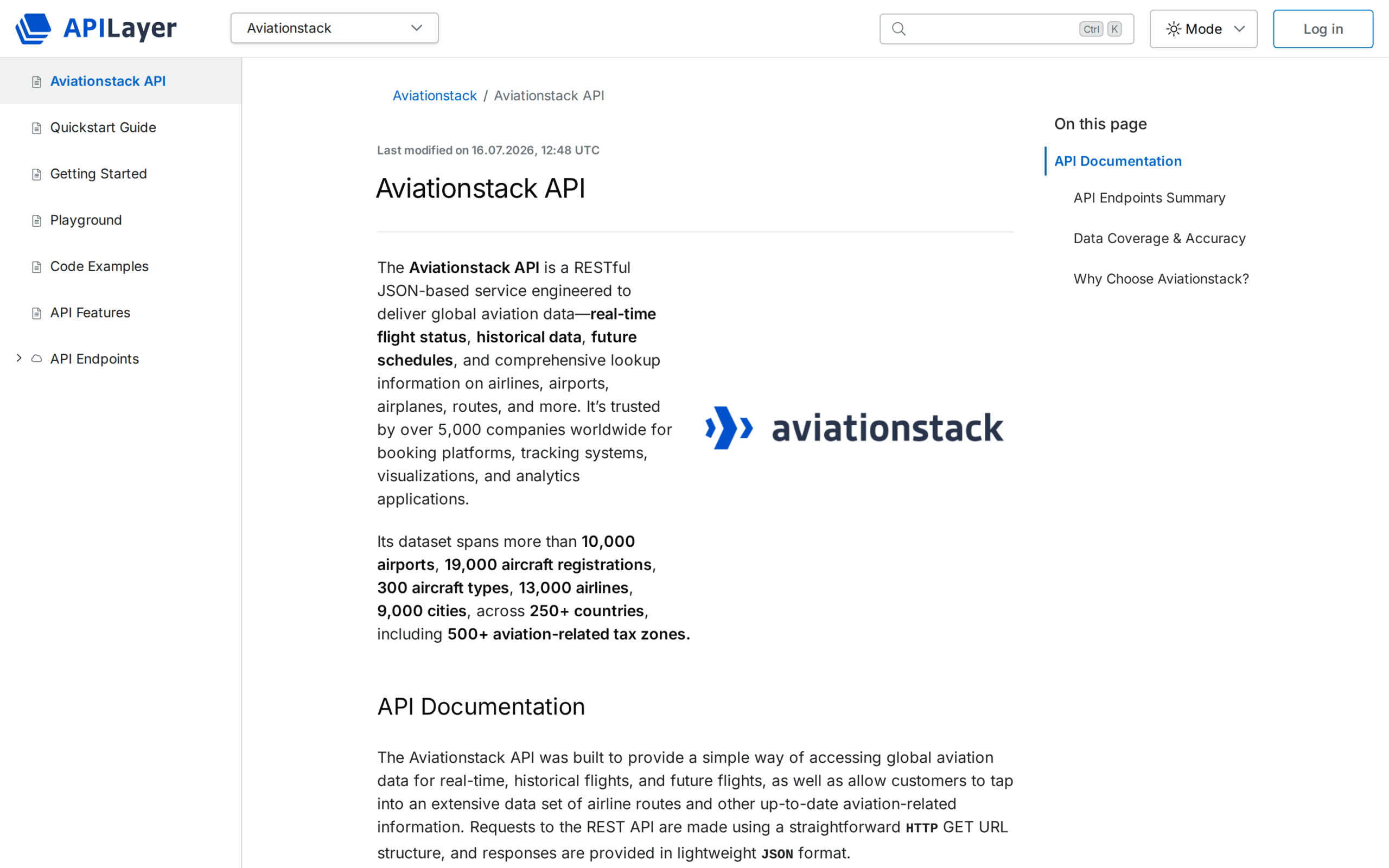
An app that shows flight status needs a source for records about each flight. Aviationstack lets an application request flight records with status and details such as departure and arrival.
I’ll show how to request those records from a Node.js server and handle fields that may be missing.
TL;DR
Aviationstack exposes flight-level status through a REST endpoint that returns JSON, while historical flights and future schedules use their own query paths.
- Use the flights endpoint to look up records and filter them with supported parameters.
- Keep your access key on a server and check HTTP errors before parsing JSON.
- Expect optional or null fields, empty results, and plan limits.
What Aviationstack data can you request?
Aviationstack lets you request flight status and details, historical flight records, future schedules, and reference lookups, depending on the endpoint and plan.
A flight record describes one service and can include departure, arrival, airline, flight number, status, and position fields.
| Need | Starting point | Use it for |
|---|---|---|
| Flight status | /v1/flights | Flight-level records and current status lookups |
| Past flight records | /v1/flights with flight_date | Historical queries, subject to plan access |
| Future timetable | /v1/flight_schedules or /v1/flightsFuture | Scheduled services, not confirmed live positions |
| Industry totals | IATA WATS or the World Bank Global Aviation Dashboard | Aggregated demand, capacity, or airline statistics |
How to query Aviationstack from Node.js step by step
To query Aviationstack from Node.js, read the API key on the server, build a request to the flights endpoint, check the HTTP response, then handle the returned records.
Step 1: Keep the API key on the server
Provide the key to Node as an environment variable. Do not commit it or place it in a frontend bundle. The sample checks for a missing key before making a request.
The docs list the flights endpoint for all plans, while historical filtering and future schedules require Basic or higher.
Step 2: Request and check flight records
Use URLSearchParams to encode the access_key parameter. Add a flight or airport filter only after checking its documented parameter name.
Check response.ok before parsing, and handle upstream errors without returning the key or raw provider details.
Retry temporary network failures with a bounded delay. Do not repeat invalid-parameter or authentication requests unchanged.
Step 3: Read fields that may be absent
Check for records before reading nested fields. An actual departure time or aircraft position may be missing until that stage of the flight, so use optional chaining and a visible fallback.
The complete file combines the request and field checks. I ran it without a key to verify the local guard. That run stopped before contacting Aviationstack, so it does not show provider data.
const apiKey = process.env.AVIATIONSTACK_KEY;

if (!apiKey) {
  console.error("Set AVIATIONSTACK_KEY before starting this example");
  process.exitCode = 1;
} else {
  const params = new URLSearchParams({ access_key: apiKey });
  const url = `https://api.aviationstack.com/v1/flights?${params}`;
  const response = await fetch(url);

  if (!response.ok) {
    throw new Error(`Aviationstack returned HTTP ${response.status}`);
  }

  const result = await response.json();
  const flights = Array.isArray(result.data) ? result.data : [];

  for (const flight of flights) {
    console.log({
      number: flight.flight?.iata ?? "Unknown",
      status: flight.flight_status ?? "Unavailable",
      departure: flight.departure?.airport ?? "Unavailable",
      actual: flight.departure?.actual ?? null
    });
  }
}
The exact run produced this output because no API key was available in the environment:
pankaj@codeforgeek:~$ node aviationstack_flights.mjs
Set AVIATIONSTACK_KEY before starting this example

Convert timestamps using the airport’s timezone when supplied. An offset does not mean the timestamp uses the viewer’s local time.
For history, check the documented date format before sending flight_date. February 31 is invalid and cannot test an endpoint.
Pagination matters when a query returns more records than one response page can hold. Read its pagination values and request later pages as the documentation describes.
Label a displayed departure time as scheduled or actual so readers can tell the plan from a reported event.
What limits and edge cases should you handle?
Handle limits and edge cases by checking the key and request first, showing a no-match state for empty results, using fallbacks for absent fields, and following pagination links within your plan.
| Case | What you may see | What to do |
|---|---|---|
| Missing or invalid key | Authentication error | Check the server environment variable and account key. Never print the key in logs. |
| Bad filter or denied endpoint | Request error or plan restriction | Verify the parameter spelling, endpoint, and plan in current docs. |
| No matching flight | An empty data array | Show a no-match state. Verify the flight identifier and date. |
| Flight is not complete | Null actual time, gate, or position value | Render “not available” and refresh according to the product’s needs. |
| Large result set | Partial page of records | Read pagination fields returned by the API and request further pages within plan limits. |
The vendor describes the data as live, but does not promise a fixed update interval. Show response timestamps when available.
The product homepage lists 100 free requests per month. Verify the quota before estimating usage.
When handling failures in Node.js, a focused guide to HTTP status codes helps separate client errors from temporary upstream failures. If you are choosing between Node’s built-in HTTP tools and a framework, see Node.js and Express.js before deciding where the provider call belongs.
Conclusion
Keep the integration narrow: request only the fields the screen needs, and label their timestamps and status clearly.
Start with the Aviationstack API documentation for endpoint and plan details. Related datasets include IATA WATS and the World Bank dashboard.
FAQ
These answers distinguish the API’s flight-level endpoints from other aviation data and note where plan access matters.
Does Aviationstack provide real-time flight data?
Its documentation describes real-time flight status through the flights endpoint. Returned fields and coverage depend on the query and data available for that flight.
Can I request historical flight data?
Yes. Aviationstack documents historical flight queries with the flight_date parameter, subject to plan availability. Check the current documentation for the accepted format.
Can Aviationstack return future flight schedules?
Aviationstack documents flight_schedules and flightsFuture endpoints for scheduled or future flights. The documentation lists these endpoints for Basic and higher plans.
Where should I store my Aviationstack API key?
Keep it in a server-side environment variable or secret manager. Do not embed the key in browser code or commit it to source control.