New to Rust? Grab our free Rust for Beginners eBook Get it free →
Craiyon AI Image Generator: Everything You Need to Know

Craiyon turns a text description into a set of images in your browser, making the AI Craiyon image generator useful for quick concepts and prompt experiments on a limited free tier or a paid plan with cleaner exports, faster processing, and privacy options.
What is Craiyon?
Craiyon began as DALL-E mini and now works as a web-based generator that creates several image interpretations from your description of a subject, setting, style, and composition.
You can generate images on the free tier without installing software.
Craiyon’s public pricing page also lists Supporter, Professional, and Ultra plans for features such as watermark removal, priority generation, editing credits, and private generations on eligible plans.
How to generate an image with Craiyon
Open the Craiyon image generator and enter a description of the image you want, identifying the subject first and then adding the scene, visual style, lighting, colors, and camera or composition details.
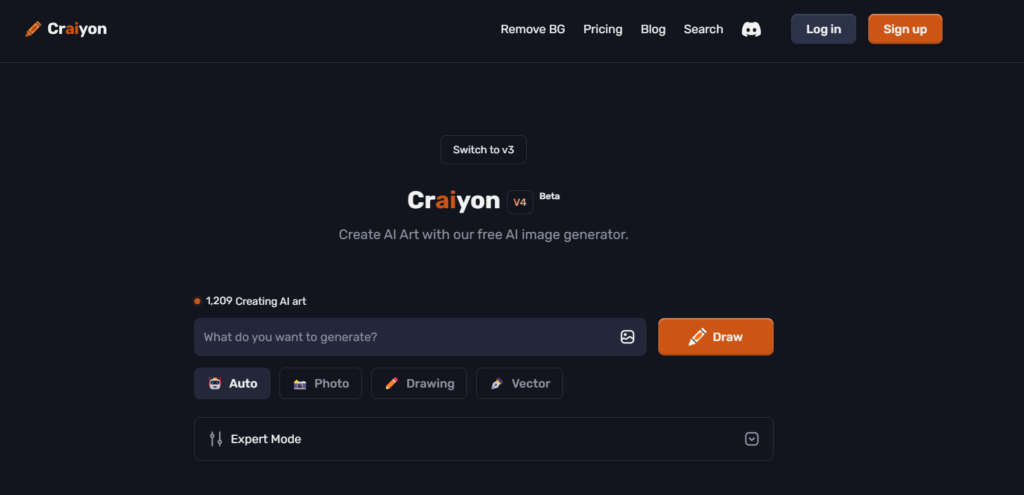
1. Start with a specific prompt
“A flag ceremony” leaves the model to decide nearly every visual detail.
A stronger prompt could ask for “an Indian flag-hoisting ceremony outdoors, a celebrating crowd, clear blue sky, documentary photography, wide-angle composition, warm morning light.”
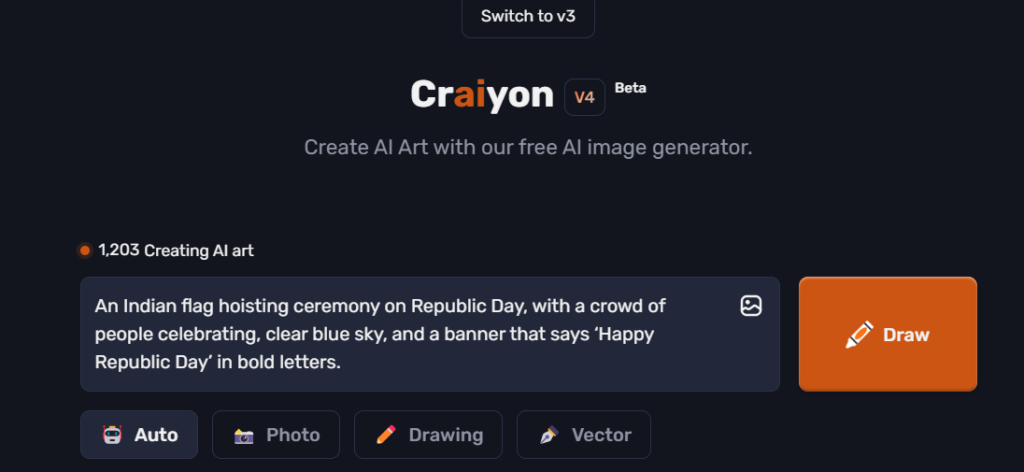
2. Generate and compare the results
Select Draw and compare the generated options against your original request, checking the subject, composition, colors, hands, faces, and any requested lettering before choosing an image.
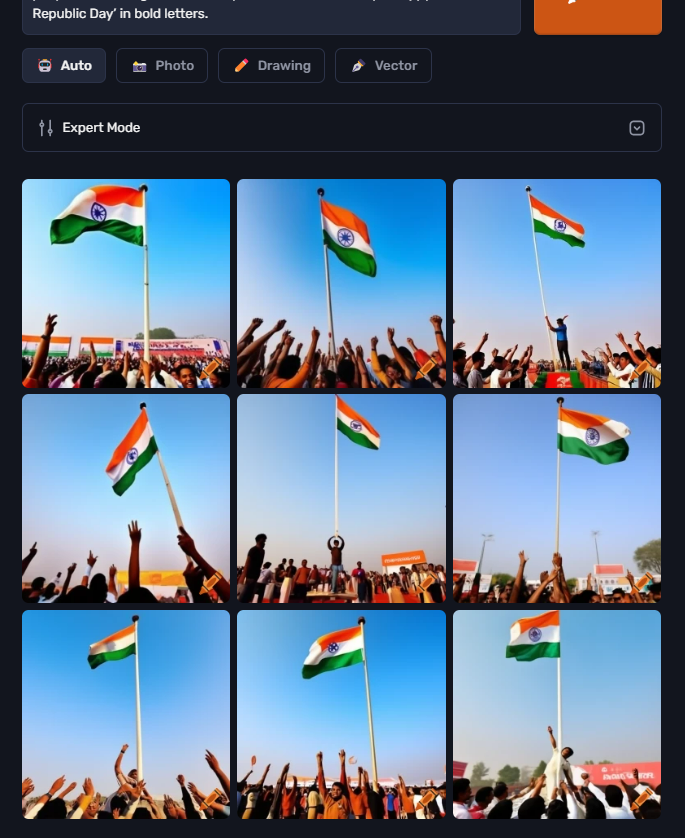
3. Refine one variable at a time
Change one weak part of the prompt instead of replacing the whole description, perhaps keeping the subject and setting while requesting a closer composition, softer light, a different medium, or fewer background elements.
Craiyon’s current generator page also lets you exclude unwanted elements when an object, color, or visual trait keeps appearing across attempts.
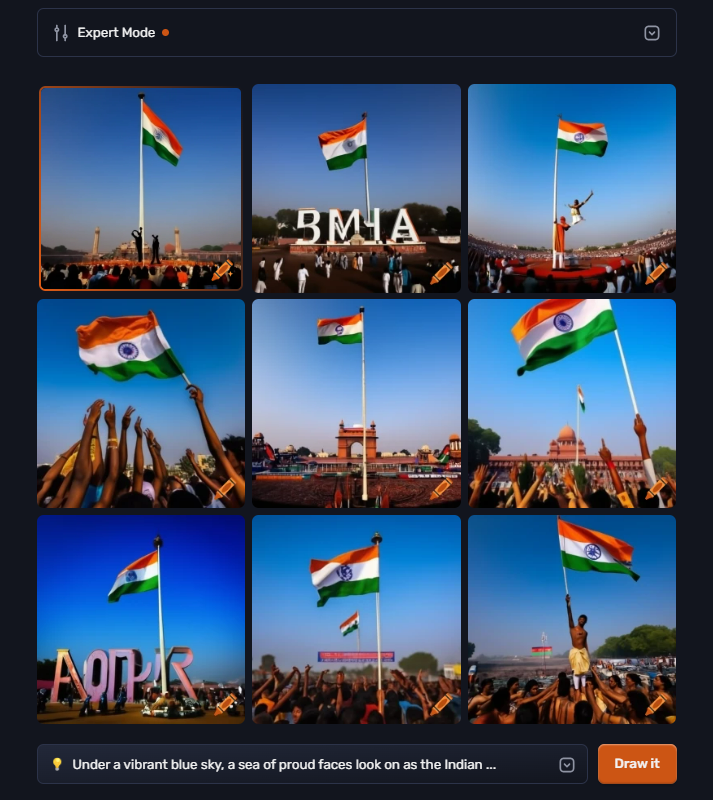
How to write better Craiyon prompts
Prompt quality improves when each phrase controls a visible choice. Use the following checks before adding more adjectives.
- Name the subject. Identify the person, object, animal, or scene that should dominate the image.
- Describe the setting. Add a location, time of day, weather condition, or background only when it affects the result.
- Choose a medium. Ask for a photograph, watercolor, pencil drawing, pixel art, collage, or another visual treatment.
- Control composition. Terms such as close-up, overhead view, centered subject, shallow depth of field, or wide-angle shot guide the frame.
- Treat text as a weak point. Generators can misspell words or distort letters. Add important copy later with a design tool if exact wording matters.
If you want to compare Craiyon with other no-cost options, the free AI image generator roundup gives you a broader shortlist. You can also use the prompt techniques in the ChatGPT guide to turn a rough visual idea into a structured description before moving it into Craiyon.
Free tier and paid plans
The free tier is the sensible starting point for occasional concepts and prompt practice. Craiyon states that free accounts receive a limited number of images and limited functionality, so generation availability and editing controls can differ from paid access.
Paid plans are a better fit when you need no-watermark downloads, faster queues, more editing credits, or private image generation. Check the official pricing page before subscribing because plan limits and included features can change.
Craiyon limitations to check
Fast access does not make every output ready for publication. Review these constraints before using a generated image in client work or a production asset.
- Prompt adherence varies. Crowded scenes and requests with several relationships can lose details.
- Hands, faces, and lettering need inspection. Small distortions may only become obvious after you download or enlarge an image.
- Free access has restrictions. Paid plans cover watermark removal and other workflow features that the free tier limits.
- Usage rights require a source check. Read Craiyon’s current terms and your selected plan conditions before commercial publication.
When Craiyon is a good fit
Craiyon works well when you need a browser-based way to explore a visual idea, compare prompt variations, or create a rough concept before polishing it elsewhere. Start with the free tier, keep each prompt concrete, and judge the result against its intended use rather than the novelty of the generation.
Frequently asked questions
Is Craiyon free to use?
Craiyon offers a free tier with limited images and functionality. Paid plans add features such as faster processing, editing credits, watermark removal, and privacy options on eligible plans.
Do I need to install Craiyon?
No. Craiyon runs in a web browser, so you can enter a prompt and generate images without installing a desktop application.
How can I improve a Craiyon image?
Describe the subject, setting, medium, lighting, and composition. Refine one weak variable at a time and exclude unwanted elements when they keep appearing.