New to Rust? Grab our free Rust for Beginners eBook Get it free →
My Search for the Best AI Browsers of 2026

I checked the leading AI browsers against their official product pages on July 29, 2026, then compared them by the job each one handles best. Comet is my pick for research, Atlas offers the deepest supervised web automation on a supported Mac, and Norton Neo is the easiest free option if security controls matter more than an agent that clicks through sites.
The best AI browsers at a glance
An AI browser can either assist you with a page or act across pages. That distinction matters more than the model name because an assistant summarizes and drafts, while an agent can click, type, compare, and complete a multi-step task under your supervision.
| Browser | Best for | Public access and US price checked July 29, 2026 | Main boundary |
|---|---|---|---|
| Perplexity Comet | Research across sources and tabs | Free browser on Mac, Windows, iOS, and Android | Cloud assistance needs access to page context |
| ChatGPT Atlas | Supervised multi-step web tasks | Free on supported Macs. Agent mode requires an eligible paid ChatGPT plan. Plus is $20 per month and Pro is $200 per month. | Apple silicon Mac with macOS 14.2 or later |
| Dia | Turning tabs and connected work apps into reports | The public page shown during this check invited visitors to join a waitlist and did not publish a price | Access and platform reach are narrower than Comet |
| Opera Neon | Parallel research, creation, and browser tasks | $19.90 per month for Standard on Windows and macOS | No free Neon tier |
| Norton Neo | Free AI-assisted browsing with security features | Free. The official download page offered a Windows x64 build during this check. | Less suited to long autonomous workflows |
Browser subscriptions and application programming interface (API) billing are separate, so paying for a browser or chatbot plan does not include developer API usage unless the vendor states that entitlement on the plan page.
1. Perplexity Comet is the best choice for research
Comet puts Perplexity search and its assistant inside a Chromium browser. You can ask it to compare open pages, summarize a source, draft a reply, or take a limited action without moving the context into another app.
Choose Comet if your work begins with finding and reconciling information. Its cited answers give you a better audit trail than an assistant that returns an unsupported summary, though you should open the cited pages before relying on a consequential claim.
Perplexity offers the browser free across desktop and mobile platforms, while paid plans can raise limits or add stronger research features without including a developer API account.
2. ChatGPT Atlas is the strongest fit for supervised automation
ChatGPT Atlas places ChatGPT beside the page and adds browser memories plus agent mode. The agent can navigate a site, fill forms, compare options, and pause when an action needs your confirmation.
OpenAI’s support page lists Atlas for Apple silicon Macs running macOS 14.2 or later, with agent mode available on eligible paid plans such as Plus and Pro even though free users can use the browser.
Use Atlas when you already pay for ChatGPT and can supervise each important step. Its value drops if you need Windows support or expect unattended checkout, account changes, or other high-impact actions.
3. Dia is the best fit for synthesis across work apps
Dia focuses on gathering material from tabs and connected services such as Slack, Notion, and Calendar, then turning it into a report or task list. It is less about handing the browser a checkout flow and more about reducing the copy-and-paste work between sources.
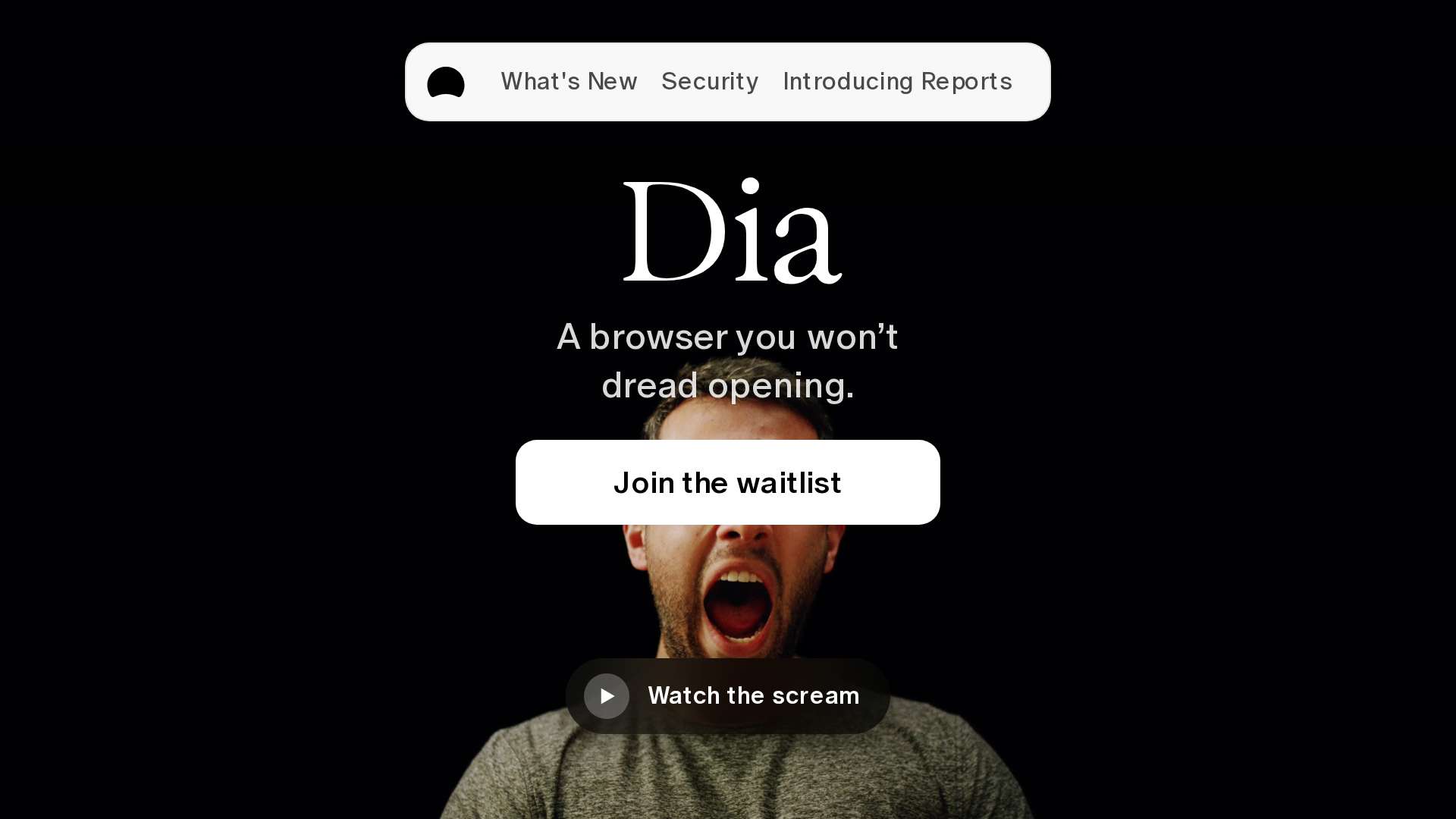
The official page captured on July 29, 2026 displayed a waitlist, so access may depend on your account or rollout. Pick Dia when its synthesis workflow matches your work and confirm access before planning a team migration around it.
4. Opera Neon is built for several agent jobs at once
Opera Neon separates chat, research, creation, and acting into a browser made for agent-led work. Its task system can keep multiple jobs moving, which is useful when you want one workspace for research and browser automation rather than a sidebar added to a conventional browser.
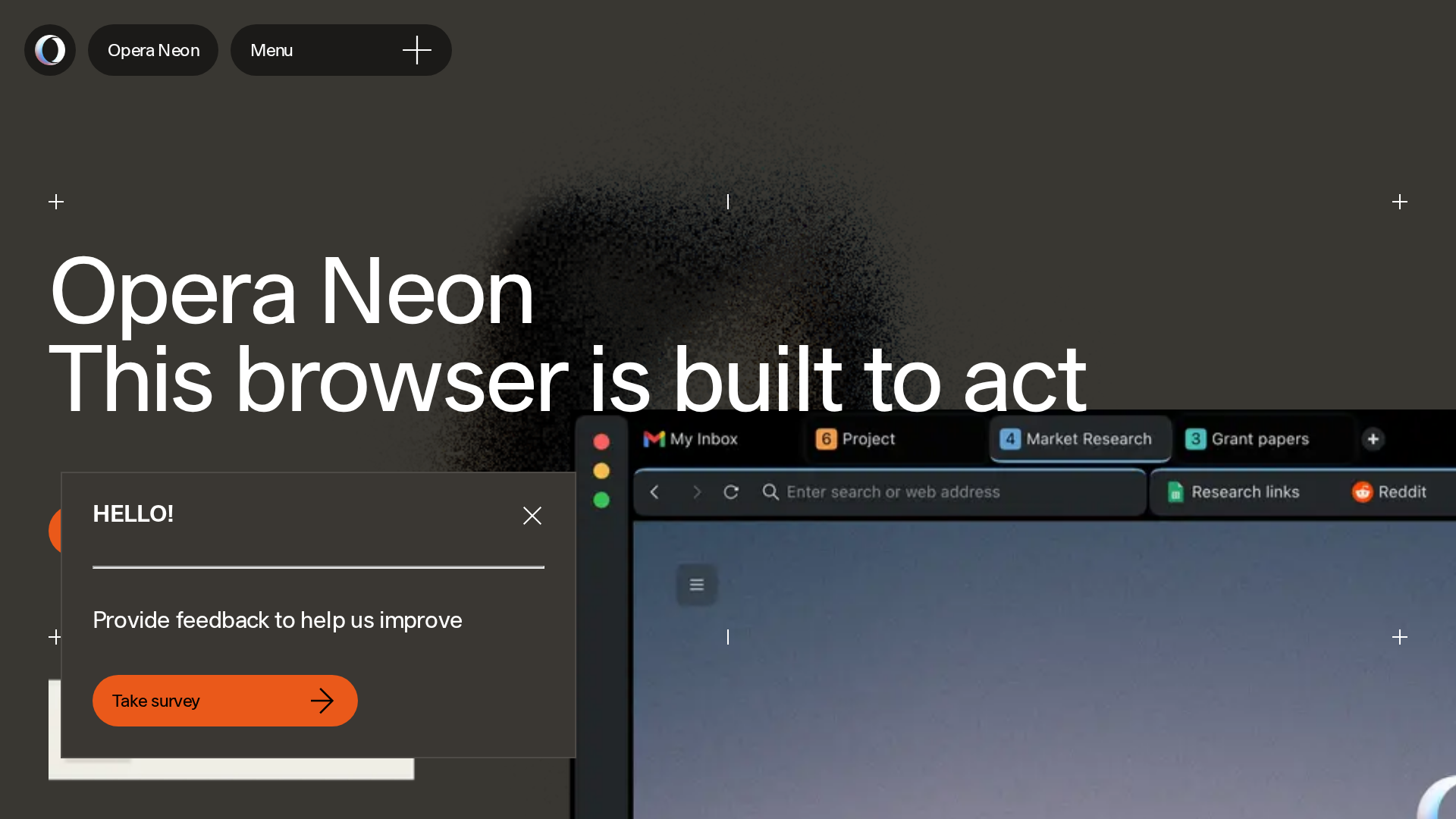
Opera lists the Standard plan at $19.90 per month for Windows and macOS, a fee that only makes sense if parallel tasks replace enough manual browsing to justify another subscription because the free Opera browser already includes the lighter Aria assistant.
5. Norton Neo is the easiest free security-focused pick
Norton Neo combines conversational search with Norton Web Shield, memory controls, and a built-in virtual private network (VPN). The product page says you can choose what Neo remembers or disable memory, which gives you a clearer control surface before you share browsing context with its assistant.
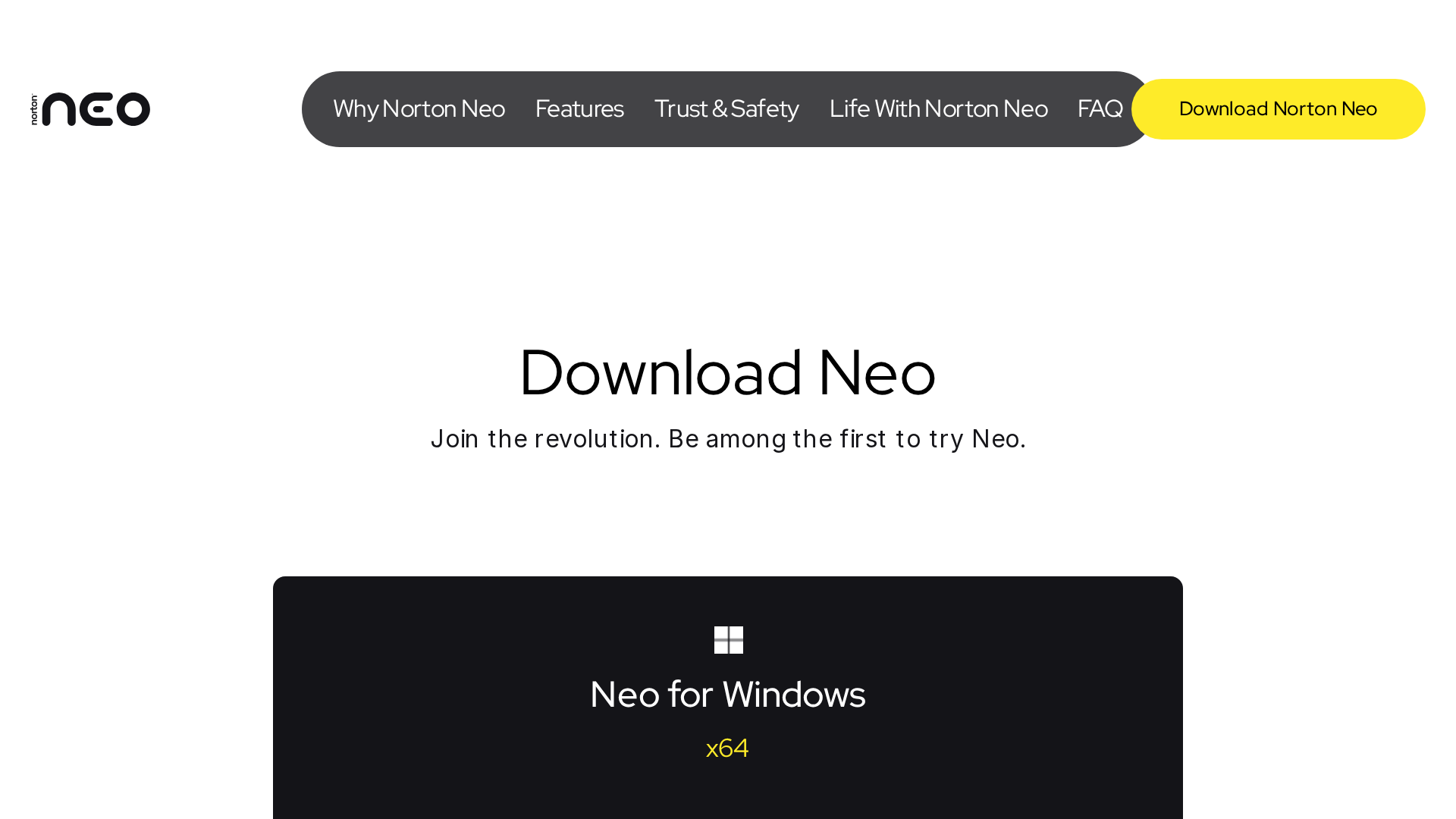
Neo is free, and the official download page offered a Windows x64 build during this check, making it the sensible pick if you want assistance, familiar browser behavior, and visible security controls without paying for an automation-heavy product.
Do not give an AI browser unsupervised access to sensitive sites
The same page access that lets an agent summarize a tab can expose it to indirect prompt injection. Malicious instructions hidden in a page can try to redirect the agent, and Brave’s agentic browsing research documents this risk across cloud and on-device systems.
- Keep banking, password-manager, health, and administrator sessions outside the AI browser profile.
- Require confirmation before purchases, messages, uploads, or account changes.
- Check the destination, amount, recipient, and generated text before approval.
- Disable memory and page access when a task does not need them.
An on-device model can reduce what leaves your computer, but it does not remove instructions embedded in untrusted pages. Security depends on permission boundaries, confirmations, and how the browser separates page content from your command.
Which AI browser should you choose?
Start with Comet if research is the job, Atlas if supervised automation is the job, and Neo if free access plus visible security controls is the job. Dia fits synthesis across work services, while Neon earns its monthly price only when parallel agent tasks are part of your routine.
If changing browsers creates more friction than it removes, keep your existing browser and add only the capability you need. My AI tools and extensions hub gives you the broader map, while these AI-powered Chrome extensions let you test assistance without migrating bookmarks, sessions, and profiles.