New to Rust? Grab our free Rust for Beginners eBook Get it free →
10 Best AI-Powered Chrome Extensions to Save Your Time

Artificial intelligence (AI) used to live on separate websites you had to visit on purpose. Today it sits inside the browser, edits your emails, transcribes your calls, and answers questions before you finish typing them.
Half my workday happens inside Chrome, so any tool that trims a few steps from reading, writing, or note-taking adds up fast. I checked every pick on this list against the Chrome Web Store in 2026 before including it.
What Are Chrome Extensions and How Do They Work?
Chrome extensions are small add-ons that bolt new abilities onto the browser you already use. Here is what the AI-driven ones bring to daily work:
- Extra browser features: Extensions add abilities like tab organization, task automation, and quick shortcuts.
- AI assistance: Assistants read the page you are on and offer summaries, rewrites, or answers that fit the moment.
- Productivity gains: Repetitive chores like drafting replies or summarizing long pages shrink to a click.
- Accessibility: Voice input and text-to-speech options open the web to more people.
- Time savings: Translations, smart replies, and instant answers arrive without switching tabs.
- Easy setup: one click in the Chrome Web Store installs the tool, and it runs inside the pages you already have open.
Top 10 AI Chrome Extensions
Every listing below is live on the Chrome Web Store and was verified in July 2026.
1. Grammarly
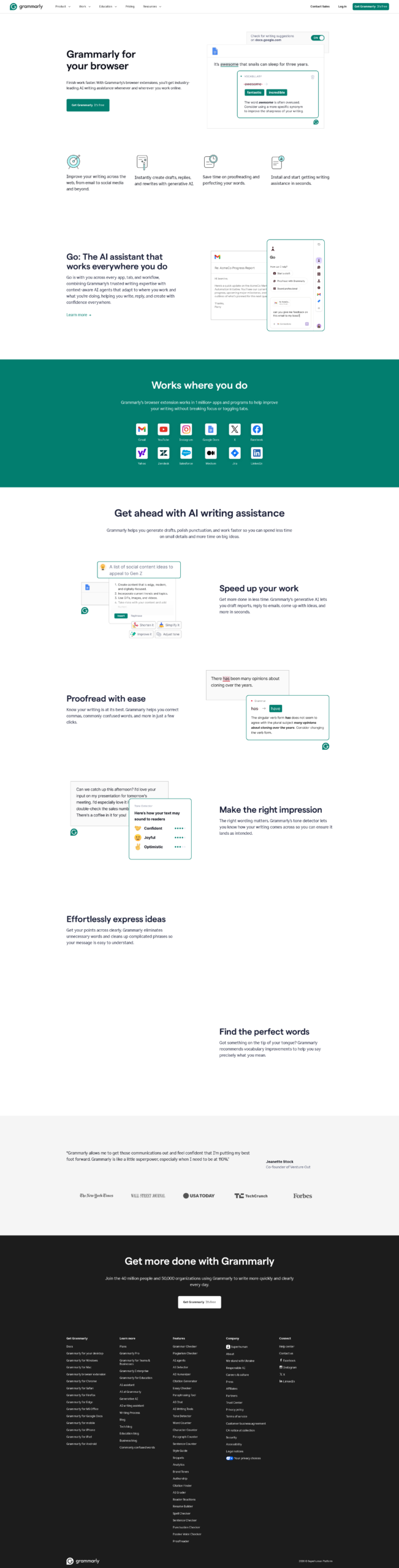
Grammarly corrects grammar, spelling, punctuation, and tone as you type across Gmail, Google Docs, and social sites. Its Chrome Web Store listing now brands it as a full AI writing assistant rather than a plain grammar tool.
Features:
- Grammar and spelling corrections as you type
- Tone detection and rewrite suggestions
- Clarity and vocabulary improvements
- Works inside Gmail, Docs, and social platforms
Pros:
- Suggestions appear inline without switching tabs
- Free tier covers everyday corrections
- Runs on almost every site with a text field
Cons:
- Advanced rewrites sit behind a paid plan
- Suggestions can miss the intent of a sentence
- Tone advice can feel formal in casual chats
2. Jasper
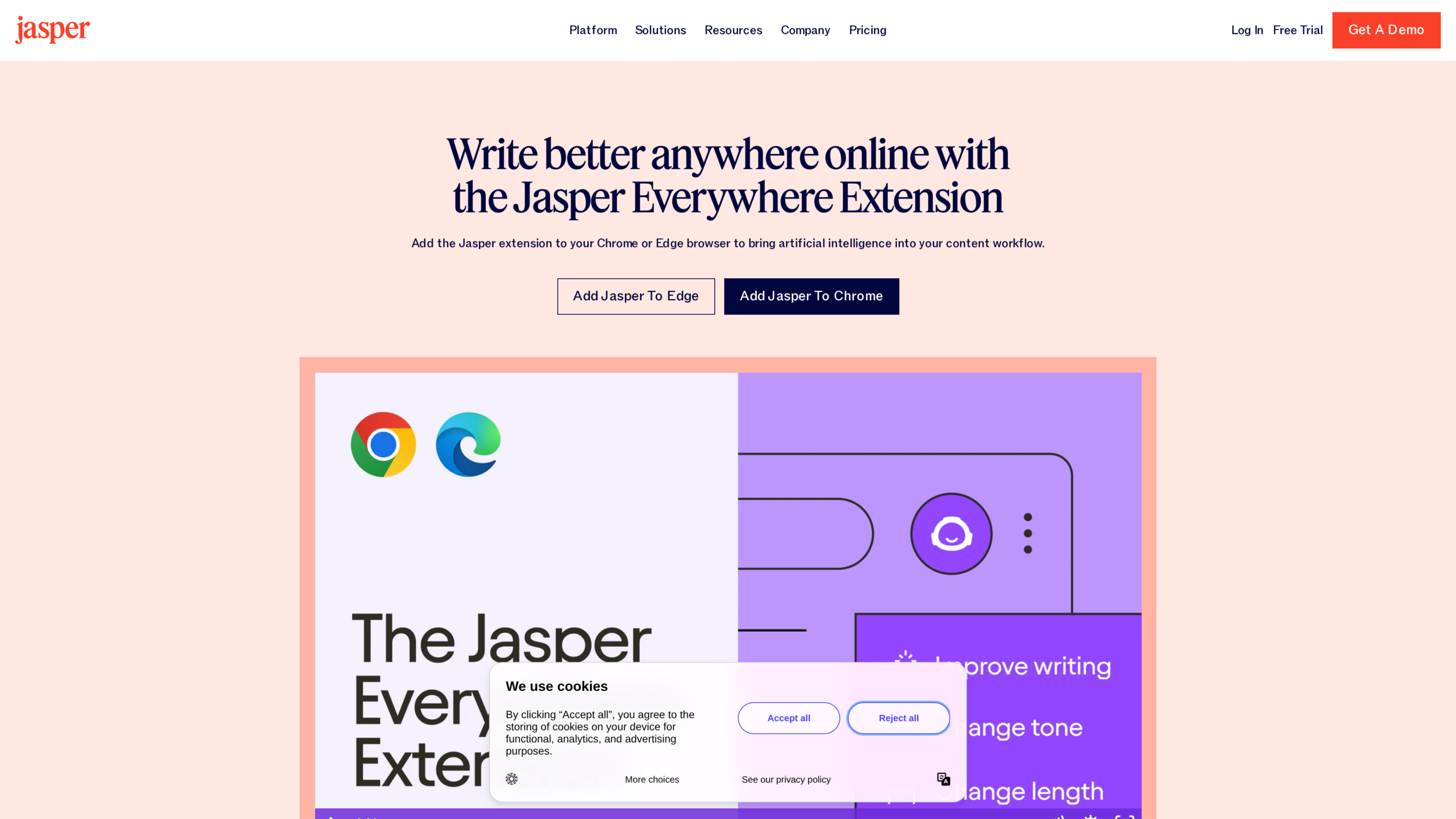
Jasper targets marketers who draft campaign copy, emails, and blog posts. The extension ships as Jasper Everywhere on the Chrome Web Store, and it drops Jasper’s generation tools into Gmail, Google Docs, and most text fields.
If you want a no-cost alternative, compare it against my roundup of free AI writing tools.
Features:
- Content generation for emails, docs, and social posts
- Brand voice and tone controls
- Multilingual output
- Templates for common marketing formats
Pros:
- Cuts drafting time for marketing copy
- Keeps output consistent with a saved brand voice
- Works wherever you already write
Cons:
- Subscription pricing aims at teams, not hobbyists
- Output still needs a human edit before publishing
- No meaningful free tier
3. Otter.ai
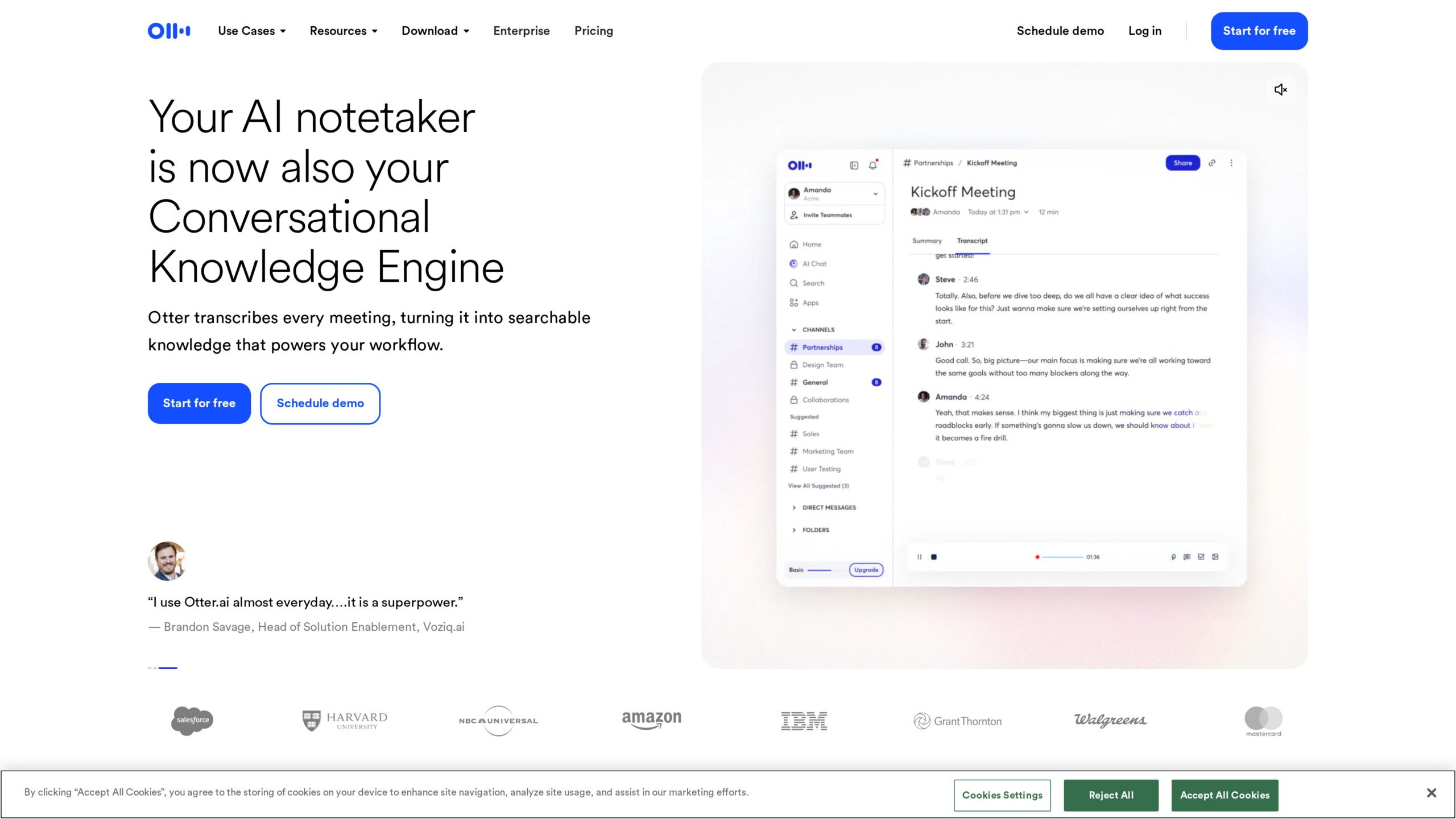
Otter.ai transcribes meetings live and produces AI summaries afterward. The Chrome extension hooks into Google Meet, Zoom, and Microsoft Teams, and it can transcribe any tab that plays audio.
Features:
- Live transcription with speaker identification
- AI-generated meeting summaries
- Searchable notes and highlights
- Transcription of any browser tab with audio
Pros:
- Removes manual note-taking from meetings
- Timestamps make transcripts easy to verify
- Notes are simple to share with a team
Cons:
- Free plan caps transcription minutes
- Accuracy drops with heavy accents or background noise
- Recording sensitive calls raises privacy questions
4. Fireflies.ai
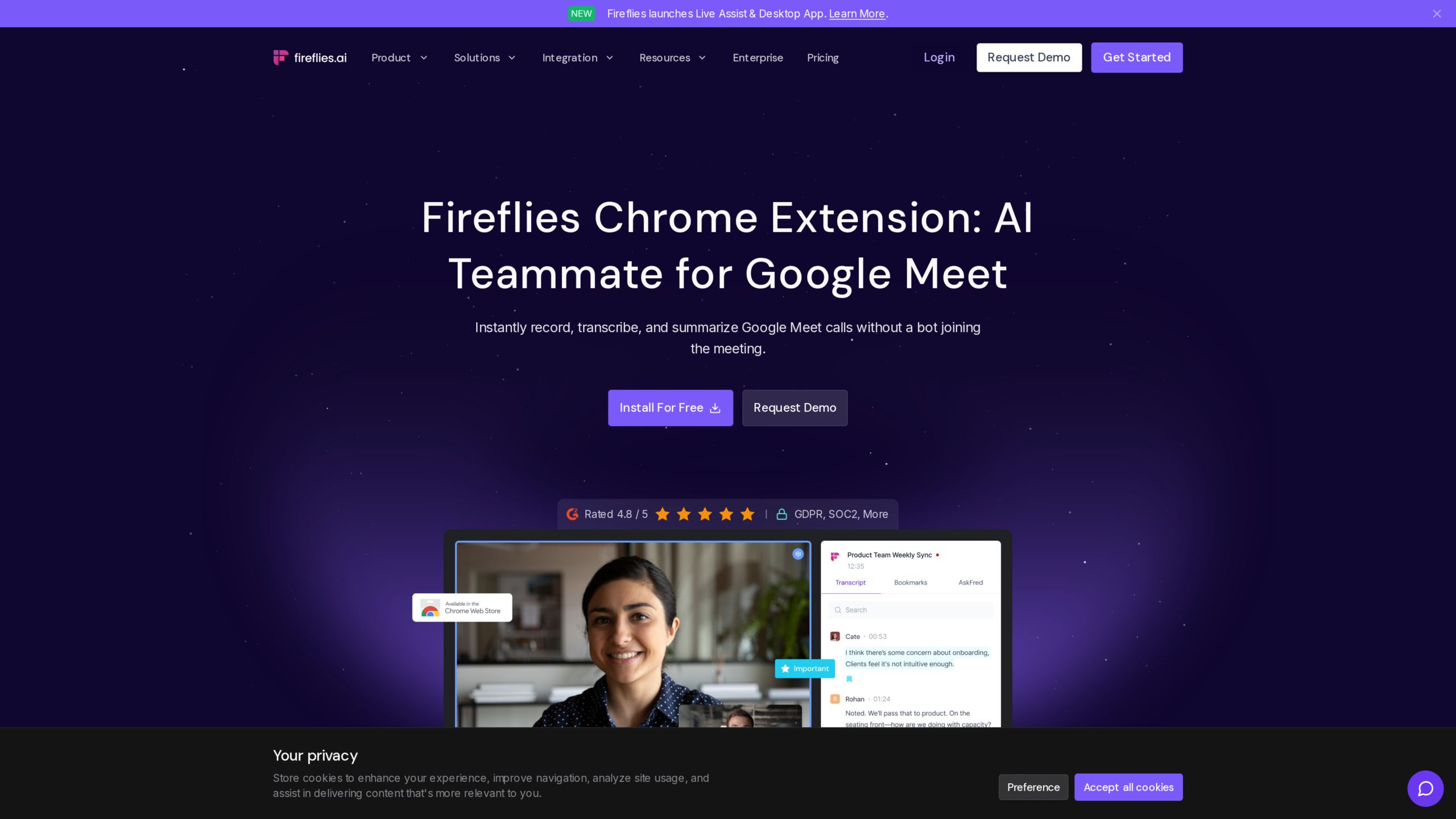
Fireflies is the other meeting notetaker worth keeping installed, and its store listing is called Fireflies: AI meeting notes. It captures calls on Google Meet, turns them into searchable transcripts, and pushes notes into customer relationship management (CRM) tools and project trackers.
If you run a support team, this category does a lot of work, something I explored in my piece on AI chatbots for customer service.
Features:
- Automatic recording and transcription of calls
- AI meeting summaries with action items
- CRM and project tool integrations
- Searchable transcript archive
Pros:
- Action items get captured without anyone typing
- Integrations move notes where the team already works
- Search across past meetings saves digging through recordings
Cons:
- Free plan limits storage and features
- Overlapping speakers confuse the transcript
- Confidential calls need consent before recording
5. Perplexity
Perplexity answers questions with cited sources instead of a page of links. The official extension is Perplexity – AI Companion, and a second listing can set Perplexity as your default search engine right from the address bar.
I wrote a full walkthrough of Perplexity if you want the deeper tour.
Features:
- Direct answers with source citations
- Summaries of the page you are viewing
- Follow-up questions that keep context
- Optional default search engine replacement
Pros:
- Citations make answers easy to verify
- Faster than opening a handful of tabs to research one question
- Free to use for everyday searches
Cons:
- Complex research still needs the full web app
- Answer quality depends on what sources exist for the topic
6. HARPA AI
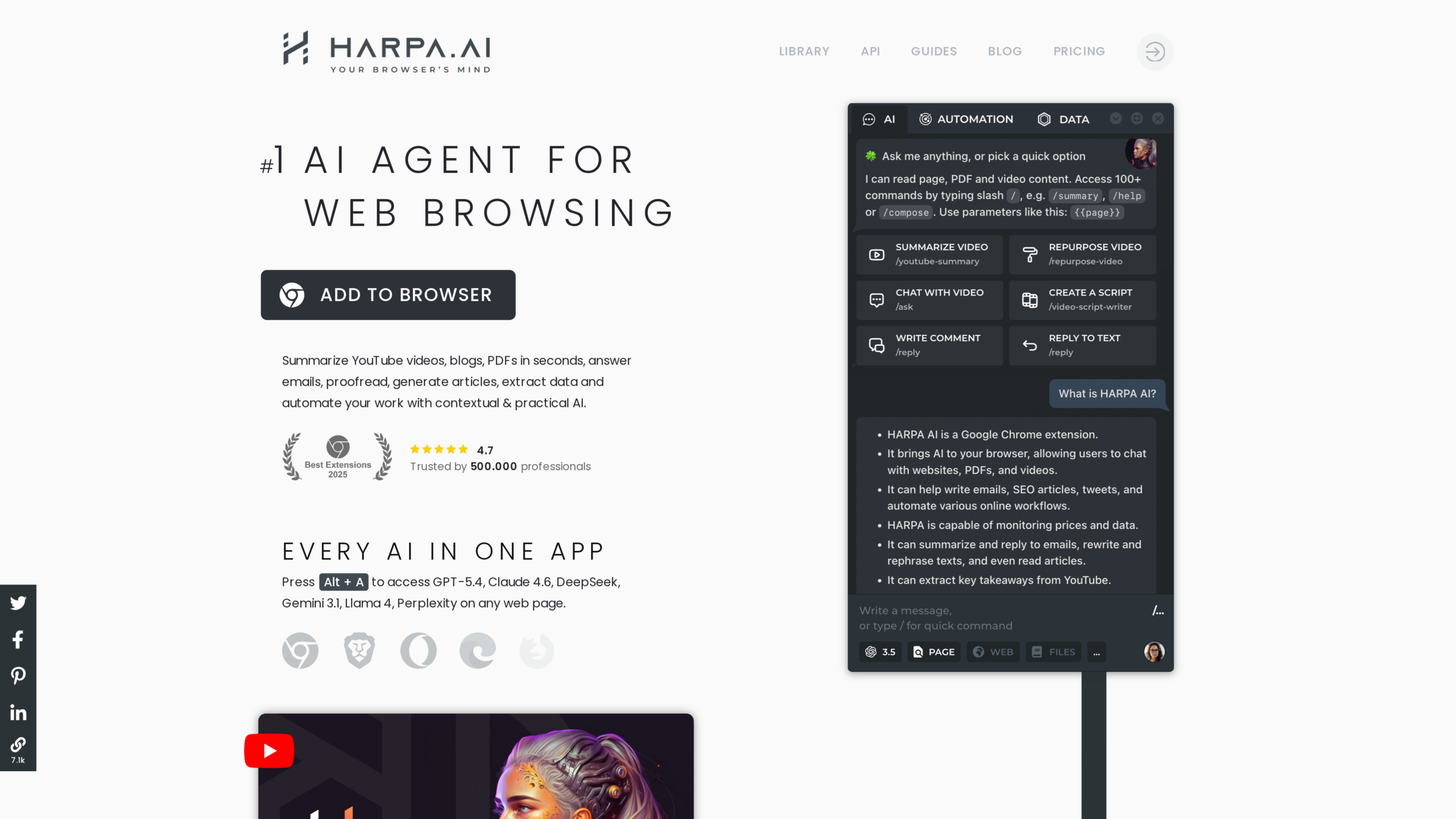
HARPA AI connects ChatGPT, Claude, Gemini, and Grok to whatever page you have open. Its listing advertises web automation, and the extension handles page summaries, price monitoring, and scripted commands from one sidebar.
It pairs well with the prompting habits from my ChatGPT guide, since the same instructions drive its chat commands.
Features:
- Chat with multiple AI models on any page
- Web page monitoring and price tracking
- AI summarization of articles and videos
- Automation commands for routine web tasks
Pros:
- One extension replaces several single-purpose tools
- Monitoring runs in the background while you work
- Model choice means you are not locked to one vendor
Cons:
- Advanced automation takes time to learn
- Broad page access deserves a privacy review before install
7. Magical
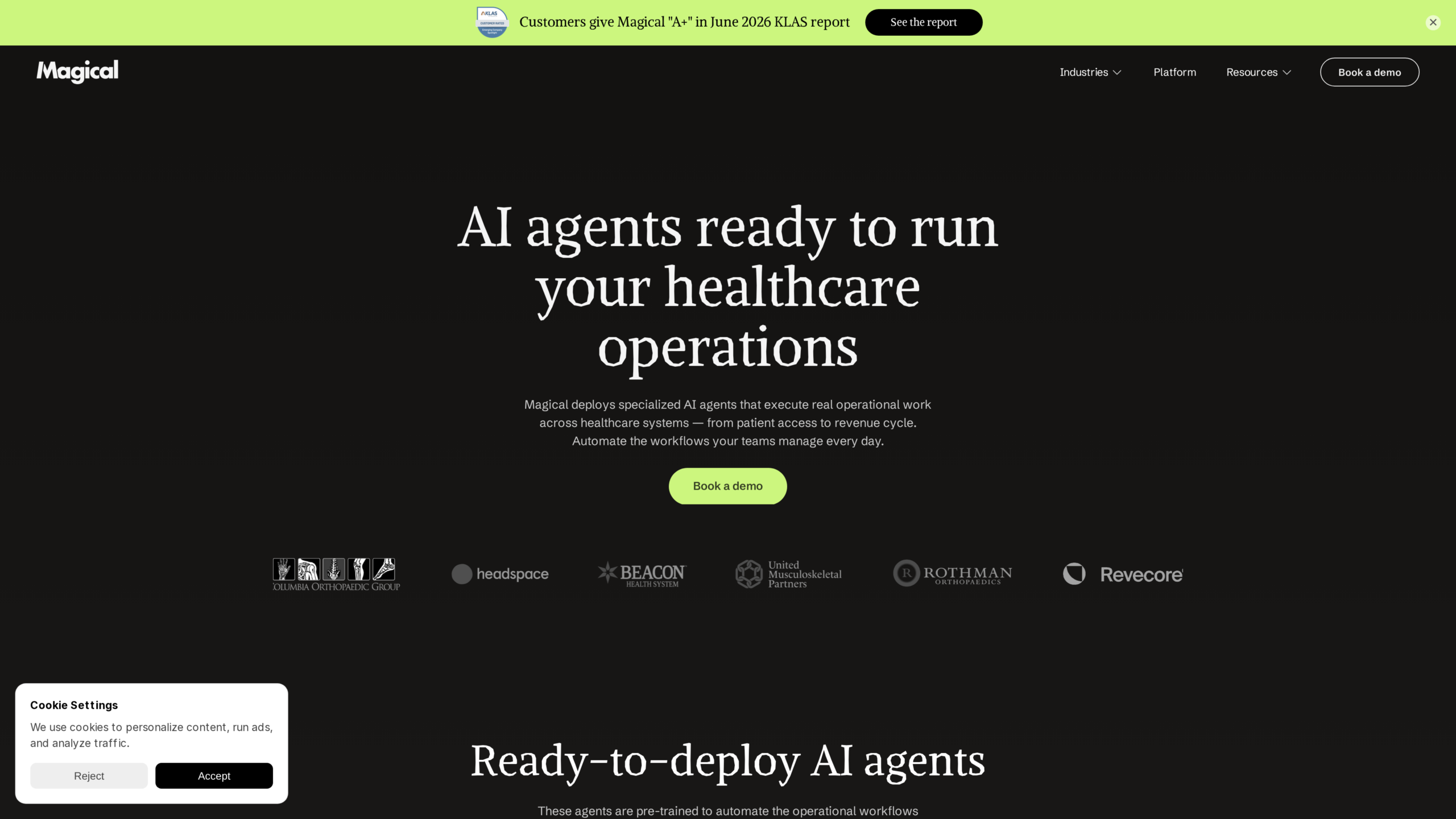
Magical expands text shortcuts and autofills forms anywhere on the web. Its store name reads Magical: Text Expander & Autofill, and it saves the retyping that eats support, sales, and recruiting workflows.
Features:
- Custom keyboard shortcuts that expand into full messages
- Autofill for forms and spreadsheets
- Personalization variables pulled from the open page
- Works across email, CRM, and messaging sites
Pros:
- Repetitive messages go out in seconds
- Setup is quick and shortcuts are easy to remember
- Useful across many platforms without configuration per site
Cons:
- Free tier restricts how far automation goes
- Complex multi-step workflows need manual setup
8. Sider
Sider replaces Gizzmo on this list, since Gizzmo serves WordPress affiliate publishers rather than everyday browsing. Sider adds an AI sidebar to every tab, and its store listing names GPT-5, Claude, DeepSeek, Gemini, and Grok among the models it can reach.
If you want tools built around one model, start with my list of ChatGPT Chrome extensions.
Features:
- Sidebar chat available on every page
- Access to multiple frontier models from one interface
- Page and video summarization
- Translation and writing help in context
Pros:
- No tab switching to reach an AI chat
- Model variety in a single subscription
- Summaries work on articles and YouTube videos alike
Cons:
- Daily free credits run out fast with heavy use
- Full model access requires a subscription
9. Scalenut
Scalenut generates content tuned for search engine optimization (SEO), from briefs to full drafts. Its extension listing offers up to 2,000 short-form AI words free and points to 40+ use cases in the full product.

Features:
- Short-form AI writing inside the browser
- SEO research and content briefs in the full product
- Keyword clustering and competitor analysis
- Templates for product descriptions and social copy
Pros:
- Free words let you evaluate before paying
- SEO focus fits bloggers and content teams
- Extension keeps quick generation a click away
Cons:
- Long-form writing requires the paid web app
- Output supports English only
10. Monica
Monica takes the slot Wiseone held before that reading assistant disappeared from the Chrome Web Store. Its listing describes an all-in-one assistant covering chat, writing, translation, and image tasks from a single popup.
Its image tools overlap with the standalone options in my roundup of free AI image generators, so try both before settling.
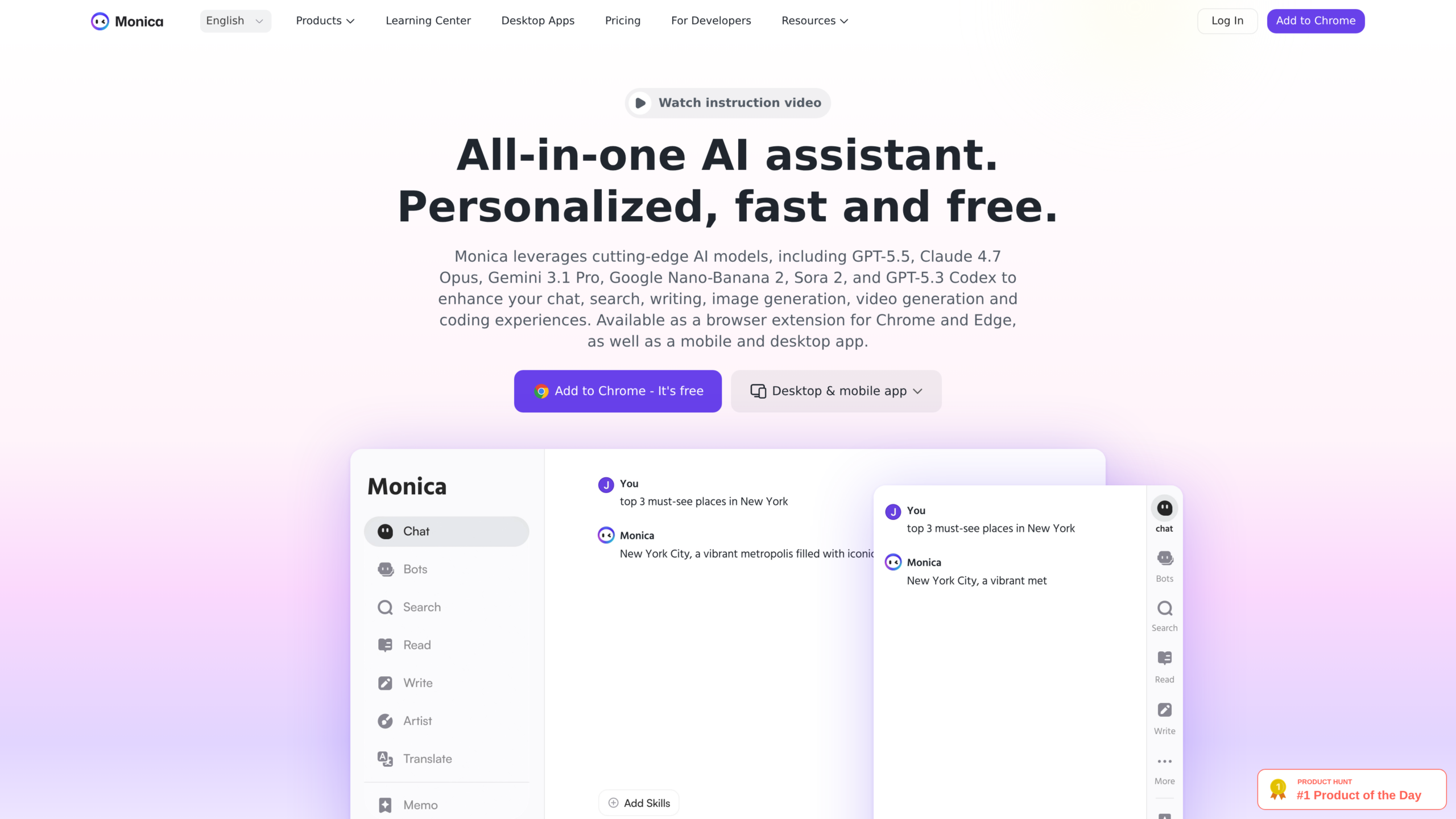
Features:
- Chat assistant available on any page
- Writing templates for emails and posts
- Translation and summarization on selection
- Image generation and art tools
Pros:
- One assistant covers writing, reading, and images
- Selection-based actions feel fast in daily browsing
- Free tier is enough to test every feature
Cons:
- Daily usage limits on the free plan
- Feature breadth means some tools feel shallower than specialists
Conclusion
AI Chrome extensions earn their install by removing small delays, one summary, one transcript, and one autofilled form at a time. Keep the ones you reach for weekly and uninstall the rest, because every extension also costs memory and permissions.
Browsing is only one place AI saves you time. If you want to push further, look at my picks for free AI animation tools once the browser side is sorted.