New to Rust? Grab our free Rust for Beginners eBook Get it free →
Grab Ubuntu stickers from UnixStickers

A sticker’s listed price doesn’t tell you the delivered total for your address. I was curious what the Unixstickers page shows about the Ubuntu item before it reaches the cart.
The product details give you a clear basis for deciding what you’re ordering. Find the live Unixstickers Ubuntu listing on Sticker Mule Marketplace.
Where the Unixstickers Ubuntu listing lives
Unixstickers sells through a public store on Sticker Mule Marketplace. Its Ubuntu item is listed as “Ubuntu stickers” and described as “Circle stickers by Unixstickers.”
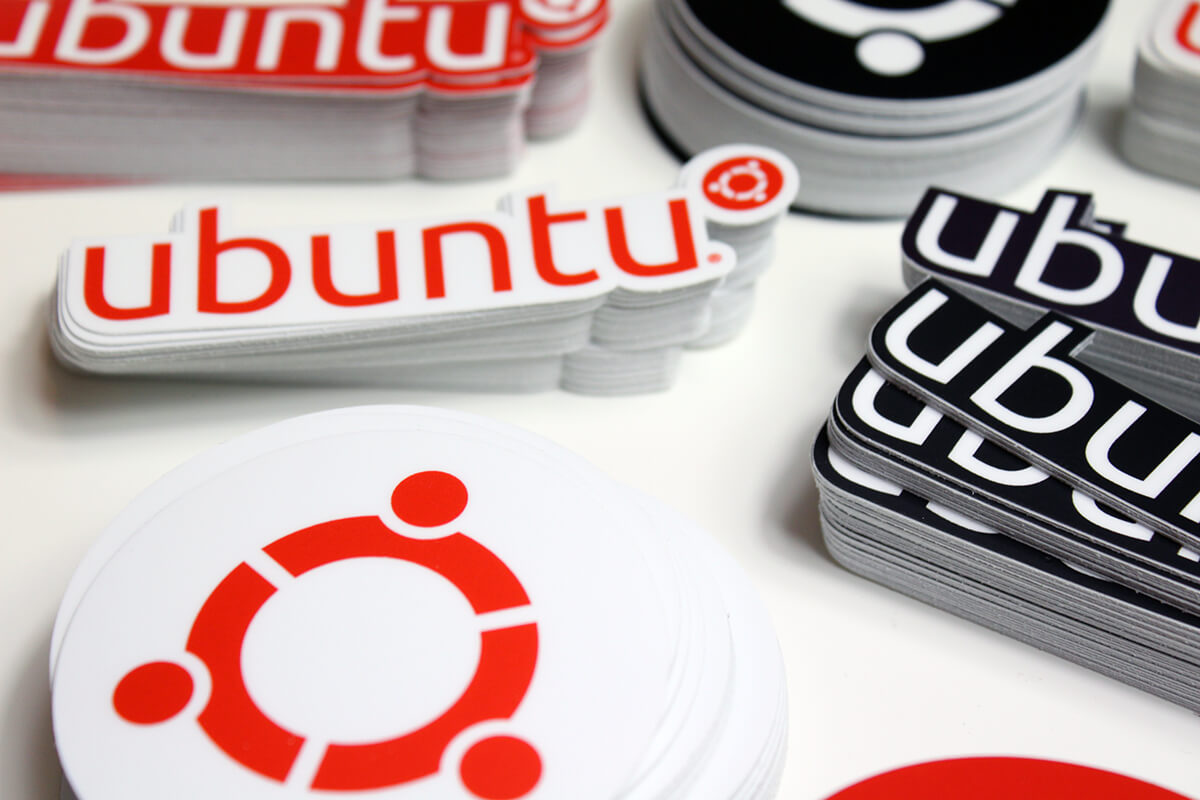
Open the Ubuntu stickers listing by Unixstickers to see the seller’s product page and its order controls.
Check the listing before ordering
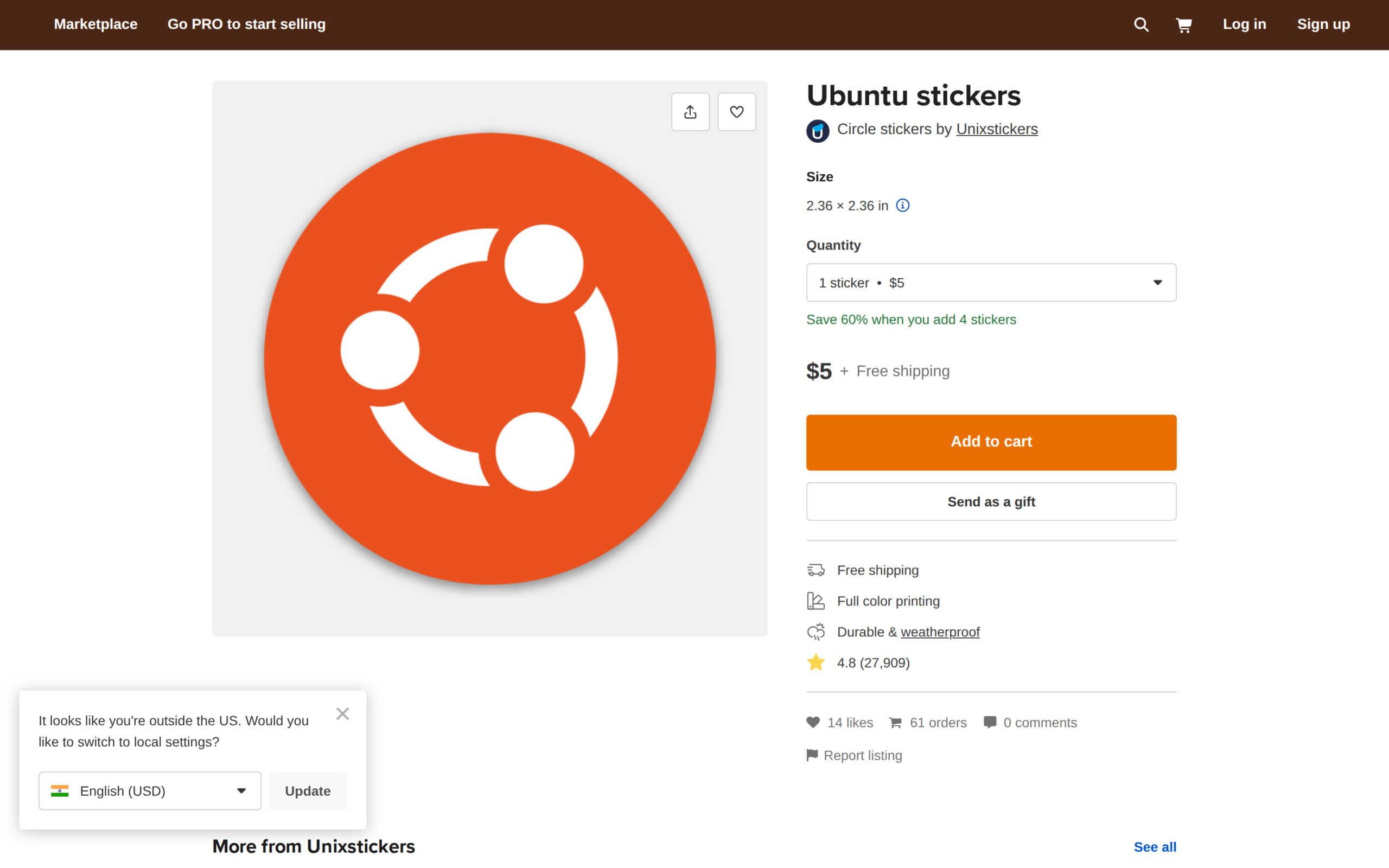
The item page describes a circle sticker, so check the product name and dimensions before adding it to your cart.
| Listing detail | What the product page shows | What to confirm |
|---|---|---|
| Item | Ubuntu stickers by Unixstickers | The design you want |
| Format | Circle stickers | That the shape suits your use |
| Size | 2.36 × 2.36 in | The dimensions on the live listing |
| Order | Quantity selector and Add to cart | Selected count and cart total |
Order from the Unixstickers product page
The product page puts the size, quantity selector and cart action beside the Ubuntu sticker. Follow those controls in order, then check the cart before payment.
1. Open the Ubuntu listing
Use the direct product link above. Check that the heading says “Ubuntu stickers” and the seller is Unixstickers.
2. Choose a quantity
Select the number of stickers you want. If the page shows a price or offer beside the quantity, check the amount the cart applies before paying.
3. Review the cart
Select Add to cart, then make sure the cart contains the Ubuntu design and the quantity you chose. Check the shipping and final total for your delivery location before paying.
If the product listing changes
A product page can disappear or show different order details as the seller changes its catalog. If the direct link stops showing the Ubuntu item, open the Unixstickers store and look for the product there.
| What changes | Next action |
|---|---|
| Ubuntu item is missing from the direct page | Open the Unixstickers store and search for the item. If it is absent there, treat it as unavailable. |
| An offer appears beside the price | Check that the cart applies the offer and shows the expected total. |
| Location or currency looks wrong | Set the correct location and review the price and shipping again. |
Let the cart confirm the order
The product page identifies the item. The cart shows the total for your order.
- Match the product name and design.
- Check the selected quantity and size.
- Confirm shipping and the final total before payment.
Ubuntu sticker order questions
The product page identifies Unixstickers as the seller, but does not state Canonical endorsement.
Is this an official Ubuntu sticker store?
The Marketplace listing identifies Unixstickers as the seller and does not state that Canonical sells or endorses the item. Check with Canonical if that distinction matters for your purchase.
What size is the Ubuntu sticker?
The listing displays 2.36 × 2.36 in for the circle sticker. Confirm the dimensions on the product page before ordering.
Does free shipping apply to every location?
The listing’s shipping label does not establish your delivered total for every destination. Check the shipping details and final cart total for your location before paying.