New to Rust? Grab our free Rust for Beginners eBook Get it free →
4 Best AI Extensions for VS Code by Price and License

I checked the official Visual Studio Marketplace listings, product documentation, licenses, and US pricing on July 29, 2026 to find the best AI extension for VS Code across low-friction completion, a generous free plan, and agent work that can edit files or run commands.
The quick answer
GitHub Copilot is the safest default if you already use GitHub, Gemini Code Assist gives you the strongest no-cost starting point, and Cline or Kilo Code suit you when model choice and inspectable source code matter more than a fixed subscription.
| Extension | Best fit | Individual cost | License or source model |
|---|---|---|---|
| GitHub Copilot | GitHub-based development with minimal setup | Free, Pro $10/month, Pro+ $39/month, Max $100/month | Proprietary |
| Gemini Code Assist | A free assistant with completion, chat, and agent mode | Free for individuals | Proprietary |
| Cline | Bring-your-own-model agent work in VS Code | Extension is free, model inference is metered separately | Apache 2.0 |
| Kilo Code | Open-source agent work with several cost controls | Extension is free, model inference and cloud compute are separate | Apache 2.0 |
App subscriptions and model billing are separate products. Cline and Kilo can use your provider key, so the extension may cost nothing while the model API continues to charge by usage.
1. GitHub Copilot is the best default
GitHub Copilot combines inline suggestions, chat, agent mode, code review, and GitHub workflows without making you replace VS Code, and its Marketplace listing showed more than 74 million installs during my check.
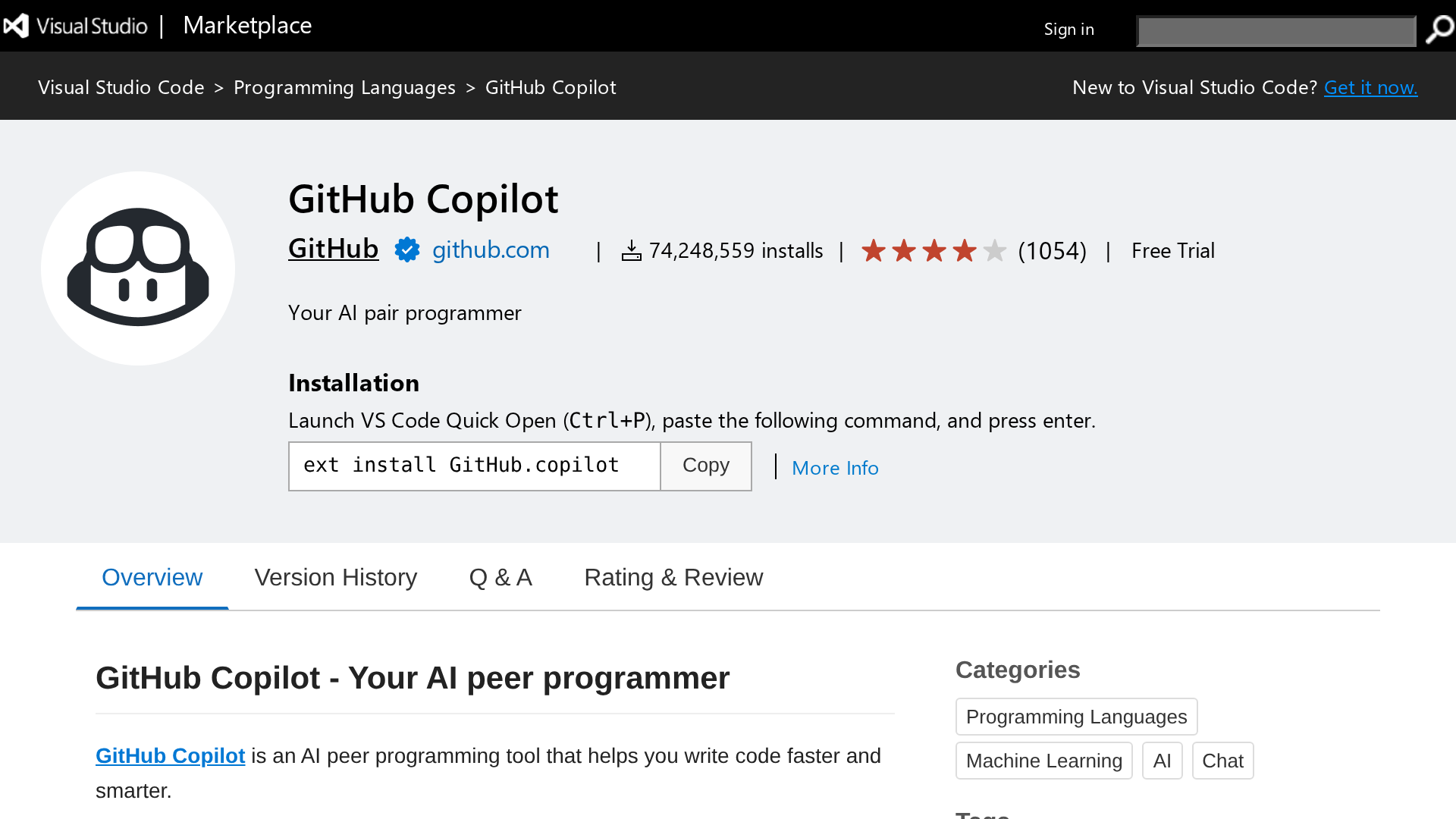
Copilot Free includes 2,000 completions per month and limited access through automatic model selection. The official plan table prices Pro at $10 per month, Pro+ at $39, Max at $100, Business at $19 per granted seat, and Enterprise at $39 per granted seat.
Choose Copilot when you want completion to stay available during ordinary editing and you want agent tasks tied to GitHub. The boundary is cost control because each paid tier includes an allowance of GitHub AI Credits, and sustained agent use can move you toward a higher tier or usage billing.
2. Gemini Code Assist has the strongest free entry point
Gemini Code Assist installs directly in VS Code and covers code completion, chat, smart actions, and agent mode. Google describes free, Standard, and Enterprise editions, with business editions adding governance and deeper Google Cloud integrations.
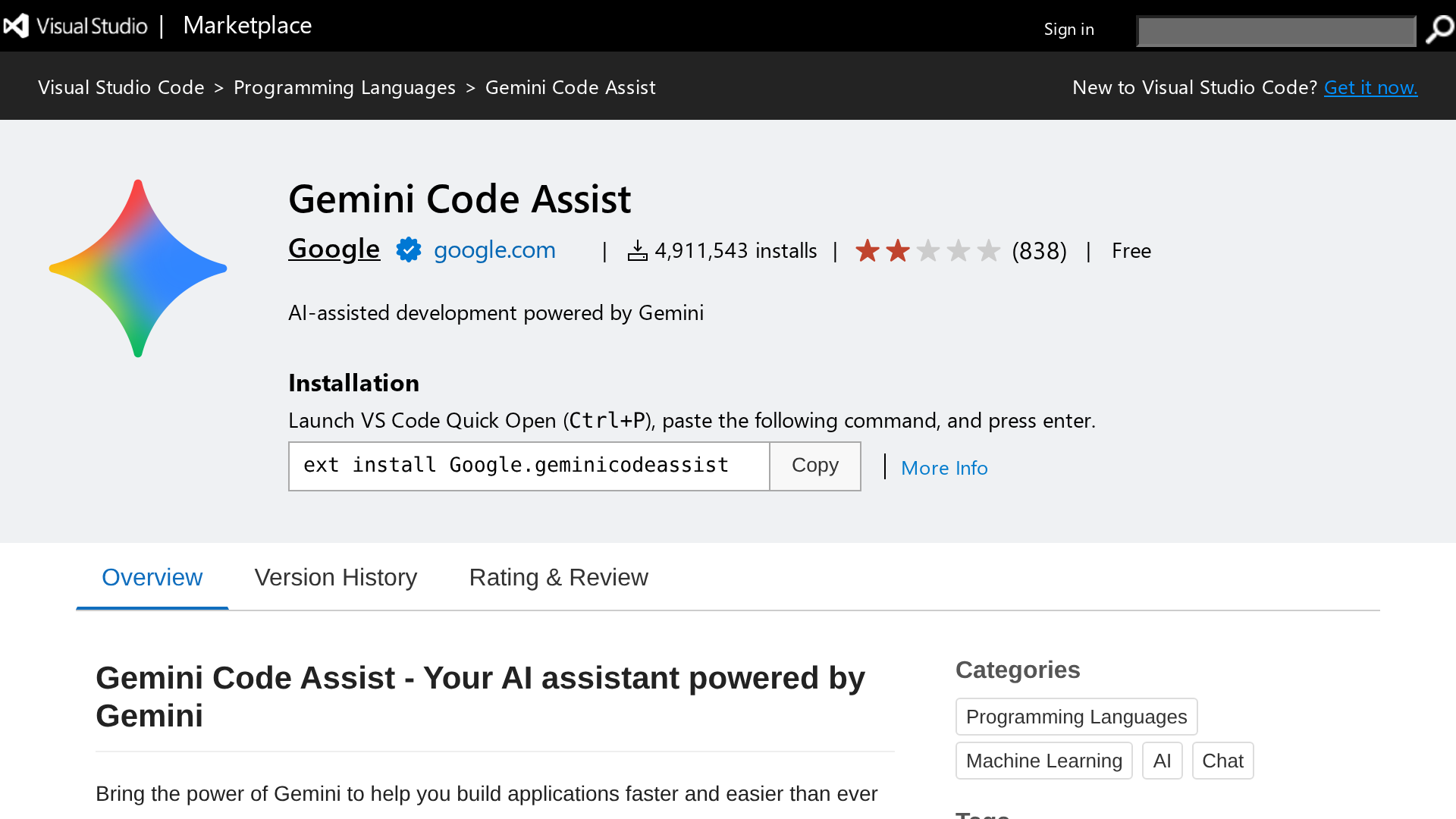
The individual edition is free. Google publishes quotas rather than an individual subscription price, and those limits can change with service demand, so check the quota page before basing a heavy daily workflow on a remembered request count.
Pick Gemini Code Assist when you want to try an IDE assistant without adding a monthly bill. If your organization needs private-code customization or contractual controls, compare the Standard and Enterprise editions instead of treating the individual plan as a team policy.
3. Cline gives you model choice and visible actions
Cline is an Apache 2.0 coding agent that can inspect files, edit code, run terminal commands, and show each action inside VS Code. Plan and Act modes help you review an approach before the extension changes the repository.
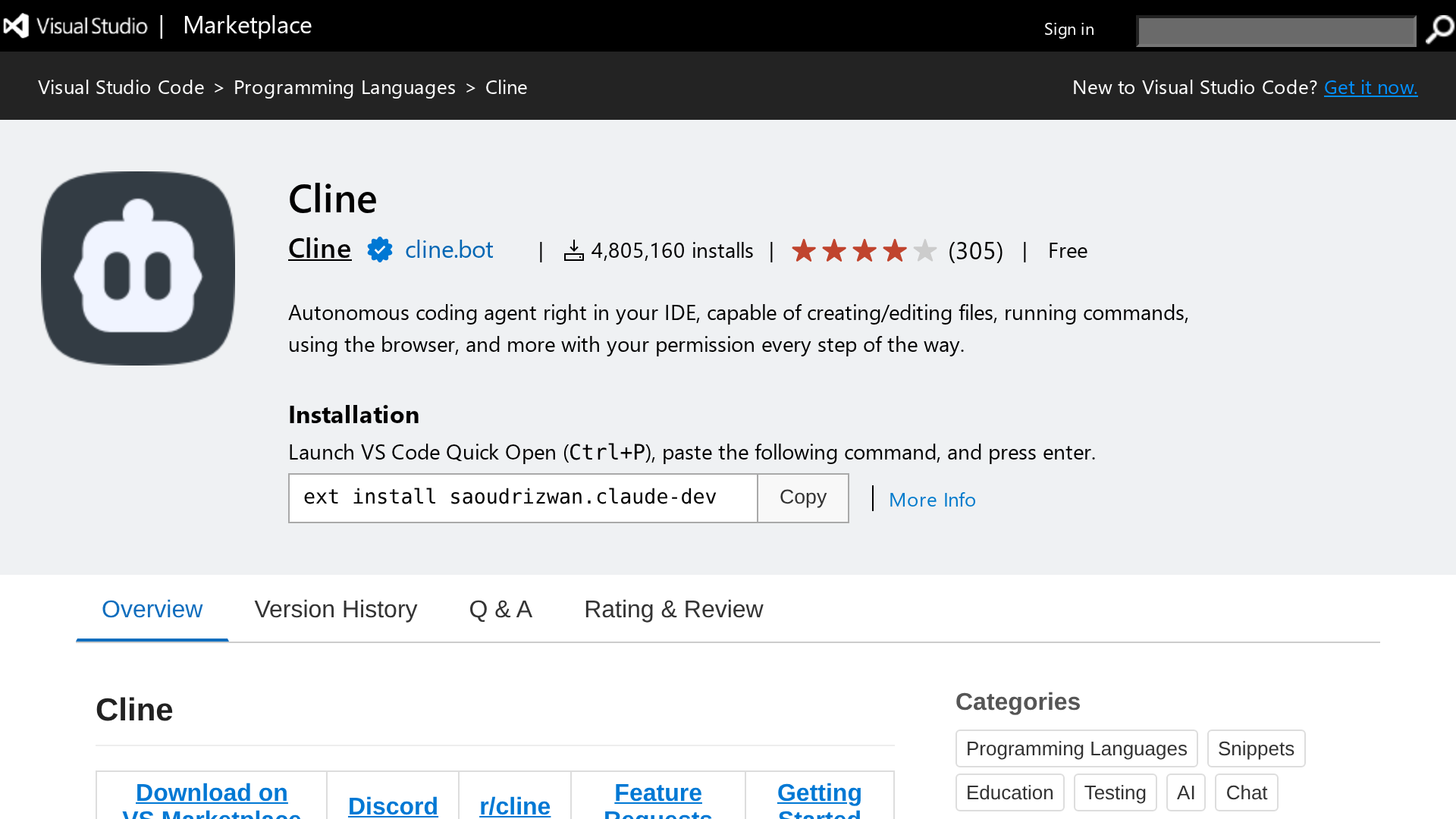
The open-source extension is free for individuals, but model inference through Cline or your own provider account can make a long agent task cost more than a flat monthly assistant.
Terminal access and file edits widen the damage a mistaken instruction can cause, so Cline fits you when you want model choice and visible tool calls and can give the agent more supervision than a completion-first assistant needs.
4. Kilo Code exposes more ways to control cost
Kilo Code is an Apache 2.0 agent extension with code generation, terminal actions, browser automation, and model choice. You can use free models where available, connect local models, bring provider keys, or buy hosted inference through Kilo Gateway.
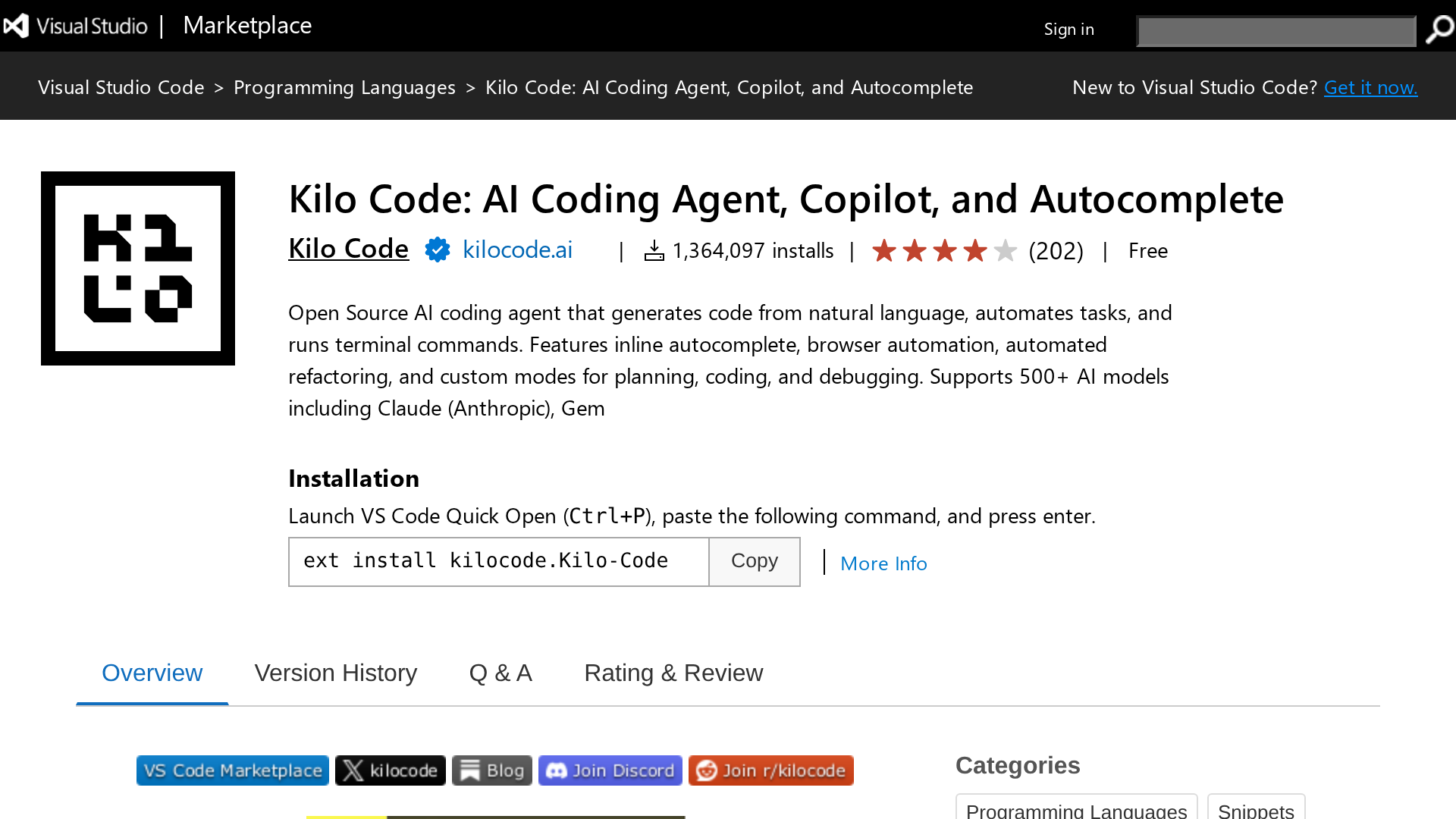
The individual platform is free, while Kilo lists Teams at $15 per user each month, Kilo Pass from $19 per month, and pay-as-you-go Gateway access at provider rates. Inference and cloud compute remain separate charges.
Choose Kilo when you want an open-source agent and several billing routes in one interface. Cost has more moving parts than a single Copilot subscription, so compare platform access, inference, and cloud compute before calling one task free.
How I would choose between them
Start with the workflow that consumes your attention. Completion tools reduce typing during normal edits, while agents take a larger task and use files, commands, and tests to work through it.
| Your constraint | Start with | Reason |
|---|---|---|
| You want the least setup inside a GitHub workflow | GitHub Copilot | One extension covers completion, chat, agent work, and GitHub integration |
| You want a capable free trial for daily coding | Gemini Code Assist | The individual edition has no subscription fee |
| You need your own provider or local model | Cline | The open-source client supports several inference providers |
| You want open source plus team billing controls | Kilo Code | It separates the platform, inference, and cloud compute |
| Your repository has strict data rules | Your security review first | Model routing, retention, telemetry, and terminal permissions change the answer |
If you want to compare agent behavior beyond the extension list, my AI coding agent comparison separates planning, file edits, command execution, and review. The broader guide to AI in coding workflows helps you decide which steps should stay automated and which need a developer checkpoint.
Tools I did not rank
Continue remains available as open-source code and a Marketplace extension, but its official homepage says Continue has joined Cursor, so I would inspect the repository and release cadence before adopting it for a new team standard.
Aider is a capable terminal tool rather than a VS Code extension. Windsurf centers its own editor experience, and abandoned listings such as AI Genie do not belong in a shortlist meant for installation today.
Privacy and safety need a separate check
Open source describes the client code you can inspect. It does not guarantee that prompts, source files, embeddings, command output, or telemetry stay on your machine once you connect a hosted model.
For any agent with terminal access, begin in a disposable branch, review its proposed plan, inspect the diff, and run your own tests before merging. If code residency matters, verify the model endpoint, retention policy, local-model path, and organization controls instead of relying on a privacy label.
Frequently asked questions
These answers cover the decisions that come up after the first install. Product limits and plan names can change, so the linked official pages remain the final check for billing.
What is the best free AI extension for VS Code?
Gemini Code Assist is the simplest free starting point for completion, chat, and agent mode. Cline and Kilo Code also have free open-source extensions, but hosted model inference can create a separate usage bill.
Is Cline free to use?
The Cline extension is free for individual developers. You still pay for model inference unless you use a provider or local model with no charge.
Which VS Code AI extension supports local models?
Cline and Kilo Code can connect to local or self-managed model endpoints. Your result depends on the model, context size, hardware, and provider configuration.
Does open source mean my code stays private?
No. An open-source extension can send code and prompts to a hosted model when you configure one. Check the endpoint, retention policy, telemetry settings, and organization controls.
Should I install more than one AI extension?
One completion tool and one agent can coexist, but overlapping suggestions and duplicate indexing add noise. Start with one extension, measure where it helps, then add another only for a distinct job.
Source check
Prices, plan names, licenses, and product status were checked on July 29, 2026 against GitHub Copilot plans, Gemini Code Assist documentation, Cline pricing, Kilo Code pricing, the projects’ license files, and the Visual Studio Marketplace listings shown above.