New to Rust? Grab our free Rust for Beginners eBook Get it free →
Online JSON to TSV Converter


When an importer accepts tab-separated rows, JSON records need to be arranged as a table first. An online JSON to TSV converter turns a non-empty array of objects into TSV text.
This article shows how to paste and convert the JSON, then check the header and rows before copying the result into an importer.
TL;DR: Convert a JSON Array to TSV
Use a non-empty array of flat JSON objects, then check the header and rows before copying the TSV output.
- Each object is one candidate row, and keys from the first object supply the column names.
- The tool rejects invalid JSON and top-level values that are not non-empty arrays.
- Inspect nested values and spreadsheet-formula-like strings before reusing the result.
What Does JSON to TSV Conversion Produce?
JSON permits nested values, while TSV arranges fields in a flat table. Choose flat objects because the widget has no control for mapping nested fields into columns.
TSV, or tab-separated values, uses a literal tab between fields and one line per record.
| JSON part | TSV role | What to verify |
|---|---|---|
| Key in the first object | Header cell | Header names match the destination columns |
| Scalar value in an object | Cell in that object’s row | Value belongs in the same column as its key |
| Next object in the array | Next record row | It uses the same keys as the first object |
How to Convert JSON to TSV Online
Use the embedded text boxes because the widget accepts pasted JSON and returns a copyable TSV result.
Step 1: Prepare a non-empty array of objects
Use a non-empty object array with consistent keys, and include each intended column in the first object.
Step 2: Paste the JSON and convert it
Paste your JSON array into JSON Input. Select Convert to TSV to place tab-delimited text in TSV Output.
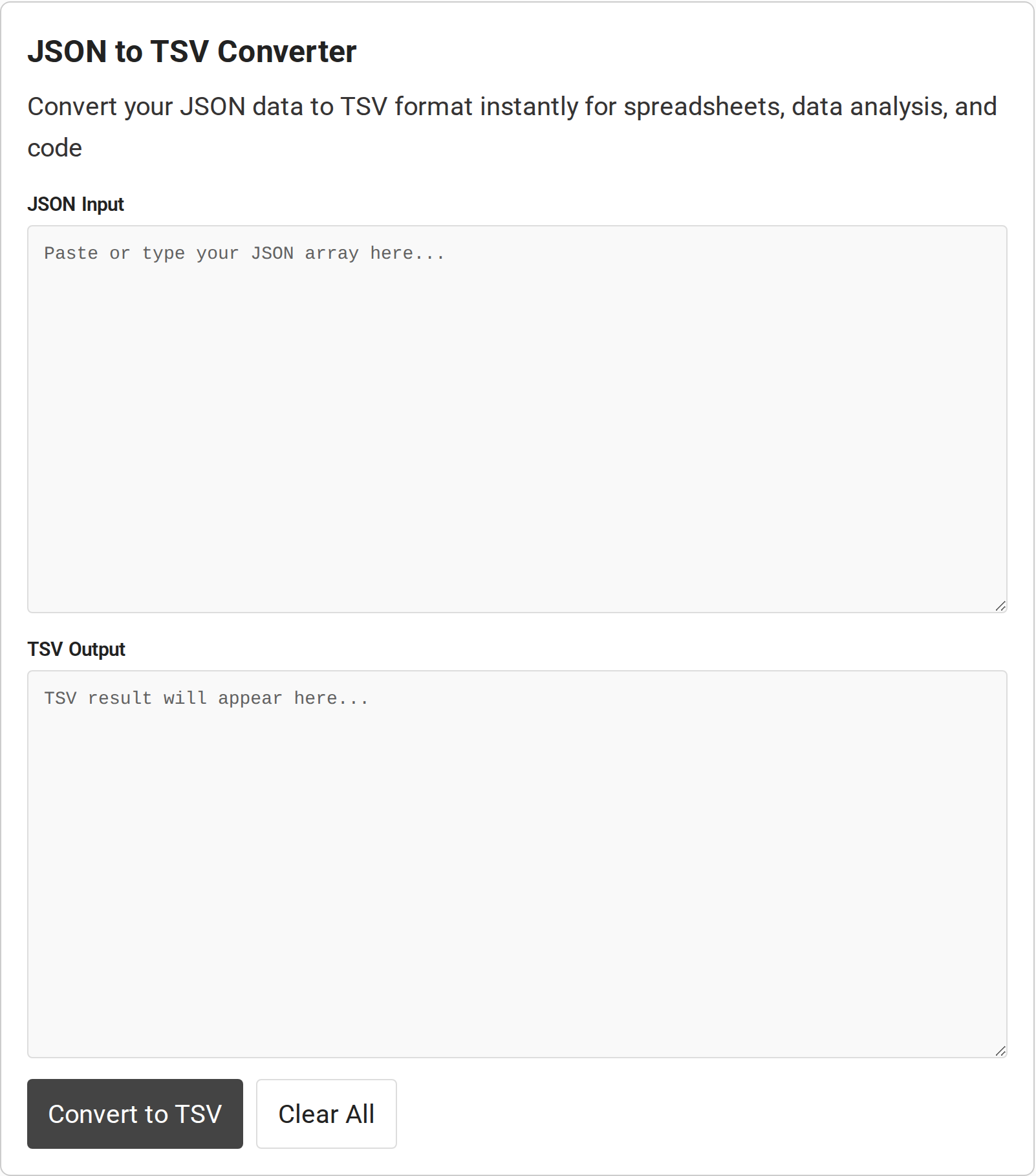
The screenshot labels the input and output fields, and Clear All resets them for a new conversion.
Step 3: Inspect and copy the TSV rows
Check that the header matches the values below it, then copy the TSV into your spreadsheet or importer. If it lands in one cell, split the column using a tab delimiter.
Common JSON to TSV Errors and Edge Cases
Invalid JSON stops parsing, while nested data and mismatched keys need a deliberate correction. Check control characters with the target importer because TSV readers handle them differently.
| Case | What happens | Next action |
|---|---|---|
| Invalid JSON | Parsing fails. | Correct the syntax. |
| Top-level object, scalar, or empty array | Widget requires a non-empty array. | Wrap records in an array. |
| Later object has new keys | First object’s keys define columns. | Normalize keys and inspect header. |
| Nested objects or arrays | No flattening schema is defined. | Flatten fields before conversion. |
| Tabs or line breaks in values | TSV consumers differ. | Check the importer’s escaping rules. |
| Untrusted formula-like cells | Spreadsheet may evaluate them. | Review values starting with =, +, – or @. |
The widget does not enable Papa Parse’s formula escaping. A spreadsheet may evaluate untrusted values that start with =, +, – or @.
Conversion runs in the browser, but that does not prove the page sends no data elsewhere. Check site privacy behavior before pasting sensitive records.
Conclusion: Check the Table Before You Reuse It
Keep the source JSON until the destination has imported the TSV correctly. That gives you a reference if the receiving table needs adjustment.
If your data starts as a spreadsheet, use the CodeForGeek CSV to JSON converter to change direction. To convert a comma-separated table into tab-separated output, use the CSV to TSV converter. Papa Parse’s unparse documentation explains the object-array and delimiter options used by the widget.
FAQ
These answers cover input shape and the checks that matter before you reuse the output.
Can I convert a single JSON object?
No. The widget requires a non-empty top-level array. Put row objects in an array before converting.
What happens when a later object has an extra key?
The first object’s keys supply the default columns. Normalize the objects and inspect the output header rather than assuming later-only keys will become columns.
What should I do when the JSON is invalid?
Check the JSON syntax and paste it again. The widget displays an error instead of TSV when parsing fails.
Is the input guaranteed to stay private?
The conversion code runs in the browser, but this does not prove that the page sends no data elsewhere. Check the site’s privacy and network behavior before pasting sensitive records.