New to Rust? Grab our free Rust for Beginners eBook Get it free →
5 Best WordPress Hosting Platforms for Different Site Needs

The Hostinger Premium offer works out to $2.99 a month, with a $143.52 first bill. That upfront total gives me a clearer basis for judging the advertised rate.
Look beyond that first bill to the server work the hosting service handles. Consider how shared and managed hosting divide that responsibility.
What you are choosing when you buy WordPress hosting
WordPress hosting is the server space and software setup that keeps a WordPress site’s files and database online. A shared plan runs multiple customer accounts on the same server, while managed WordPress hosting adds provider-run maintenance whose exact scope depends on the plan.
WordPress.org’s server requirements set a baseline. PHP, its server-side scripting language, should be version 8.3 or newer, while the database should be MariaDB 10.11+ or MySQL 8.0+ and the site should use Hypertext Transfer Protocol Secure (HTTPS).
- Check whether the plan supports the number of WordPress sites you intend to run.
- Compare the storage cap separately from the monthly visitor or bandwidth allowance.
- Find out how often the host backs up the files and database, and how long it keeps each copy.
- Confirm that the plan includes staging if you want to test plugin or theme changes before they reach the live site.
Compare plan costs before choosing a brand
The advertised monthly figure can hide a multi-year prepayment, so compare the checkout amount with the rate after the first term.
The displayed United States offers are dated October 1, 2026. Promotions and checkout totals can change with location and billing length.
| Provider and plan | First term | Renewal | Published plan limits |
|---|---|---|---|
| Hostinger Premium | US$2.99/month for 48 months US$143.52 prepaid | US$10.99/month | 3 sites 20 GB storage Weekly backups |
| DreamHost Launch | US$1.99/month for 4 years US$95.52 prepaid | US$7.99/month | 25 websites 40,000 monthly visits 25 GB Daily automated backups |
| SiteGround StartUp and GrowBig | StartUp US$3.99/month for 12 months, US$47.88 upfront GrowBig US$6.69/month for 12 months, US$80.28 upfront | StartUp US$17.99/month GrowBig US$29.99/month | StartUp 1 website, 10 GB GrowBig unlimited websites, 50 GB GrowBig adds staging and on-demand backups |
| Bluehost | Check the current offer and term at checkout | Check the rate after the first term | WordPress.org directory listing Confirm site and storage caps |
| Kinsta Business Launch | First month free Then US$35/month Annual option US$350 after first month | Confirm the next amount at checkout | 1 site 15 GB storage 75,000 estimated monthly visits |
The monthly equivalent is not the amount due today. Hostinger and DreamHost collect several years upfront, while SiteGround StartUp covers one year.
Choose a WordPress host for your site’s needs
Start with the site count, then compare what each host maintains for you.
Hostinger for a low-cost multi-site start
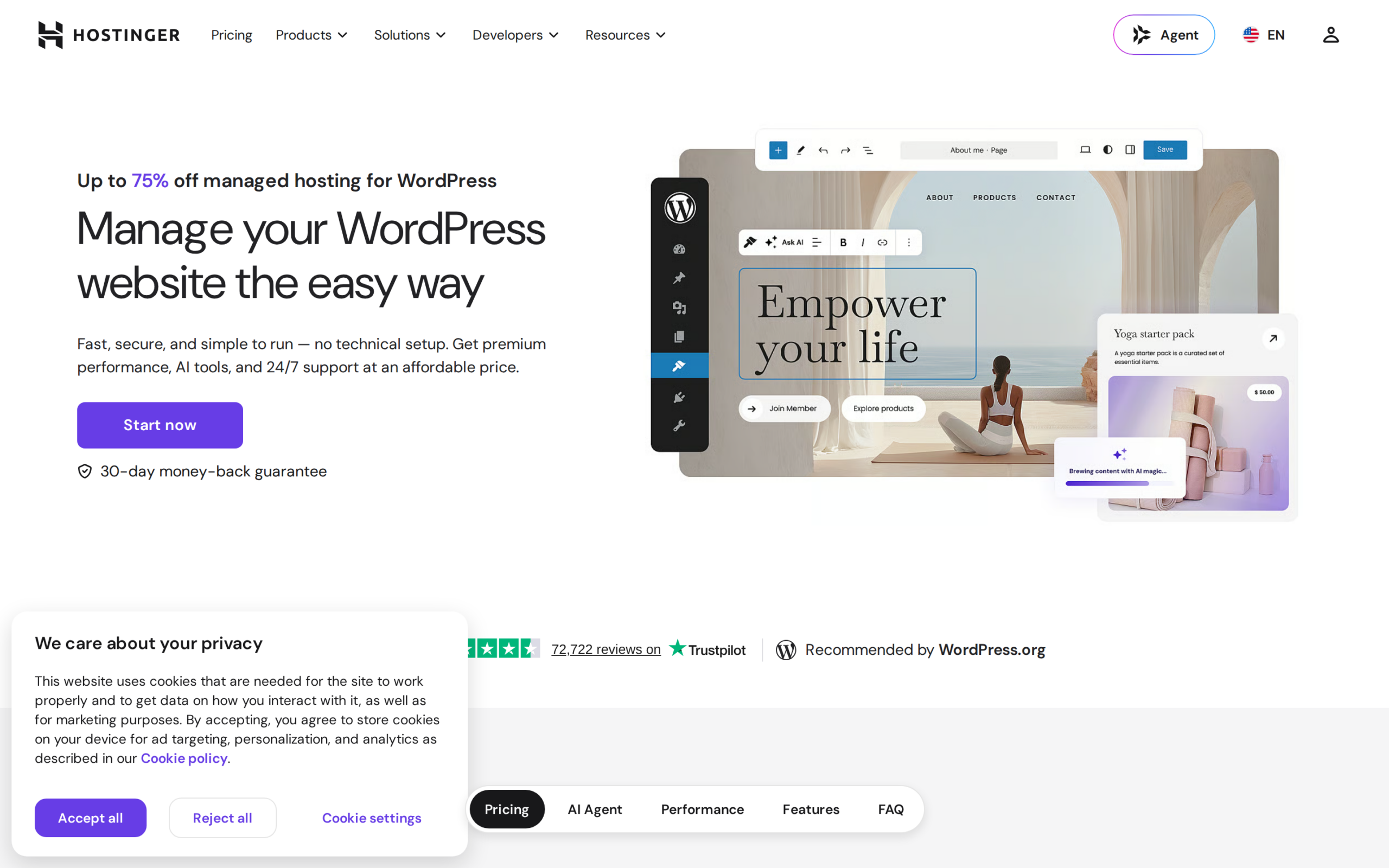
Hostinger Premium suits a small setup with up to three WordPress sites under one account.
The 48-month term costs US$143.52 upfront and renews at US$10.99 per month. Premium includes 20 GB of storage and weekly backups, and I would choose it only if the four-year prepayment fits.
Unlimited costs US$191.52 upfront for its 48-month offer and renews at US$16.99 per month. It allows unlimited websites and includes 50 GB of storage with daily backups.
DreamHost for several small sites
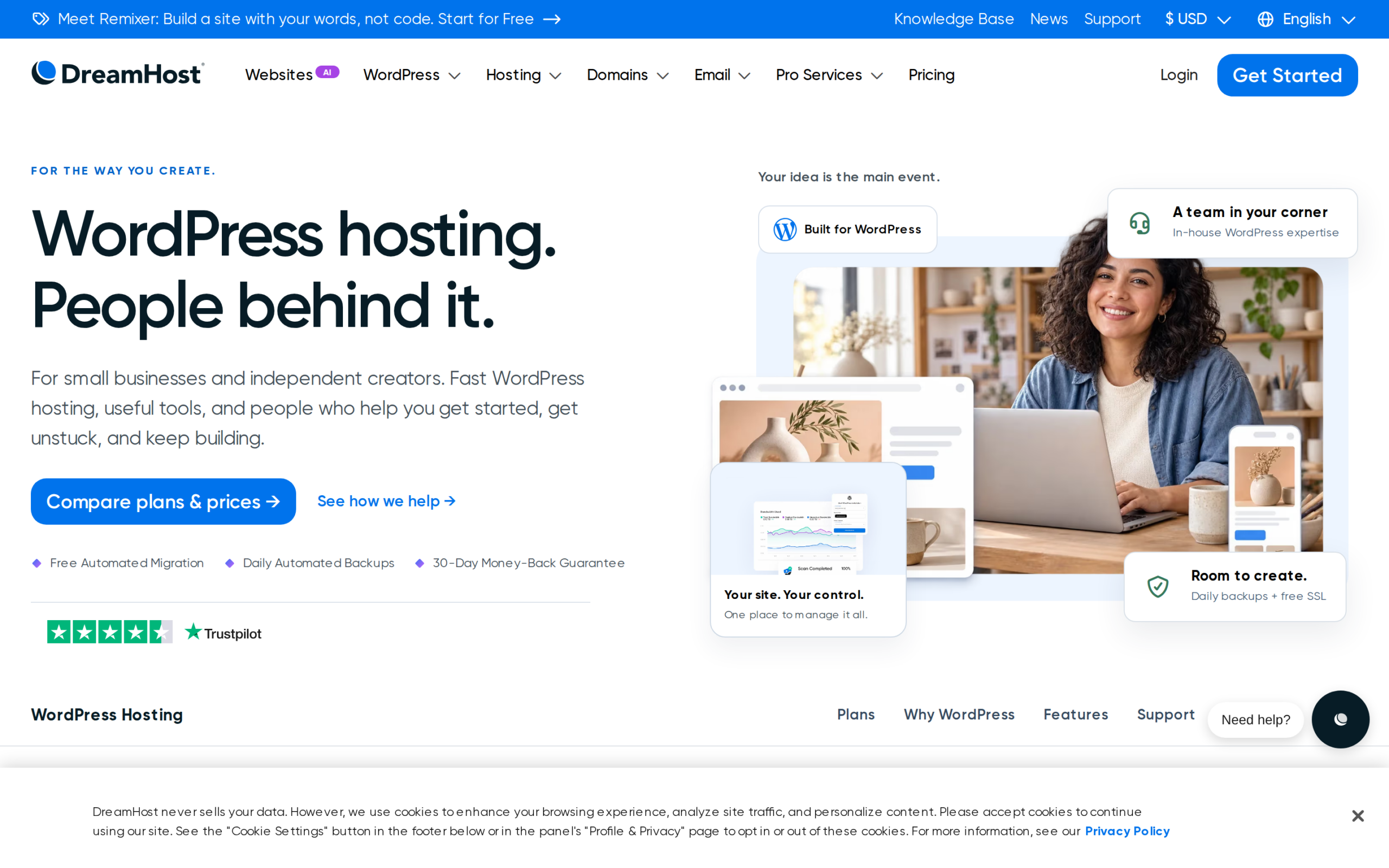
DreamHost Launch allows 25 websites with 25 GB of storage and daily automated backups. Its published allowance is 40,000 monthly visits, so this plan suits several modest sites only when that traffic estimate and the four-year term fit your needs.
The first term costs US$95.52 upfront and renews at US$7.99 per month. If you want managed WordPress controls such as staging, compare DreamPress rather than assuming Launch includes the same service.
DreamPress 1 adds a managed single-site option with staging and daily backups. Its first year costs US$179.88 upfront, then renews at US$19.99 per month.
SiteGround for staging and site tools
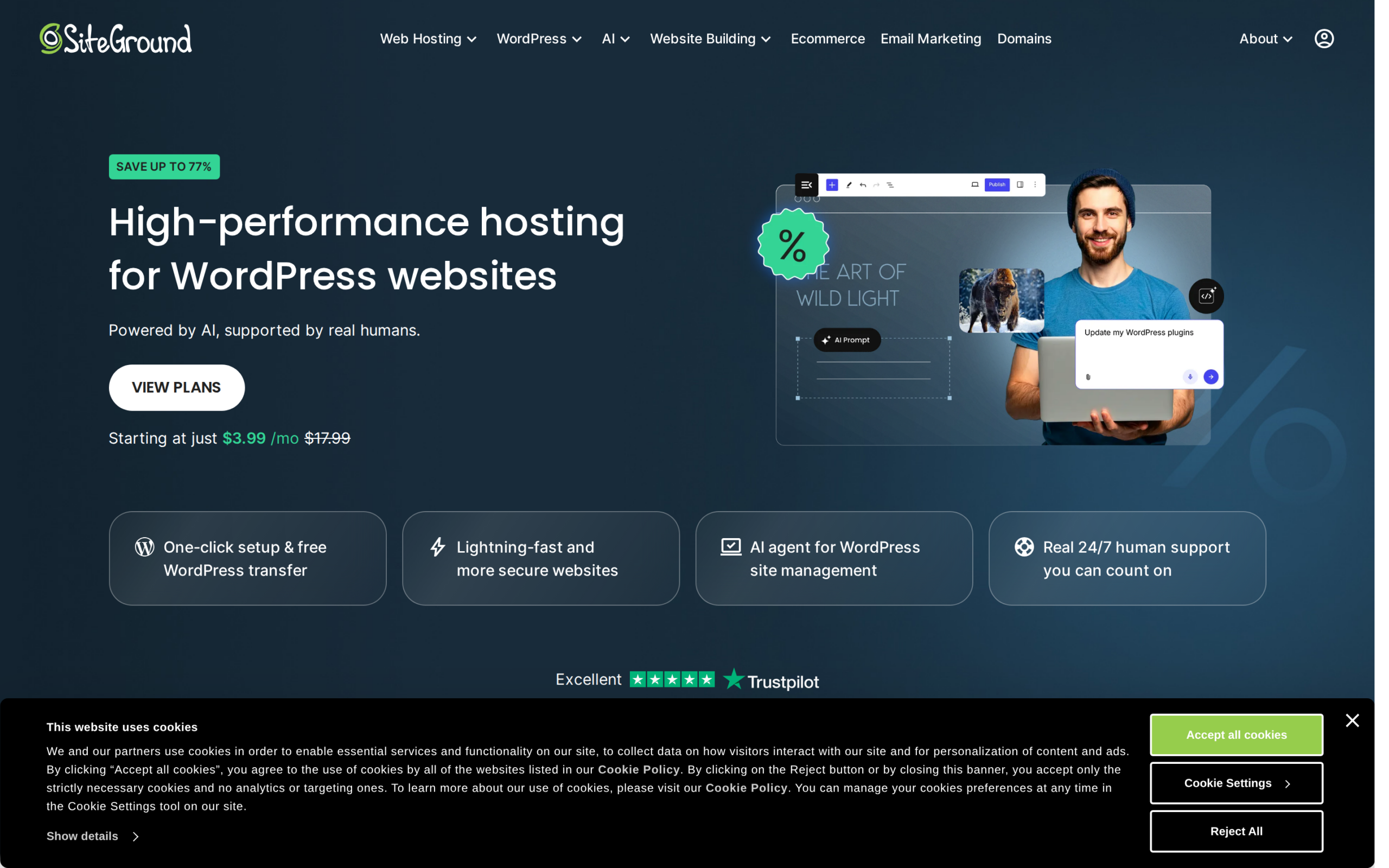
SiteGround’s StartUp plan gives you one website with 10 GB, while GrowBig raises that allowance to unlimited websites and 50 GB. The higher tier adds staging and on-demand backups.
StartUp’s first term is US$47.88 for one year and renews at US$17.99 per month. GrowBig renews at US$29.99, so choose it only when staging or the higher site limit earns that bill.
Bluehost as a WordPress.org-listed option
WordPress.org lists Bluehost in its hosting directory and describes it as a recommended provider. That makes Bluehost a reasonable candidate to compare, but a directory entry cannot tell you whether a specific plan fits your site or renewal budget.
Check the full amount due for the first term and the recurring renewal rate at checkout. Confirm the plan’s website and storage caps before moving a site onto it.
Kinsta for managed single-site operations
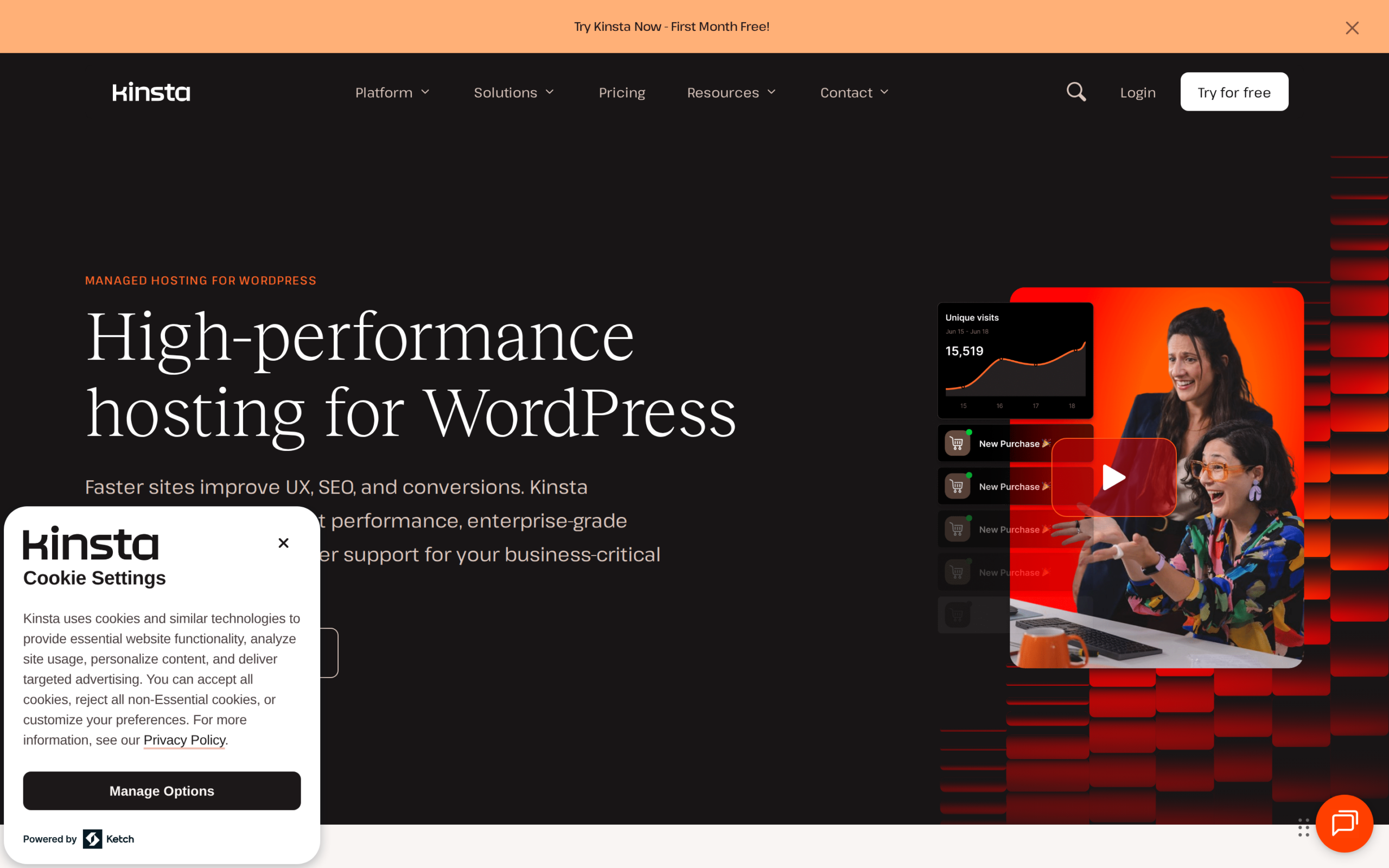
Kinsta’s Business Launch plan is built around one WordPress install and estimates 75,000 monthly visits. It includes 15 GB of storage and keeps automatic backups for 14 days.
The plan includes 125 GB of content delivery network (CDN) bandwidth. Kinsta offers the first month free, then bills US$35 per month or US$350 after the first month for annual billing.
I would choose Kinsta only when the managed service is worth that recurring bill for one site.
After the host is chosen, the WordPress security-plugin layer is a separate decision. See these WordPress security plugin options before adding a plugin to the new site.
Check these terms before you pay
A plan limit only helps if you know what happens when the site reaches it. Ask about the tier you are buying.
| Check | Question to answer | Why it changes the choice |
|---|---|---|
| Renewal | What amount will recur after the prepaid term? | A low monthly equivalent can require a large payment now and a higher renewal later. |
| Site and storage cap | How many WordPress installs and how much storage does this plan include? | Site count does not tell you how much content or traffic the account can serve. |
| Visits or bandwidth | Is the visit figure an estimate or does it trigger extra charges? | Providers measure use differently, so do not compare unlike limits as if they were the same. |
| Backup and restore | Does a backup include both files and database, and how long is it retained? | A copy only helps when you can restore it after an update or a compromised admin account. |
| Staging | Does your chosen tier include a separate test site? | Staging lets you check a plugin or theme change before the live site uses it. |
| Support | Can support help with WordPress behavior or only account and server issues? | A support label does not define the work the plan includes. |
WordPress’s backup guidance says a full restore needs both site files and database, with a separate copy stored elsewhere. Its migration handbook covers moving a site to a new server and changing its address.
Choose a renewal bill you can keep paying
Start with the renewal rate, then record the site cap and backup restore path before you pay.
Plan:
Amount due now and term:
Renewal rate and date:
Allowed sites and storage:
Visit or bandwidth allowance:
Backup frequency and restore path:
Staging included:
WordPress hosting questions
A directory listing is not a plan-level comparison, while a migration needs a tested copy before its address changes.
Does a WordPress.org hosting listing guarantee that a plan fits my site?
No. A directory listing is a useful place to start, but it does not compare your site’s storage, visit level, renewal budget, or required tools with a specific plan. Check the provider’s current plan terms before you buy.
Can I move my WordPress site to another hosting provider later?
Yes. WordPress’s migration handbook explains how to move a site to a new server and update its address. Test the new copy before pointing the domain name system (DNS) to the destination, and keep an independent backup before the move.