New to Rust? Grab our free Rust for Beginners eBook Get it free →
Top Machine Learning Frameworks For Web Development

Machine learning frameworks for web development split into two jobs: running models inside the browser and serving models behind an application programming interface (API). I checked official documentation and npm registry entries on July 23, 2026, then narrowed the browser side to five maintained options that solve distinct deployment problems.
Quick framework comparison
Start with the workload, not the library name. The table below shows the shortest path from a product requirement to a useful choice.
| Framework | Best fit | Runs in | Main tradeoff |
|---|---|---|---|
| TensorFlow.js | Training, transfer learning, and TensorFlow models | Browser and Node.js | Broader API surface than inference-only runtimes |
| ONNX Runtime Web | A custom model exported to ONNX | Browser | You own preprocessing and output decoding |
| Transformers.js | Text, vision, and audio tasks from pretrained models | Browser and Node.js | Model downloads can delay first use |
| MediaPipe Tasks | Camera, microphone, and sensor-facing features | Browser | Task packages favor supported use cases over custom graphs |
| ml5.js | Learning, prototypes, and creative coding | Browser | Less low-level control than TensorFlow.js |
If your model must stay on a Python server, these browser libraries are not substitutes for PyTorch, TensorFlow, or scikit-learn.
Train or serve on the backend, expose a narrow API, and let the web application handle input, output, and user experience.
1. TensorFlow.js for training and flexible browser ML
TensorFlow.js lets you develop, train, retrain, and run models in JavaScript. Its official site supports both browser and Node.js execution, plus conversion from Python TensorFlow models.
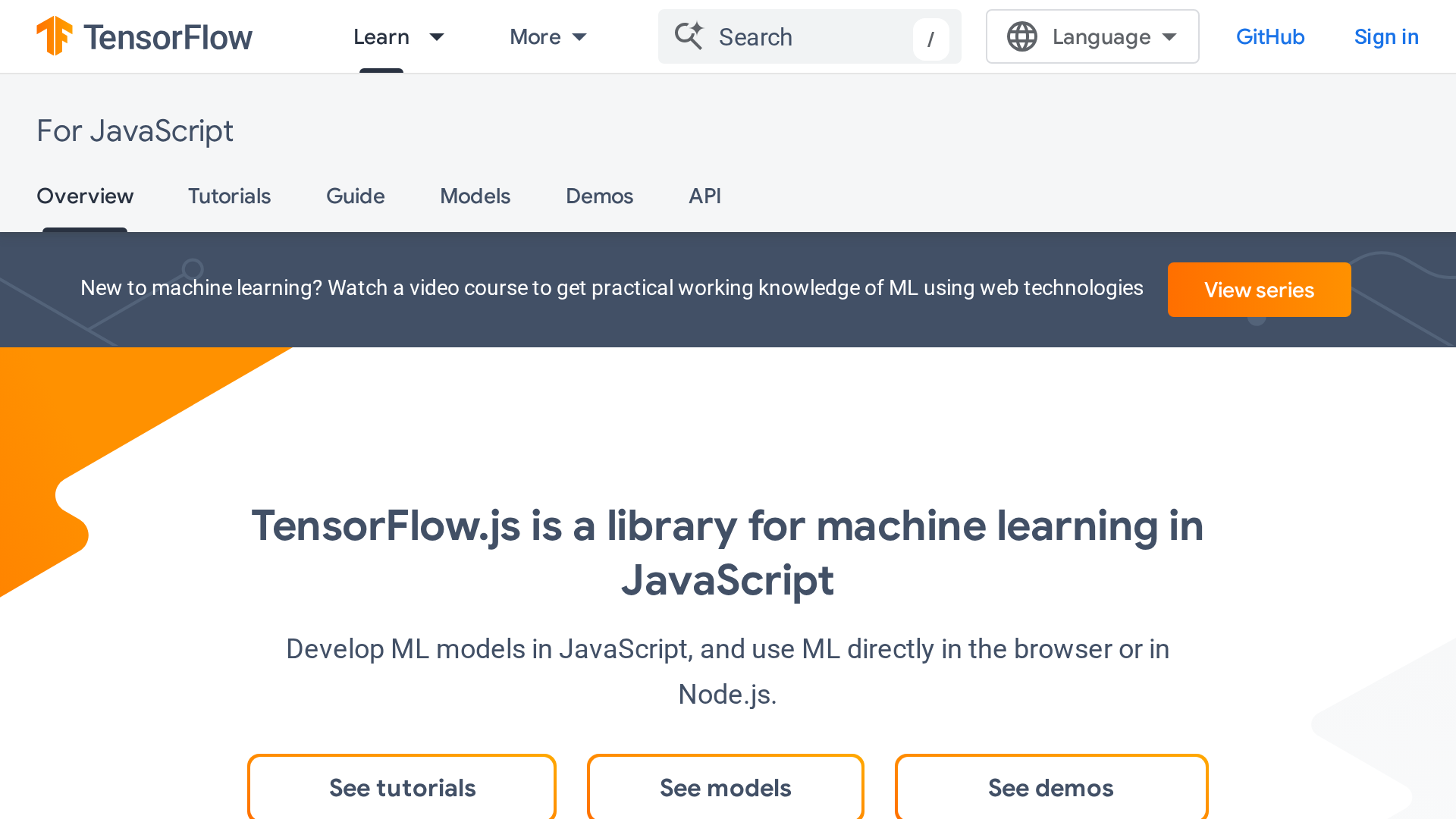
Choose it when you need more than inference. Transfer learning, custom layers, model training, and a catalog of ready-to-use models make it the broadest option in this list.
That flexibility also asks you to understand tensors, model lifecycle, memory disposal, and backend selection.
For a single exported model with fixed inputs and outputs, ONNX Runtime Web can give you a smaller conceptual surface.
Where TensorFlow.js fits
- An image, audio, or pose feature built from a TensorFlow.js model.
- A teaching tool that trains a small model in the browser.
- A Node.js service that shares model code with a browser client.
- Transfer learning with user-provided examples on the device.
The npm registry reported TensorFlow.js 4.22.0 during this check. Treat the model file and the library as separate release artifacts, then test both together before deployment.
2. ONNX Runtime Web for models you already own
ONNX Runtime Web loads Open Neural Network Exchange (ONNX) files and runs inference through a JavaScript API. This is the cleanest choice when your machine learning pipeline already exports a model with known tensor names, shapes, and data types.
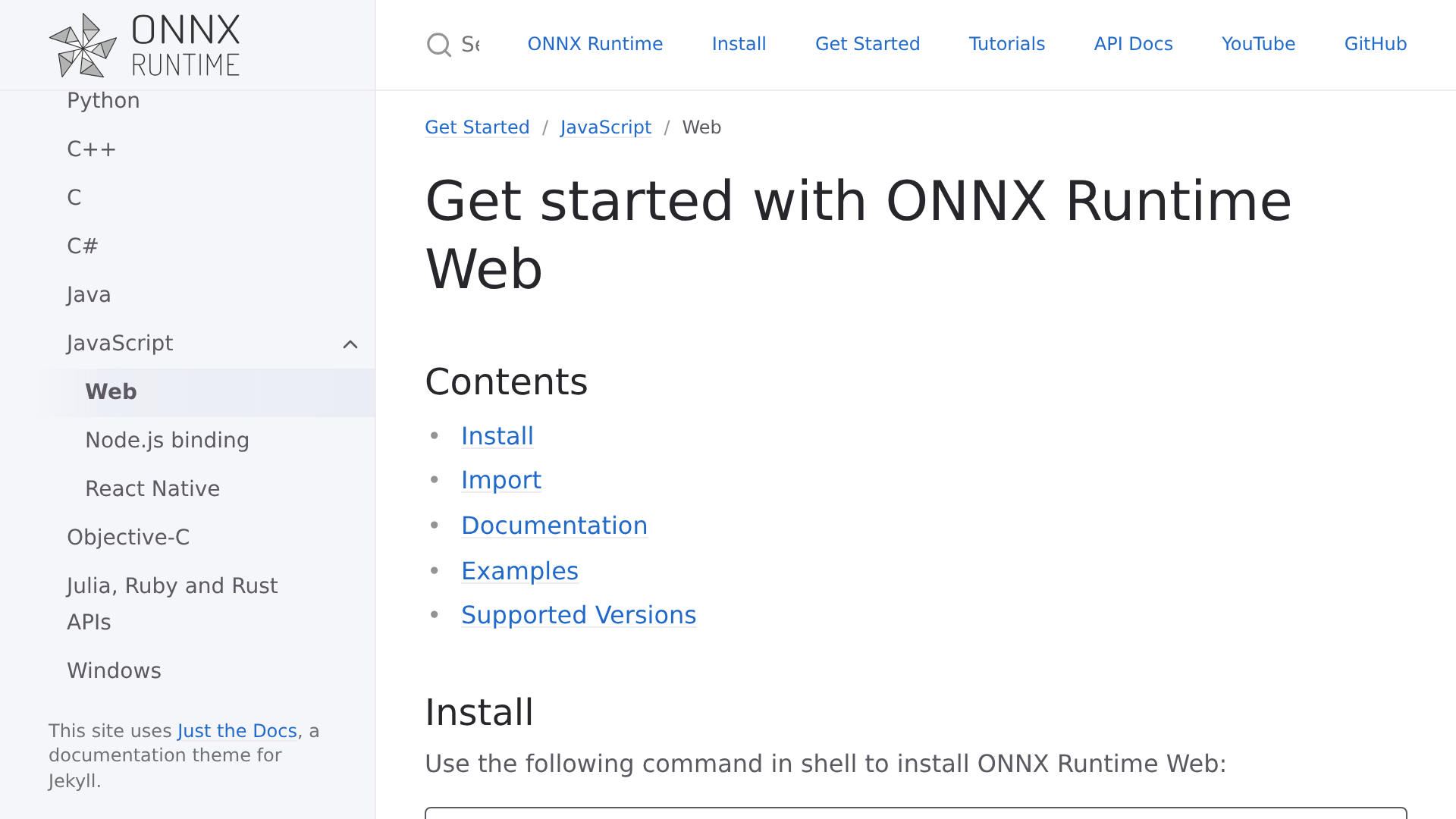
The official compatibility table lists WebAssembly as the broad CPU path.
WebGPU supports selected Chromium environments, while WebGL remains available in maintenance mode and Microsoft recommends WebGPU for better performance where it works.
You get direct control over sessions, tensors, execution providers, and model assets. In exchange, your application must implement image normalization, tokenization, labels, output decoding, caching, and fallback behavior when the accelerated path is unavailable.
Where ONNX Runtime Web fits
- A PyTorch, TensorFlow, or classical model exported to ONNX.
- A product team that versions model files independently from frontend code.
- Computer vision or scoring features with a fixed tensor contract.
- An application that needs explicit WebGPU and WebAssembly fallback policy.
The npm registry reported onnxruntime-web 1.27.0 during this check. Benchmark the exact ONNX file on the browsers you support because operator coverage and acceleration differ by execution provider.
3. Transformers.js for pretrained text, vision, and audio tasks
Transformers.js packages model loading, preprocessing, inference, and postprocessing behind task-oriented pipelines.
It uses ONNX Runtime underneath, so the choice is usually high-level task API versus direct runtime control rather than two unrelated engines.
Its documented tasks include text classification, question answering, translation, feature extraction, image classification, object detection, speech recognition, and several multimodal operations. Browser execution uses WebAssembly on the CPU by default, with WebGPU available through the device option for supported models and browsers.
Pick Transformers.js when a compatible Hugging Face model already solves the product task. Pick direct ONNX Runtime Web when your team owns the model artifact or needs exact control over tensor preparation and execution-provider order.
Plan for the model download
The JavaScript bundle is only part of the first-load cost.
Tokenizers, model weights, and processor files may be much larger, so defer loading until the feature is requested and show progress while assets arrive.
Hugging Face recommends quantized models in constrained environments and documents fp16, q8, and q4 choices where a model supports them. Compare output quality against a small evaluation set before choosing a smaller data type.
The npm registry reported @huggingface/transformers 4.2.0 during this check. The official documentation page also distinguishes stable documentation from its source-build main branch, which matters when copied examples differ from the installed package.
4. MediaPipe Tasks for camera and audio features
MediaPipe Tasks is a strong fit when the browser feature starts with an image, video stream, microphone, or text input and maps to one of Google’s supported tasks.
The web packages are divided into vision, text, audio, and generative modules.
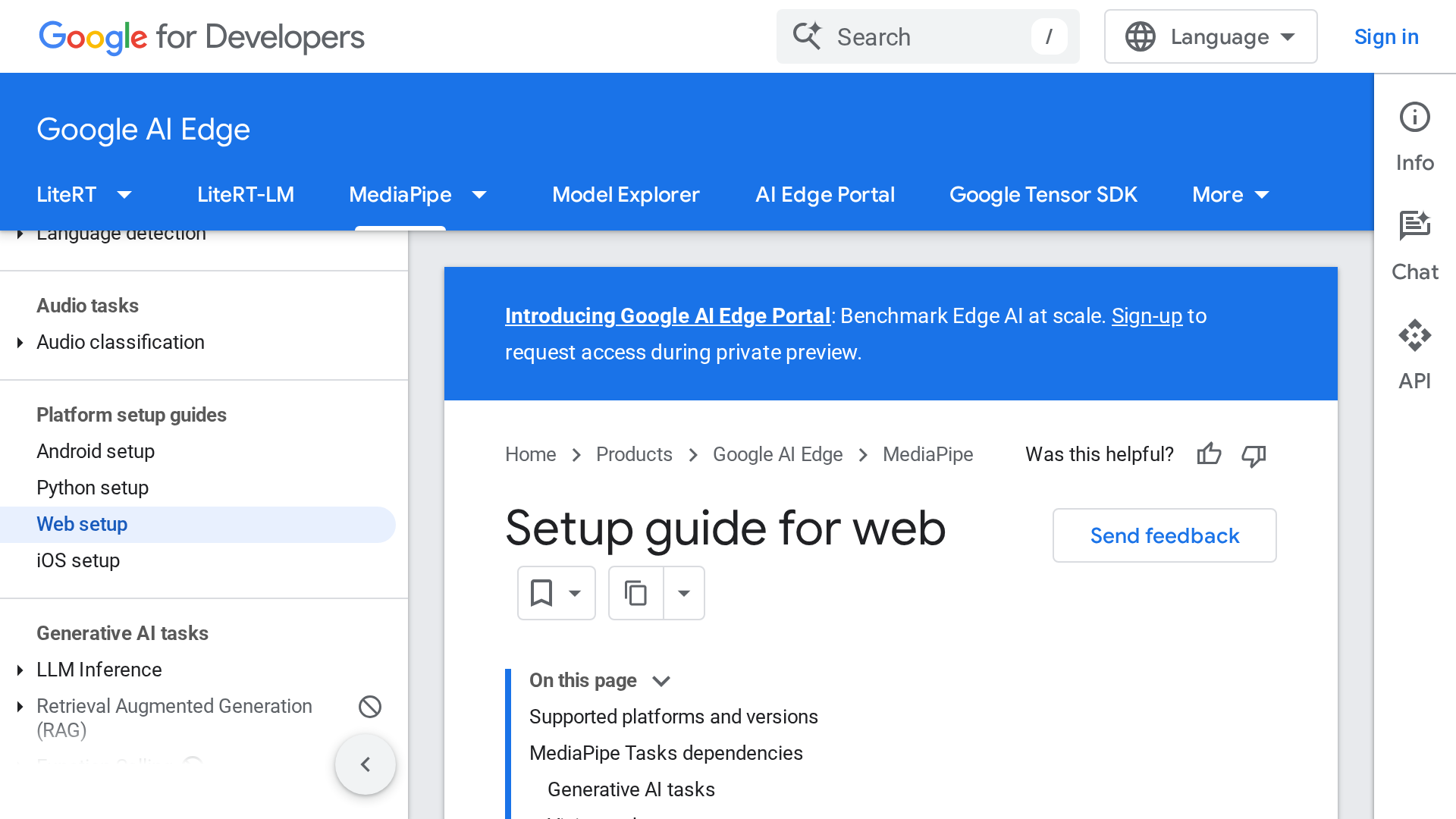
Vision tasks cover object detection, image classification, segmentation, gesture recognition, hand landmarks, face landmarks, and pose landmarks. The setup guide supports npm packages or content delivery network scripts, with CPU as the default delegate and GPU available as an option.
Choose MediaPipe when you want a supported perception task with a product-ready API. If you need an arbitrary exported graph or custom tensor contract, ONNX Runtime Web gives you more control.
Where MediaPipe Tasks fits
- A webcam interface that tracks hands, faces, poses, or gestures.
- An image upload flow that classifies, detects, or segments objects.
- A browser audio classifier with a supported task model.
- A prototype that benefits from Google’s task-specific examples and demos.
The npm registry reported @mediapipe/tasks-vision 0.10.35 during this check.
Google labels the MediaPipe Solutions release as preview, so test API changes before updating a production application.
5. ml5.js for learning and creative coding
ml5.js builds on TensorFlow.js and presents friendlier APIs for artists, students, and creative coders. Its documented features include body pose, hand pose, face mesh, image classification, sound classification, and small neural networks.
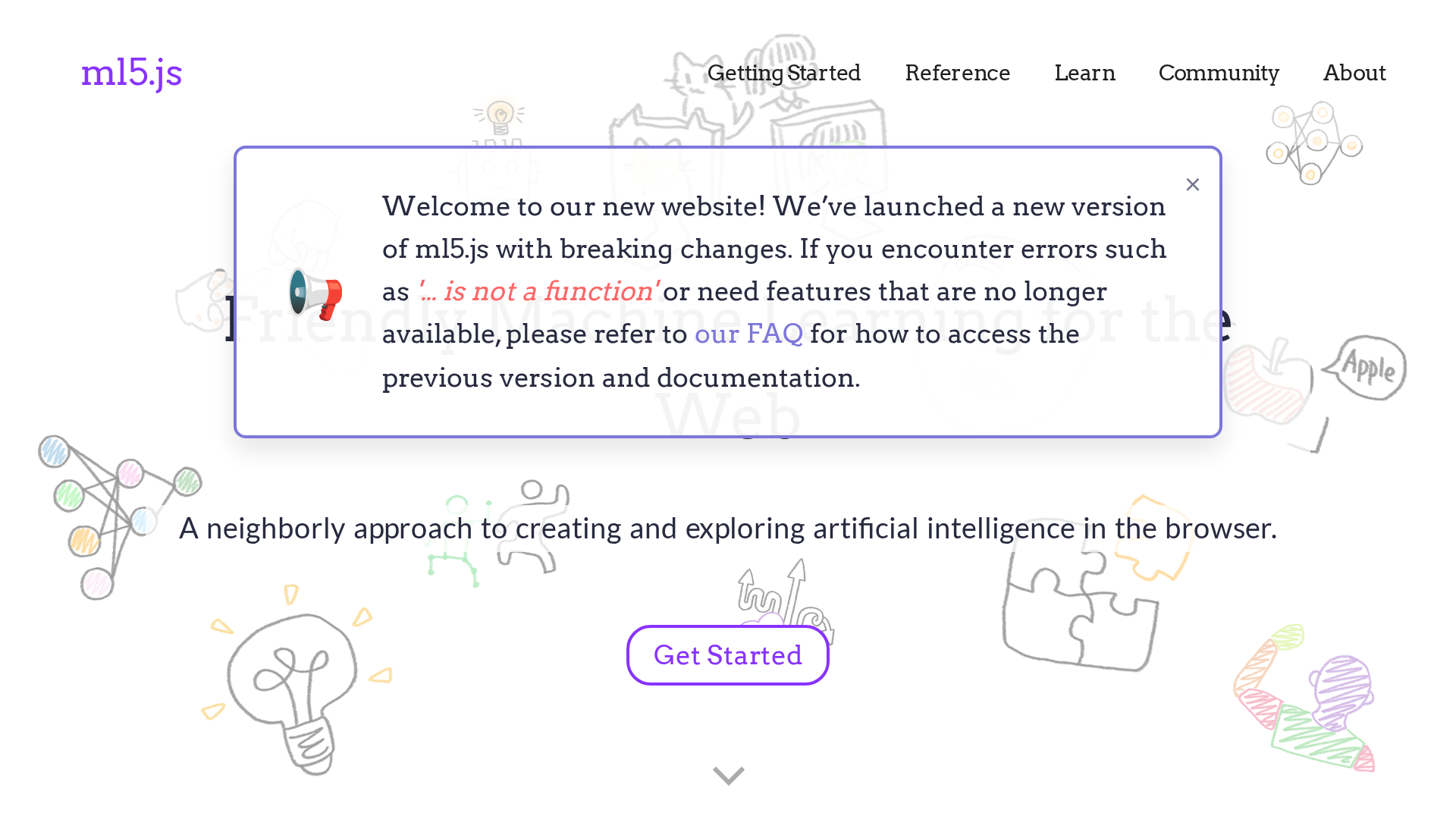
Use ml5.js when fast comprehension matters more than low-level model control. It works especially well with visual sketches and classroom projects where the machine learning behavior should remain easy to inspect.
The project warns that its newer release includes breaking changes and directs older examples to an archive.
The npm registry reported ml5 1.3.1 during this check, so match tutorials to that API before copying code.
How to choose a browser machine learning framework
The best choice comes from the model boundary and the user experience. A framework cannot rescue a model whose download, memory use, or initialization time exceeds what the target device can tolerate.
| Your requirement | Start with | Reason |
|---|---|---|
| Train or fine-tune in JavaScript | TensorFlow.js | It supports model development as well as inference. |
| Run your own exported model | ONNX Runtime Web | It exposes the model session and tensor contract directly. |
| Add a standard pretrained AI task | Transformers.js | Pipelines include model loading and task processing. |
| Build camera or microphone interaction | MediaPipe Tasks | Task APIs cover common perception workloads. |
| Teach or prototype visually | ml5.js | Its API reduces setup for creative browser projects. |
| Keep heavy training on a server | PyTorch or TensorFlow behind an API | The browser receives only the product-facing request and result. |
Test the fallback before the fast path
WebGPU can accelerate compatible workloads, but device and browser support varies. Keep a WebAssembly or server fallback when the feature must work across a broad audience, and measure cold load separately from warm inference.
Test on the lowest device class you support.
If you are choosing development hardware, the GPU and memory criteria in our machine learning laptop guide help explain why the same browser model behaves differently across machines.
Decide where user data travels
Client-side inference can keep input on the device, but that only holds when your code avoids remote analytics, model APIs, and uploads. Document each network request and make the privacy boundary visible to the user.
A hosted model API can simplify low-end device support and centralize updates. If you are comparing hosted options, our top AI model comparison covers the model-selection side of that architecture.
Measure the whole interaction
- JavaScript bundle size and model download size.
- Cold model initialization and warm initialization.
- Inference time on accelerated and fallback paths.
- Peak memory use during loading and inference.
- Output quality after quantization or conversion.
- Behavior when a model asset fails to download.
Final recommendation
Choose TensorFlow.js when you need training or the wider TensorFlow.js model ecosystem.
Choose ONNX Runtime Web for a custom exported model, Transformers.js for supported pretrained tasks, MediaPipe Tasks for camera and audio features, and ml5.js for education or creative coding.
Keep the framework behind a small application-facing module so you can replace it after browser tests. Your model, fallback policy, and measured user experience should decide the runtime, not a popularity list.