New to Rust? Grab our free Rust for Beginners eBook Get it free →
Assert vs Require in Solidity: Which One to Use When


Use require() when a caller, input, or external condition must be valid before execution continues, and use assert() when an internal invariant should hold after your contract updates its own state. Solidity documents these failures as Error(string) and Panic(uint256), so the choice tells a debugger what kind of fault occurred.
I compiled the contract below with solc 0.8.36 during this refresh, including its require() checks for ownership and input before minting. The final assert() tests the new supply against the value recorded before the update.
The short rule
A condition that can fail through an ordinary contract call belongs in require(), with a useful error message or custom error for the caller.
Use assert() for a condition your own implementation establishes and expects to preserve. A failed assert() produces a Panic(uint256), which Solidity reserves for internal errors and checks such as arithmetic overflow or an invalid array operation.
| Condition | Use | Why |
|---|---|---|
| The caller lacks permission | require() | The call violates a contract rule. |
| An input is outside an allowed range | require() | The caller can correct the input and try again. |
| A balance or counter no longer obeys an invariant after an update | assert() | The implementation needs investigation. |
| A branch needs structured failure data | revert with a custom error | The contract can return typed arguments without a string. |
What each failure says
Both functions revert the transaction and undo state changes in the current call, but their error data communicates a different fault class.
require() reports an expected condition
Use require() at boundaries where a transaction can arrive with an invalid value, missing authorization, or an unmet dependency. The Solidity control-structures documentation describes the string-message form as Error(string), which lets a client expose a direct reason for the rejection.
A require() failure can occur during ordinary contract operation when a user sends zero tokens, calls a restricted function, or submits a transaction after an expiry condition.
assert() signals a broken invariant
Use assert() after a state transition when the contract itself should make the condition true. Solidity encodes a failed assertion as Panic(uint256), with the panic code identifying the compiler or runtime check that failed.
During review and debugging, keep implementation defects separate from routine caller mistakes. An assert() on input validation would hide a correctable call behind a panic.
Compile a contract that uses both checks
The constructor and mint function use require() for input and authorization boundaries, while the final assertion confirms that a positive mint increased supply.
// SPDX-License-Identifier: MIT
pragma solidity ^0.8.0;

contract SafetyChecks {
    address public immutable owner;
    uint256 public supply;

    constructor(uint256 initialSupply) {
        require(initialSupply > 0, "initial supply must be positive");
        owner = msg.sender;
        supply = initialSupply;
    }

    function mint(uint256 amount) external {
        require(msg.sender == owner, "only the owner can mint");
        require(amount > 0, "amount must be positive");

        uint256 previousSupply = supply;
        supply += amount;

        assert(supply > previousSupply);
    }
}
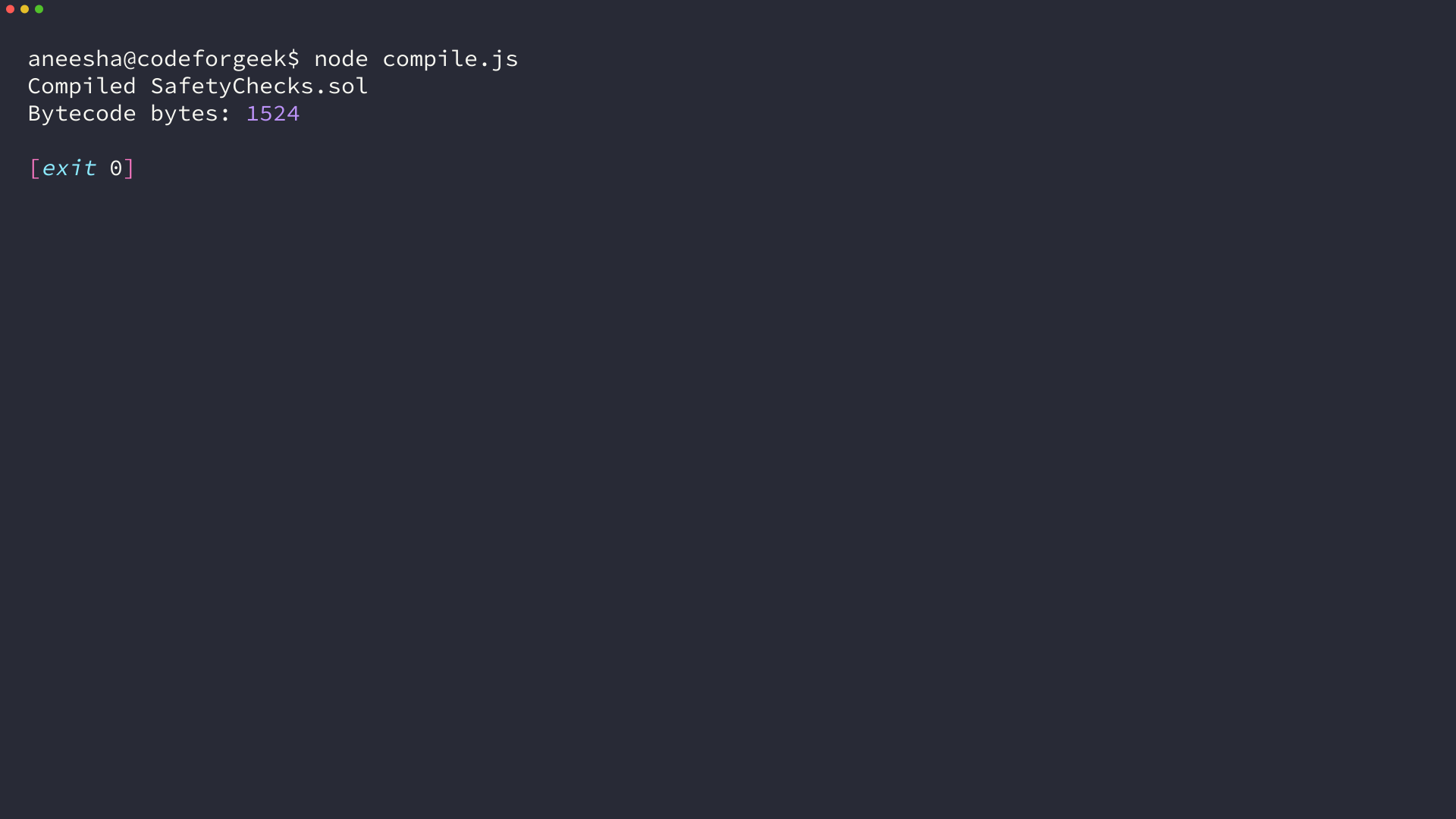
Install solc in an empty project with npm install solc, then save the following compiler wrapper as compile.js to report compilation errors and write the contract bytecode to SafetyChecks.bin.
const fs = require('fs');
const solc = require('solc');

const source = fs.readFileSync('SafetyChecks.sol', 'utf8');
const input = {
  language: 'Solidity',
  sources: {'SafetyChecks.sol': {content: source}},
  settings: {outputSelection: {'*': {'*': ['evm.bytecode.object']}}}
};
const result = JSON.parse(solc.compile(JSON.stringify(input)));

if (result.errors) {
  for (const item of result.errors) console.log(item.formattedMessage);
}
if (result.errors && result.errors.some((item) => item.severity === 'error')) {
  process.exit(1);
}

const bytecode = result.contracts['SafetyChecks.sol'].SafetyChecks.evm.bytecode.object;
fs.writeFileSync('SafetyChecks.bin', bytecode + '\n');
console.log('Compiled SafetyChecks.sol');
console.log('Bytecode bytes: ' + (bytecode.length / 2));
Run node compile.js from the same directory to generate the bytecode recorded below.
When revert and custom errors fit better
Use revert with a custom error when a branch calculates typed failure data that a client needs to interpret.
// SPDX-License-Identifier: MIT
pragma solidity ^0.8.0;

contract CustomErrors {
    mapping(address => uint256) public balances;

    error InsufficientBalance(uint256 available, uint256 requested);

    function withdraw(uint256 amount) external {
        uint256 available = balances[msg.sender];
        if (amount > available) {
            revert InsufficientBalance(available, amount);
        }
        balances[msg.sender] = available - amount;
    }
}
The Solidity documentation recommends custom errors for cases where you want a descriptive error name and arguments. Use them for expected branches that need more context than a fixed message.
A boundary worth keeping
require() and assert() do not replace tests, access-control design, or an audit. Your test suite must establish each invariant across the state transitions you support.
Classify each condition before choosing a keyword, then put caller or environment conditions in require(), internal promises in assert(), and calculated failure branches in revert with a custom error.
Frequently asked questions
The distinction is small in syntax and important in maintenance. These answers keep the error types tied to the job each check performs.
Does require() revert Solidity state changes?
Yes. When require() fails, the current call reverts and its state changes are undone. Use it for caller input, authorization, and other expected conditions.
What error does assert() produce in Solidity?
A failed assert() produces Panic(uint256). Solidity uses this error type for failed assertions and internal runtime checks, which makes it appropriate for invariants rather than caller validation.
When should a Solidity contract use a custom error?
Use a custom error when an expected failure needs named, typed context such as an available balance and requested amount. Revert with that error from the branch that detects the condition.