New to Rust? Grab our free Rust for Beginners eBook Get it free →
4 Ecommerce Plugins for WordPress

Choosing an ecommerce plugin for WordPress starts with matching the software to what the store sells and how it handles orders. A WordPress ecommerce plugin adds commerce functions to a site, either within WordPress or through a hosted service.
I’ll show how to choose a plugin for the store’s product model and assess its operating cost and data portability.
TL;DR
Choose the store engine around what you sell: WooCommerce for a broad catalog, EDD for files, Ecwid when you want a hosted catalog embedded in WordPress, or SureCart for a cloud-managed checkout and subscriptions.
- Use WooCommerce for physical goods, variations, shipping and a large extension ecosystem.
- Use EDD when downloadable products and license delivery are the central job.
- Compare Ecwid and SureCart against where catalog and order data live, payment availability and recurring fees.
What Is a WordPress Ecommerce Plugin?
A WordPress ecommerce plugin adds the commerce functions that a regular site lacks, such as product listings, cart or checkout flows, payment connections and order records. The plugin may store a large share of store data in WordPress or connect the site to a hosted commerce service, so that architectural difference matters as much as the feature list.
A payment plugin alone is not necessarily a store engine. For example, a checkout tool may collect payment for a service or a few products without providing inventory, shipping calculations or a full catalog. Decide whether the site needs a complete store or a focused payment flow before adding software.
Start with the product model. Physical products need stock, shipping zones and tax rules.
Digital goods need protected file delivery. Memberships need access control and recurring billing. Extensions can add these functions, but each adds a vendor and an update dependency.
How to Choose an Ecommerce Plugin for WordPress
Start by listing the transactions and administrative tasks the site must support. Test the purchase path on staging before accepting live orders.
Step 1: Write down what customers can buy
List the product types and purchase rules in plain terms. Include variants such as size or color, downloadable files, recurring subscriptions, appointment slots, bundles or memberships only when the store needs them.
This inventory reveals whether a catalog or a small payment flow is required. Shipping and stock add operational work that a single download does not need.
Step 2: Match the store model to the plugin
Match each product model to the documented capability, then list any extension the workflow requires. That list becomes part of the cost and maintenance review.
EDD is a specialist for selling digital products. Check its current plans and documentation for the specific file protection, software licensing, payment and recurring-payment features you need. Do not assume every feature is in the free core plugin.
Ecwid links a WordPress storefront to a hosted catalog. Check plan limits, payment methods and export options before committing.
SureCart is a standalone commerce and payment plugin with hosted service components. Its WordPress.org listing says it supports physical products, downloads, subscriptions and a customer area, and does not require WooCommerce. Confirm the current transaction fees, supported gateways and service terms on its official pricing page.
Cost worksheet output
Compare more than the plugin’s headline price. Add the payment processor’s fees, required extensions, hosting capacity, backup service and any subscription charged by a hosted provider. Keep one-time purchases separate from recurring charges so the annual cost is visible.
Prices and plan features change. Use each vendor’s current pricing page for a final decision rather than relying on a third-party list or an older article. Treat an unlisted fee or limit as unknown until the vendor confirms it.
Step 4: Verify the checkout and order workflow
On a staging site, test a complete order using the provider’s test mode. Check that a customer can select a product, reach checkout, receive the expected confirmation and access the purchased item. For physical goods, also inspect stock changes, shipping charges and the order status shown to staff.
Test a declined or incomplete payment as well. The shop should communicate the failure clearly and leave an accurate order state. Keep test transactions out of the live payment account.
Portability checklist output
Review the plugin’s update history, compatibility notes, support channel and backup procedure. Confirm how to export products, customers and orders, and identify which records remain in WordPress if a hosted service subscription ends.
Before changing a live store, create a verified backup and rehearse the update on staging. A rollback plan is useful only when the backup can be restored and the order records created since the backup are accounted for.
Plugin Options for WordPress Ecommerce
Compare each option by the job it owns, the data it controls and the additional systems it requires.
1. WooCommerce for a broad product catalog
WooCommerce is a fit when the site needs a full product catalog and control over store behavior in WordPress. The official plugin listing describes physical and digital products, variations, instant downloads and a large extension model. Its wide scope makes it a candidate for mixed catalogs, but the number of add-ons can increase the work required to test updates.
Map each required feature to a core capability or a specific extension before installation. For example, mark whether subscriptions, bookings or memberships need a paid extension, then include its price and support terms in the cost comparison. Avoid installing multiple extensions that solve overlapping jobs.
WooCommerce stores its core commerce data in the WordPress environment. That can give the site team direct control, while also making backups, database health and hosting capacity part of store operations. Its official documentation and plugin page should be checked for current system requirements before deployment.
2. EDD for files and software
EDD focuses on digital products such as ebooks, design assets and software. A focused download workflow can avoid shipping and stock controls that a digital-only business does not use. Review how the plugin handles protected downloads, purchase receipts, refunds and license keys if the store sells software.
Check payment gateways and recurring billing against the actual customer locations and currencies the business serves. A gateway listed in a product comparison may have regional restrictions or require a paid plan. Verify the vendor’s current documentation before moving a payment flow into production.
3. Ecwid for a hosted catalog connected to WordPress
Ecwid is worth evaluating when the business wants to manage a hosted store and display it through a WordPress site. This model can reduce the amount of commerce infrastructure managed inside WordPress, but it makes the service’s account, plan and export rules important parts of the architecture.
Before choosing it, verify product and order synchronization, payment availability, shipping options and the number of products supported by the plan. Confirm what storefront elements can be customized in WordPress and what requires using the hosted dashboard.
4. SureCart for hosted checkout and recurring sales
SureCart can be considered for a store that needs checkout, digital delivery or subscriptions without making WooCommerce a prerequisite. Its plugin listing describes a customer area for order details and downloadable invoices. Because parts of the service are hosted, confirm data handling, supported payment providers and the exit path before relying on it for orders.
Compare the free and paid plans by the fees that apply to your transaction volume and feature needs. Check whether a required feature is in the plan itself or supplied through a paid service tier. The cost should be assessed alongside the value of reduced store administration, not in isolation.
Step 5: Check the total operating cost
I ran a small cost worksheet to make the categories visible. The zeroes are empty inputs, not quoted prices.
items = {"shop": 0, "processor": 0, "extensions": 0, "hosting": 0}
print("Annual cost inputs:")
for name, monthly in items.items():
    print(f"{name}: ${monthly * 12}/year")
print("Add published fees and one-time costs separately.")
Annual cost inputs:
shop: $0/year
processor: $0/year
extensions: $0/year
hosting: $0/year
Add published fees and one-time costs separately.
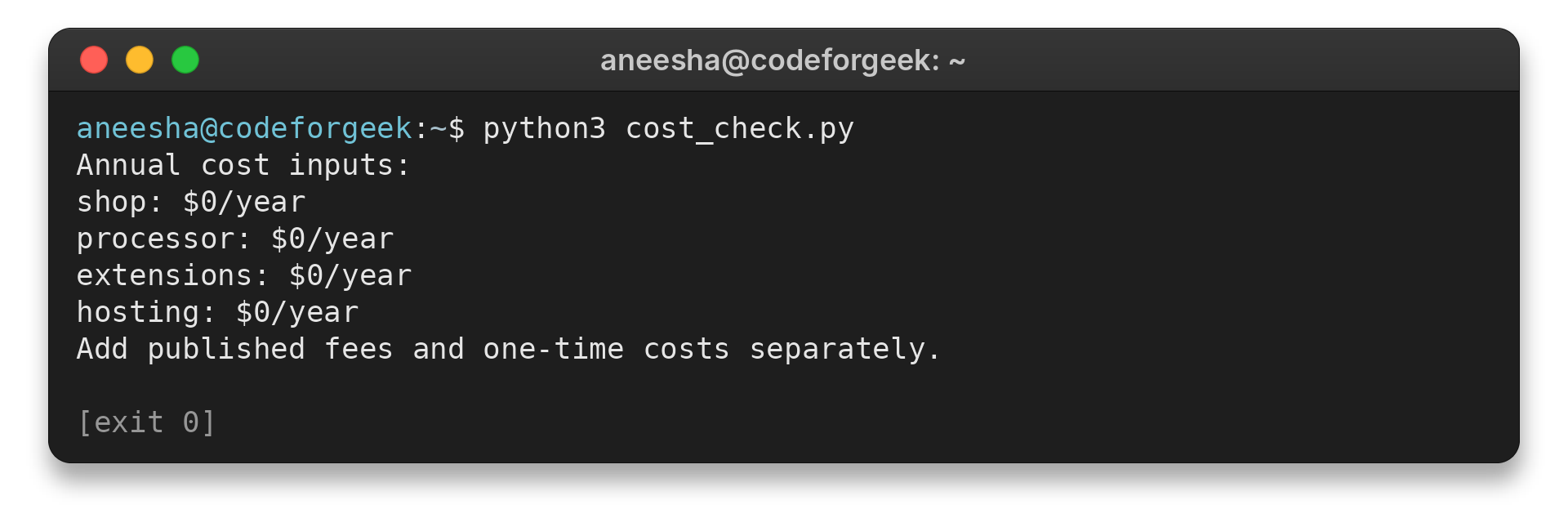
Replace zeroes with vendor-published monthly amounts, then add transaction-based charges and one-time purchases separately. The arithmetic does not estimate fees that vary by region or payment method.
Step 6: Check maintenance and data portability
I used a checklist script to enumerate records that need an export and restore plan.
records = ["products", "customers", "orders", "subscriptions", "download files"]
for record in records:
    print(f"Verify export and restore: {record}")
Verify export and restore: products
Verify export and restore: customers
Verify export and restore: orders
Verify export and restore: subscriptions
Verify export and restore: download files
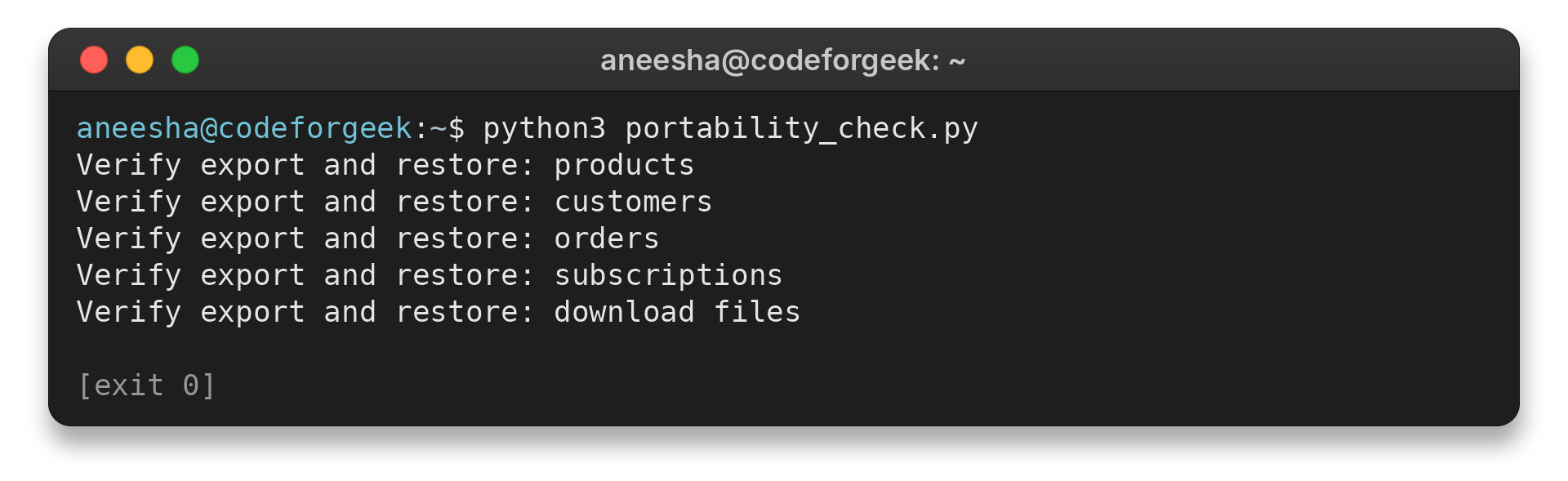
Confirm the export includes files and subscription status where applicable, then test restoring it on staging. A database backup alone may not include files held by a hosted provider.
7. Shopify Buy Button for embedded products
Shopify Buy Button places a Shopify product or collection on an external WordPress page using generated embed code. Shopify’s help documentation describes adding that code through a Custom HTML block. Product and order management remain tied to the Shopify account, so this is an embed route rather than a native WordPress catalog.
Use it when an editorial page needs a small purchasable selection. The product and order records remain tied to the Shopify account, so review its plan and export terms alongside the WordPress page setup. Check supported gateways in the seller’s region and applicable third-party transaction fees.
8. CartFlows for funnel checkout
CartFlows organizes checkout and post-purchase steps around a sales funnel, generally alongside WooCommerce. Its documentation covers funnel steps, checkout products, order bumps and one-click upsells with supported gateways. This makes it a layer for shaping a purchase sequence, not a substitute for choosing a catalog and fulfillment system.
Before installing it, map the regular product page, checkout, confirmation and any offer after purchase. Test declines and repeated submissions in the payment provider’s test mode. Verify gateway support for one-click offers, because that capability depends on the payment integration and configuration.
9. WP Simple Pay for payment forms
WP Simple Pay adds Stripe payment forms to WordPress for one-time or recurring payments. It fits a service, donation or limited product purchase when a browsable inventory and order-management system are unnecessary. The Stripe connection handles payment processing, while the store owner still needs a plan for fulfillment, customer records and refunds.
Check the plugin’s current plan matrix for recurring billing, payment methods and any transaction fee before building the form. Test successful and declined payments, confirmation emails and cancellation behavior. A payment form should not be presented as a full store when customers need stock tracking, shipping or a searchable product catalog.
10. MemberPress for paid access
MemberPress treats memberships as products and associates them with access rules, registration pages and subscriptions. Its documentation explains that an expired subscription can remove access to protected content. This model suits courses, member libraries and recurring communities where permissions matter as much as payment.
List the content each tier unlocks and what happens when a payment fails, a member cancels or a term expires. Test a new registration and an expired membership with a test account. Compare the current plan features and supported payment options before promising automated renewals or particular access behavior.
Common Selection Risks and Next Steps
The main risk is choosing by a feature list without testing the complete customer and staff workflow. A short staging checklist exposes missing gateways, confusing fulfillment steps and extension conflicts before customers encounter them.
| Case | What to verify | Practical next step |
|---|---|---|
| Plugin is not updated for the site’s WordPress version | Compatibility notes and update history | Test on staging or choose a maintained alternative |
| Payment method is unavailable in a target region | Gateway and currency support | Confirm with the payment provider before launch |
| Digital file is accessible without purchase | Download URL protection and expiry | Test access as an unauthenticated visitor |
| Hosted provider account is cancelled | Export and retention terms for products and orders | Document an export and migration procedure |
| Several plugins add the same checkout feature | Overlapping hooks and customer-facing controls | Remove redundant extensions in staging and retest |
Security depends on the whole store, not only the ecommerce plugin. Keep WordPress core, themes and extensions maintained, use unique administrator credentials, restrict access and maintain off-site backups. For payment data, use a supported payment provider and follow its integration guidance rather than collecting card details in an improvised form.
Do not activate a new store on a live site until the checkout, order emails, taxes and fulfillment path have been reviewed. Set a recurring maintenance task for updates and restore tests, and record which plugin owns each business-critical function.
Conclusion
The right ecommerce plugin follows from the product and order workflow: WooCommerce for a broad store, EDD for a digital-first catalog, or a hosted option such as Ecwid or SureCart when its service model fits. Validate the full purchase path and the ongoing cost before committing.
Read the WooCommerce documentation and check each option’s official plugin listing and pricing before installation. For related WordPress work, see social media plugins for WordPress and WordPress email marketing tools.
FAQ
These answers address common questions about selecting and installing a store plugin.
Do I need an ecommerce plugin for WordPress?
You need a commerce plugin or service integration if you want WordPress to manage product listings, checkout, orders or digital delivery. A payment-only plugin may be enough for a small number of payment links, but it does not necessarily provide a complete store.
Can I use an ecommerce plugin on a regular WordPress website?
Yes. A regular WordPress site can add store functions through a compatible plugin, provided the host meets the plugin’s requirements and the site is configured for payments, security, taxes and fulfillment.
Are WordPress ecommerce plugins safe?
Safety depends on the plugin’s maintenance, configuration and the wider WordPress installation. Review update history and support, limit administrator access, use trusted payment integrations and keep tested backups.
Which ecommerce plugin is best for digital products?
EDD is designed around digital products, while WooCommerce and other options can also sell downloads. Compare protected delivery, software licensing, payment methods and plan costs for your specific products.