New to Rust? Grab our free Rust for Beginners eBook Get it free →
PostgreSQL with Node.js on macOS: Install, Connect, and Query

Getting PostgreSQL working with Node.js on macOS means installing the server, creating a database and a role, then connecting from your app. Most people hit the same role error on that first connection, and the fix is creating the right role.
Install PostgreSQL on macOS with Homebrew
Homebrew is the faster of the two supported installs on macOS and the one that keeps psql reachable from your shell. If you would rather click through a wizard than type commands, the EDB installer further down does the same job with a graphical installer and a pgAdmin window.
The versioned formula is keg-only, which means Homebrew drops PostgreSQL into its own directory and leaves it out of your default PATH so it cannot shadow another version.
brew install postgresql@18
The formula page lists 18.6 as the stable build for postgresql@18, and it ships the server together with the client tools this tutorial uses: psql, createdb, pg_isready, and pg_ctl.
Fix the psql PATH warning Homebrew prints
A keg-only formula is not linked into your shell, so psql answers with command not found until you add its bin directory. Homebrew prints the exact line after the install finishes, and on Apple Silicon the prefix is opt homebrew while Intel Macs use usr local.
echo 'export PATH="/opt/homebrew/opt/postgresql@18/bin:$PATH"' >> ~/.zshrc
source ~/.zshrc
psql --version
A client older than the server it talks to can produce confusing output on newer features, so this check is worth running before you debug anything else. The version line tells you which psql your shell will run.
Two copies of psql on one Mac is the common version of this problem, and the one that answers depends on the order of your PATH. Run which psql to see the binary your shell resolves before you blame the install.
Start the server and confirm it is listening
The installer does not start the server on its own. The services command registers a launchd job, so PostgreSQL comes back after a restart without you running anything.
brew services start postgresql@18
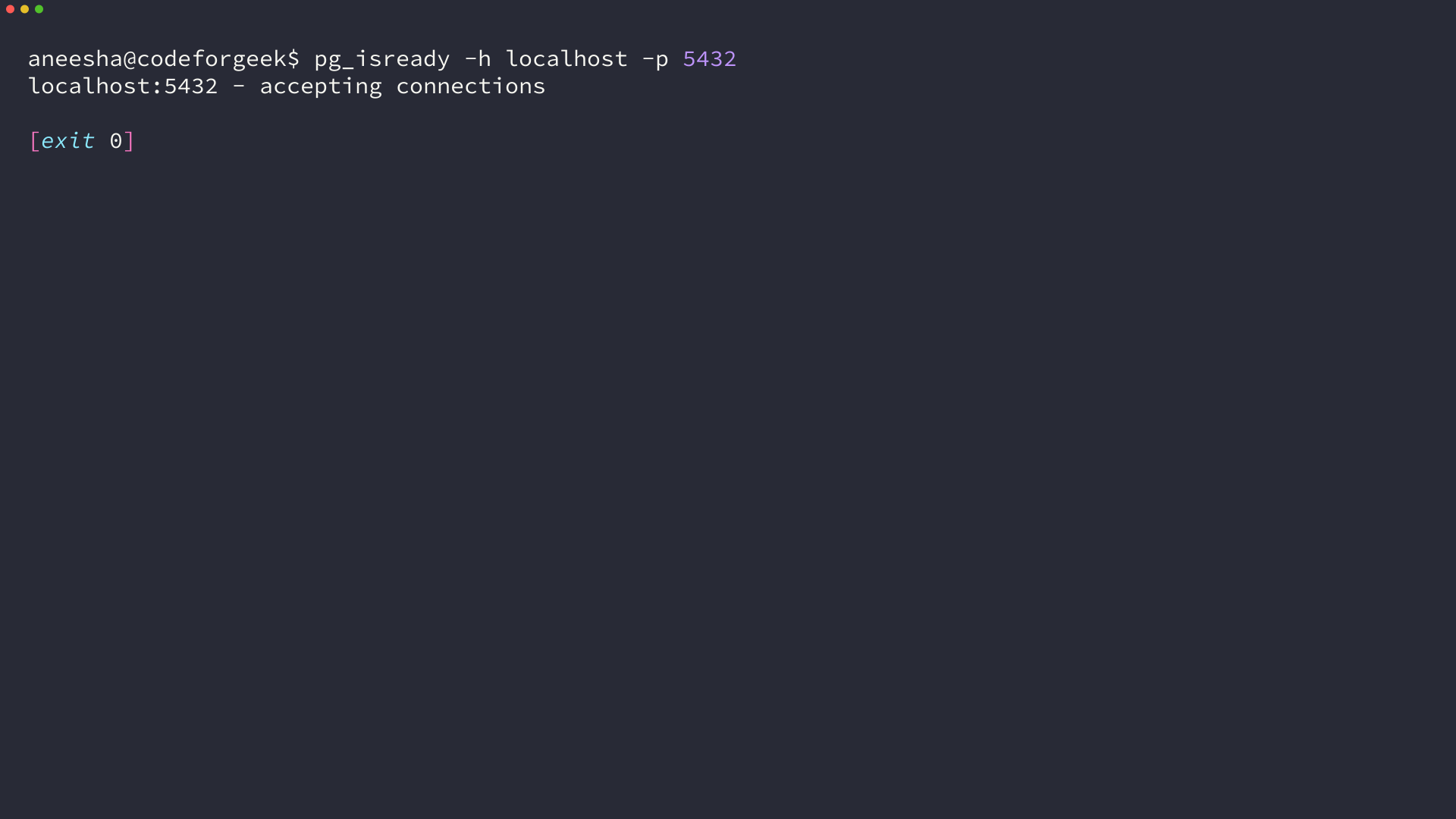
pg_isready -h localhost -p 5432
An accepting connections line means something is listening on that port, and an exit code of 0 confirms it. pg_isready sends no credentials, so it separates nothing is running from my password is wrong.
Homebrew created a database cluster during installation with an initdb call, and initdb leaves local connections trusted by default. That is why psql and createdb work without a password on a fresh Mac install, and why a password prompt usually means you are talking to a different cluster.
Or install PostgreSQL with the EDB graphical installer
The PostgreSQL project links an interactive installer from EDB on its macOS download page, and EDB still publishes builds for the current release. The installer is tested on macOS 13 and later for PostgreSQL 18 on both Apple Silicon and Intel.
| Wizard decision | What to enter | Why it matters |
|---|---|---|
| Installation directory | The default versioned folder, such as Library PostgreSQL 18 | The binaries live there, so this path goes on your PATH |
| Superuser password | A password you write down | The postgres role needs it for every administrative connection |
| Port | 5432 unless something already uses it | Your dotenv file and every connection string must match it |
Postgres.app is the third option and works well if you want a menubar application that starts and stops the server as you open and close it. The installer registers the cluster as a background service and adds pgAdmin next to it, so the server is already running after the wizard closes.
Whichever lane you take, the rest of this walkthrough is identical, because it runs through psql and Node.js rather than the installer.
Create the database and the role your Node.js app will use
A fresh cluster contains a database named postgres, a template pair, and a superuser matching your macOS account. None of those is a place to put application tables, so create both the database and a role that owns only what your app needs.
createdb app_db
psql -d app_db -c "CREATE ROLE app_user WITH LOGIN PASSWORD 'app_password';"
psql -d app_db -c "GRANT ALL ON SCHEMA public TO app_user;"
createdb prints nothing when it succeeds, so the next prompt is the success signal. The role creation answers with CREATE ROLE, and the grant matters because PostgreSQL 15 stopped giving every user the right to create objects in the public schema.
Connecting as app_user instead of the superuser costs one extra command and keeps an application bug from reaching every database on the server. The role also carries its own password, which you can change without touching the superuser account.
If the server asks for a password you never set, that prompt says the cluster is not using the trust default. The password you just created on the role is the one to enter.
psql -d app_db -c '\l app_db'
The database list should show app_db with your macOS account as the owner. A bare psql with no database flag fails with database does not exist when no database carries your username, and the fix is to pass the postgres database instead.
Connect Node.js to PostgreSQL with the pg driver
The driver Node.js uses for PostgreSQL is pg, published as node-postgres, and the current release is 8.23.0. Start a project and install it along with dotenv, which keeps the credentials out of your source file.
mkdir postgres-nodejs
cd postgres-nodejs
npm init -y
npm install pg dotenv
What the driver does between your code and the server
A pool keeps a small set of open sessions and lends one to each query, which is why a pooled query pays the handshake cost once instead of on every call. Behind it, pg opens a TCP socket to the host and port you configure, then authenticates with whatever method the server requires.
require('dotenv').config({ quiet: true });
const { Pool } = require('pg');

const pool = new Pool({
  max: 10,
  idleTimeoutMillis: 30_000,
  connectionTimeoutMillis: 5_000,
});

pool.on('error', (err) => {
  console.error('idle client error', err.message);
});

module.exports = pool;
The error handler is the line that keeps a dropped idle connection from taking the process down with an unhandled event. max caps how many sessions the pool will open, and connectionTimeoutMillis turns an unreachable server into a fast error instead of a request that hangs.
Keep the credentials out of the source file
node-postgres reads the same environment variables that psql uses, so a dotenv file is enough to configure it without a single credential in your JavaScript.
PGHOST=localhost
PGPORT=5432
PGUSER=app_user
PGPASSWORD=app_password
PGDATABASE=app_db
| Variable | Default when unset | What the pool uses it for |
|---|---|---|
| PGHOST | localhost | The host the socket connects to |
| PGPORT | 5432 | The port the server listens on |
| PGUSER | Your shell user | The role the server authenticates |
| PGPASSWORD | None | Sent only when the server asks for it |
| PGDATABASE | Your shell user | The database the session opens |
Those defaults are worth knowing because the combination of your username and no database is what produces database does not exist. PGHOST falls back to localhost, PGPORT to 5432, and the other two to your macOS account.
const pool = require('./db');

async function main() {
  const { rows } = await pool.query(`
    SELECT current_setting('server_version') AS version,
           current_database() AS database,
           current_user AS role
  `);
  console.log(rows[0]);
  await pool.end();
}

main().catch((err) => {
  console.error(err.message);
  process.exitCode = 1;
});
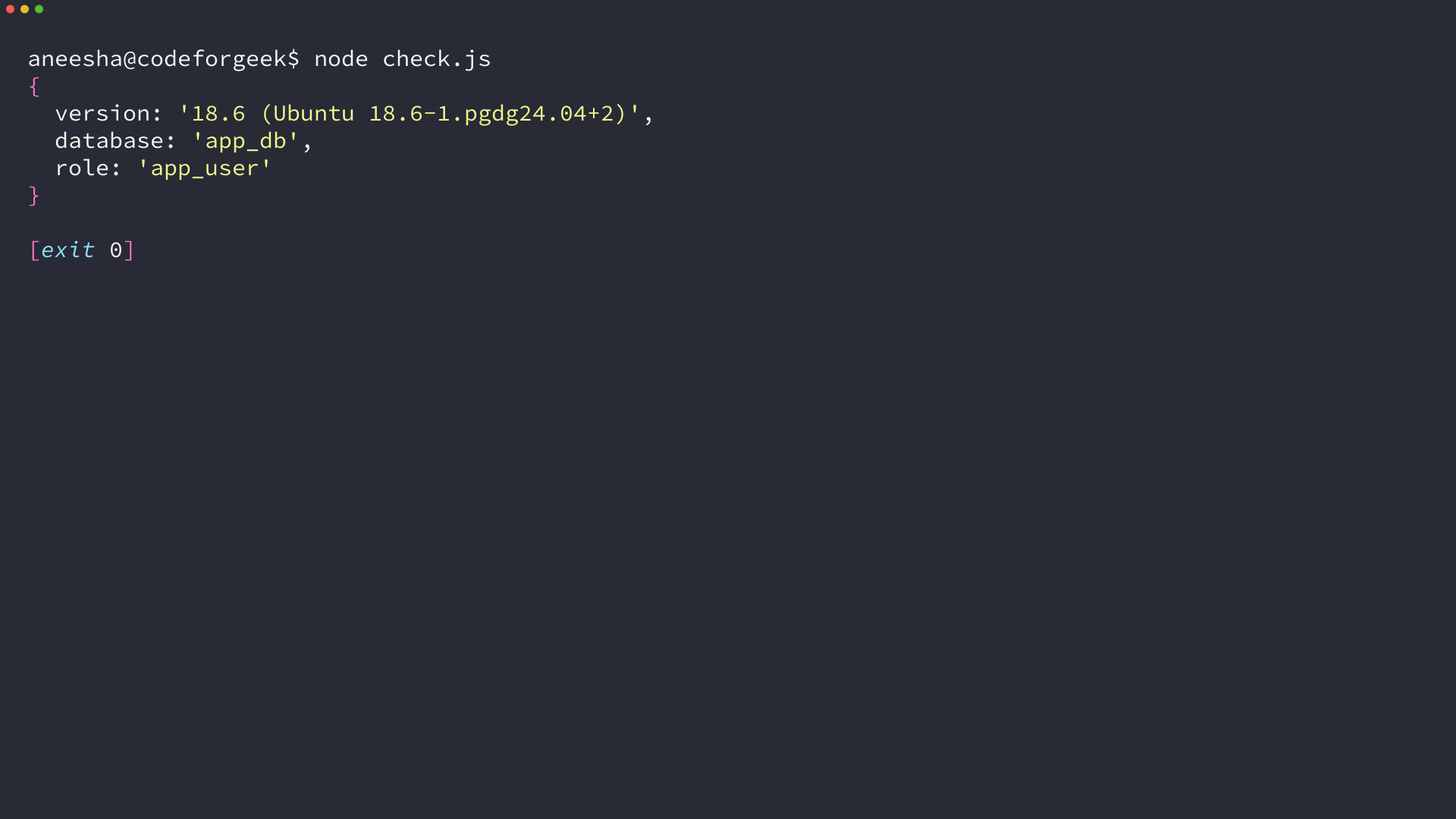
Three values come back from one round trip, and each one answers a different question: the server version, the database you actually reached, and the role the server authenticated. When a connection misbehaves, this is the first output worth reading.
node check.js
If that script fails, check the same credentials with psql before you debug the driver. A connection string carries every value the pool needs, so it takes Node.js out of the picture in one command.
psql "postgresql://app_user:app_password@localhost:5432/app_db" -c "SELECT current_user, current_database();"
The two columns name the role and the database the server resolved, which is the same pair the pooled connection printed. When the driver disagrees with this output, the difference is in the environment variables rather than in PostgreSQL.
Run your first queries from Node.js
A table and one row are enough to prove the whole path works, from the pool through the driver to the storage engine and back.
const pool = require('./db');

async function main() {
  await pool.query(`
    CREATE TABLE IF NOT EXISTS notes (
      id SERIAL PRIMARY KEY,
      title TEXT NOT NULL,
      body TEXT,
      created_at TIMESTAMPTZ NOT NULL DEFAULT now()
    )
  `);

  const { rows } = await pool.query(
    'INSERT INTO notes (title, body) VALUES ($1, $2) RETURNING id, title, created_at',
    ['First note', 'Written from Node.js on macOS']
  );
  console.log(rows[0]);
  await pool.end();
}

main().catch((err) => {
  console.error(err.message);
  process.exitCode = 1;
});
The dollar placeholders keep values outside the SQL string, so a title containing a quote or a semicolon cannot end the statement early or change what it does.
RETURNING sends back the row the server stored, including the id from the sequence and the timestamp the default produced. Without it you would need a second query to learn what you just wrote.
The serial column asks PostgreSQL for a sequence-backed integer, so the first row in an empty table takes id 1 and the next insert takes 2 without any coordination from your code. That counter lives in the database, which is why two Node.js processes can write at the same time and still get distinct ids.
node setup.js
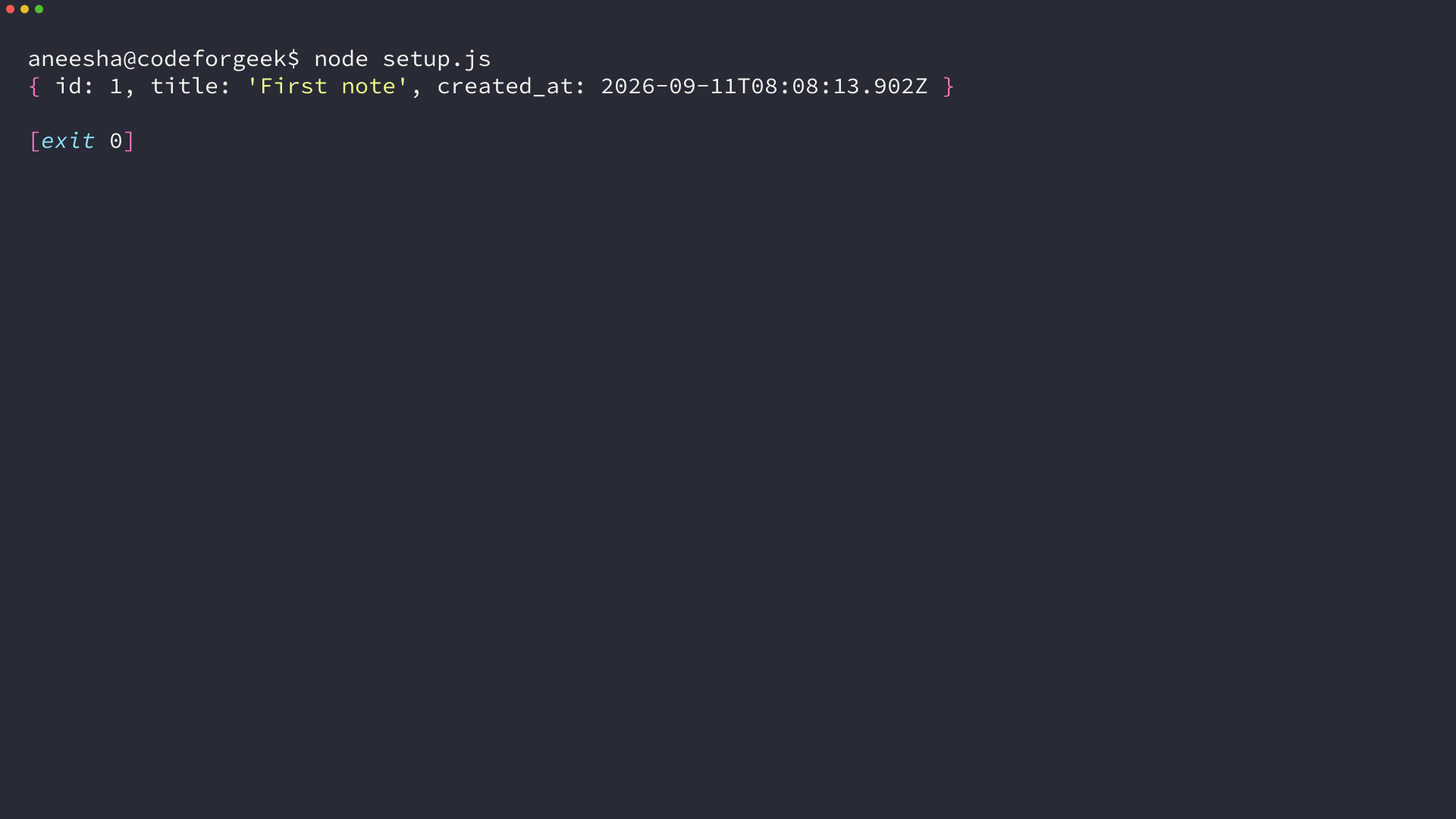
The ids keep climbing on every run, and dropping the table is what sends them back to 1. Running setup.js a second time is safe by design, because CREATE TABLE IF NOT EXISTS leaves an existing table alone while the insert adds another row.
Read the rows back
A read is the shortest useful script you can write, and it shows the shape the driver returns.
const pool = require('./db');

async function main() {
  const { rows } = await pool.query(
    'SELECT id, title, created_at FROM notes ORDER BY id DESC LIMIT 5'
  );
  console.log(rows);
  await pool.end();
}

main().catch((err) => {
  console.error(err.message);
  process.exitCode = 1;
});
node read.js
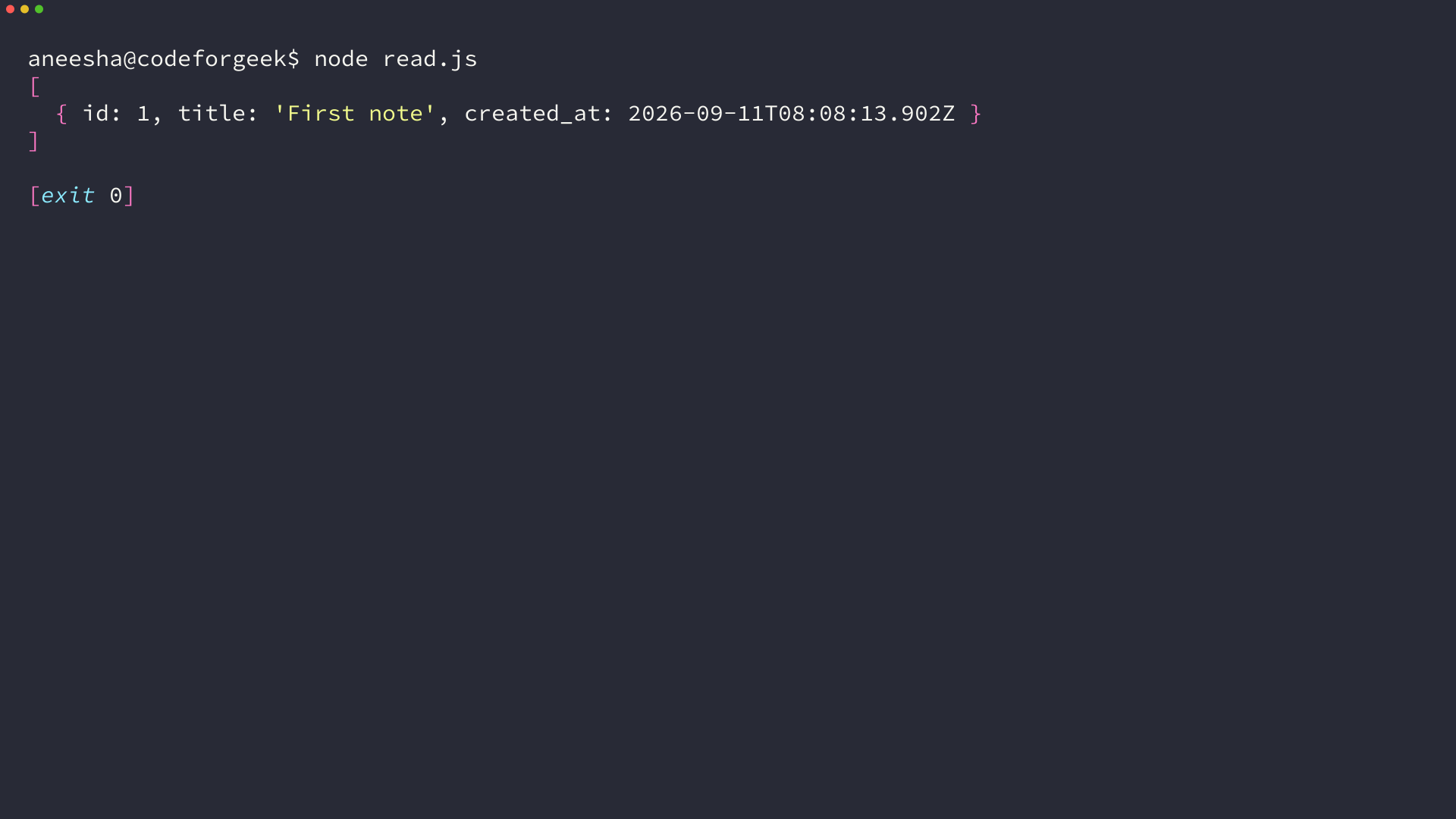
The result is a plain array of objects with column names as keys, so rows map straight onto the JSON your API returns. Timestamps arrive as JavaScript Date values, which is why they print in ISO form here.
Fix the errors you will actually hit
Every message in this table came back from PostgreSQL 18.6 while I built the walkthrough, and each one points at a different layer of the setup. Match the text exactly, because the fix depends on which layer reported the failure.
| Message | What it means | Fix |
|---|---|---|
| connect ECONNREFUSED 127.0.0.1:5432 | Nothing is listening on that port. | Start the service with brew services start postgresql@18, then confirm with pg_isready -h localhost -p 5432. |
| password authentication failed for user “app_user” | The server wanted a password and the one supplied was wrong. | Reset it with psql -d app_db -c “ALTER ROLE app_user WITH PASSWORD ‘new_password'” and update the dotenv file. |
| database “missing_db” does not exist | PGDATABASE names a database the server does not have. | List what exists with psql -d postgres -c ‘\l’ and correct the value. |
| role “app_user” does not exist | The role was created in a different cluster or on a different port. | Check the port you are connecting to, then create the role in that cluster. |
| psql: command not found | The keg-only formula is not on your PATH. | Add the bin directory Homebrew printed, or call the binary by its full path under opt homebrew. |
The same failure reads differently depending on the transport. Over the network the server answers role does not exist, while the local socket can report peer authentication failed instead, since it compares your macOS account with the role name before authentication.
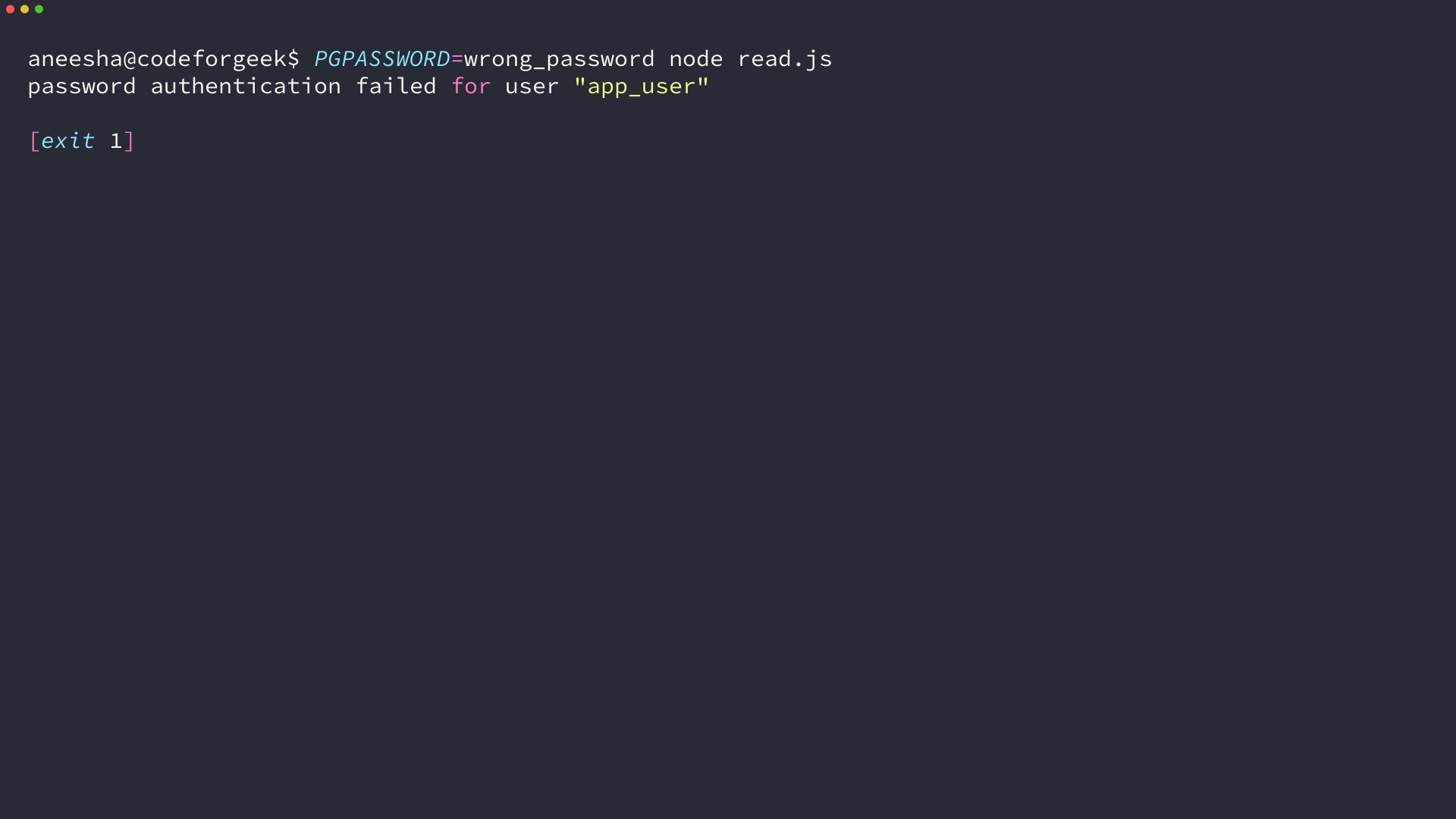
A quick way to prove which value is wrong is to override a single variable on the command line, because an exported value wins over the dotenv file. Overriding PGPASSWORD alone fails on the password, and overriding PGPORT alone fails on the port.
A failed connection exits with code 1, which is what a deploy script and a test runner both watch for. Leaving the message on stderr and the exit code intact means the failure surfaces where you already look for it instead of disappearing into a log line.
What to do after the first successful query
The pool is the piece that carries into a production application, because it decides how many server connections your process holds while requests are in flight. Keep max small and close the pool when the process shuts down.
The same walkthrough exists for Windows and for Linux if the machine you are setting up is not a Mac. Both follow the install, create, connect order used here, and the Node.js code is identical on all three.
- Open psql against app_db and run the same select, so two clients confirm the same row
- Register a shutdown handler that calls pool.end(), so sessions close with the process
- Check the connection limit of the database you deploy to before raising max above ten
Two things stay deliberately out of scope. Connections to a managed PostgreSQL service need SSL settings and a connection string rather than the local dotenv file, and schema changes belong in a migration tool once more than one person deploys the application.